EAA Brasil Map v1.60 ETS2


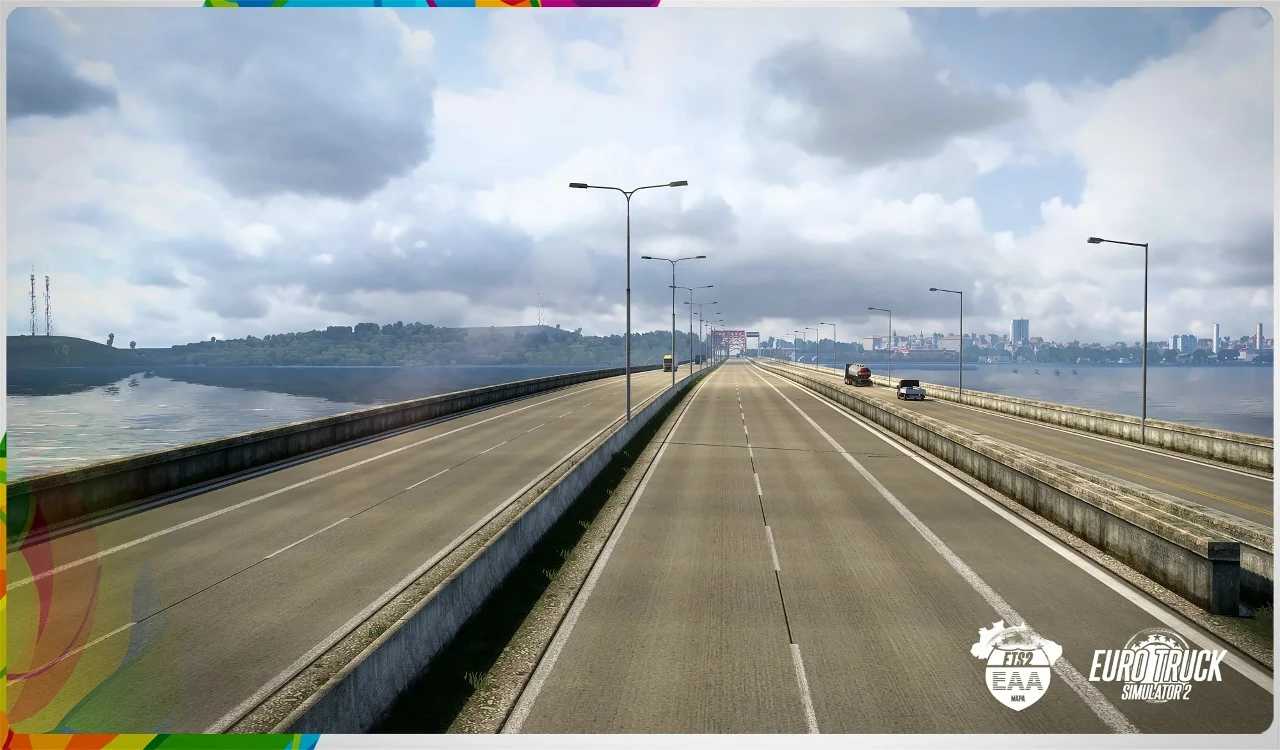
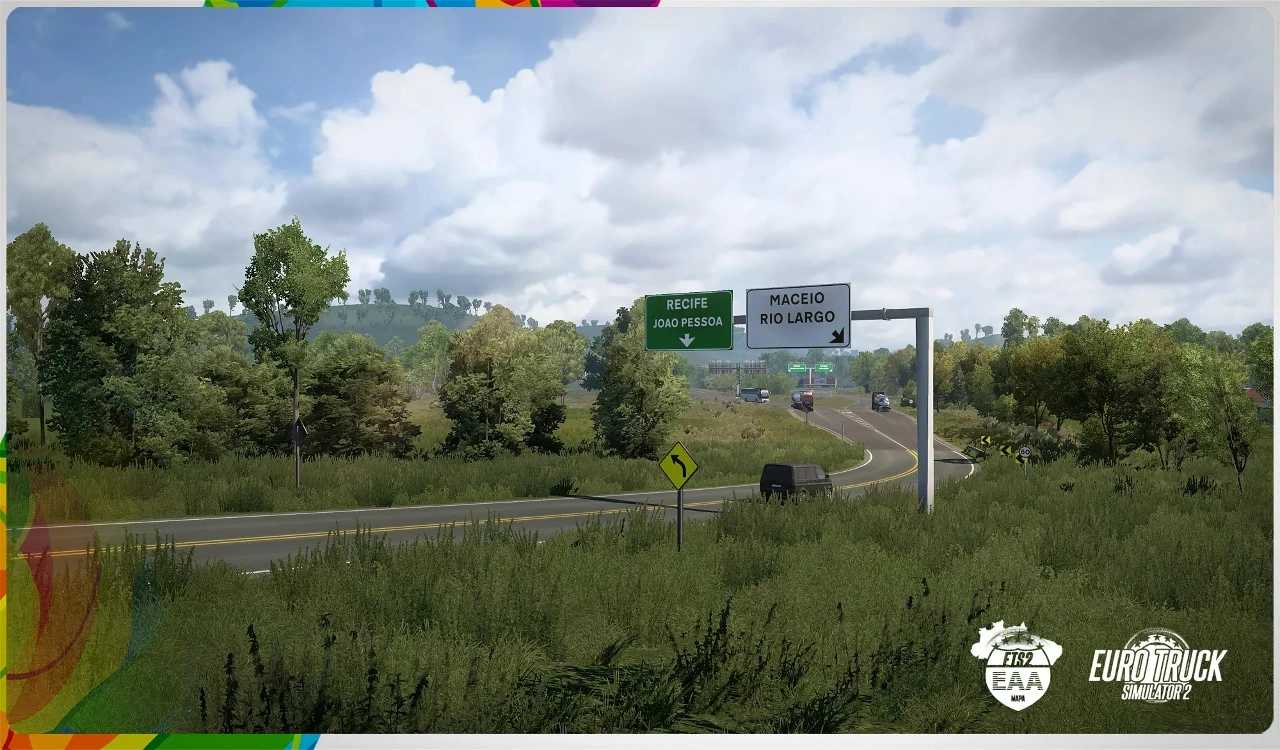
EAA Brasil Map v1.60 ETS2
High Resolution Textures – roads, fields, grass, and terrain
Dynamic Grey Skies – foggy mornings, overcast days, and soft sunlight
New Tree Models – leafless vegetation across all maps
Improved Rain Effects – realistic rainfall and wheel spray
No Thunder or Lightning – for a grounded seasonal feel
Reduced HDR Bloom – softer lighting for realism
Seasonal Daylight & Temperature – tuned to late autumn conditions
No Harvesters – adds to the quiet, dormant landscape
Compatible with ProMods, RusMap, TSM, MHA, and all map DLC
Changes in v1.60:
Adapted to the latest game patch 1.60
New regions added along the BR‑101 expanding coastal and inland routes
New regional climate system — now defined by state instead of seasonal presets
New environment updates with additional logistics points and refreshed scenery
Updated cities: Ponta Grossa & Campo Largo (Paraná) featuring improved layouts and assets
Tested on game version 1.60.x
Credits: EAA Team
How to install ETS2 mods or ATS Mods
In Euro Truck Simulator 2 it’s easy to install mods. You just need to download mod from here, copy/unzip files into: “My Documents\Euro Truck Simulator 2\mod” folder or if you play ATS please install mods to: “My Documents\American Truck Simulator\mod” folder. To unzip files you can use: WinRAR or 7zip. After that you need to activate the mods you want to use.