BMW X6 M60i 2026 v1.0 ETS2


BMW X6 M60i 2026 v1.0 ETS2
An ultra-detailed, high-performance BMW X6 M60i 2026 crafted specifically for Euro Truck Simulator 2, featuring authentic sound engineering and deep sport customization!
Ultra High Quality: High-definition 3D exterior and interior model with realistic textures, detailed materials, and baked shadows.
Advanced Lighting System: Realistic adaptive headlights and full LED taillights calibrated for night cruising and all weather conditions.
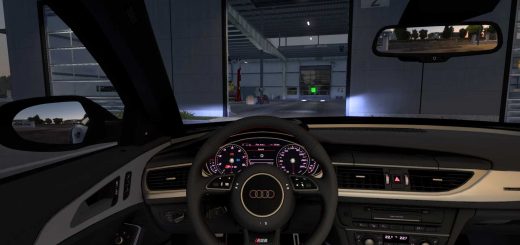
Interactive Interior: Fully operational digital cockpit, infotainment navigation display, and cabin controls.
Beast V8 Performance: High-power twin-turbo engine delivering breathtaking acceleration and reaching a top speed of 320 km/h.
Massive Exhaust Sound: Deep, aggressive, and roaring V8 engine sound dynamics tailored for a realistic muscle presence.
Full Sport Package & Accessories: Comprehensive tuning kit to transform the vehicle into a track-ready sport machine, including sport bumpers, aerodynamic spoilers, custom splitters, aggressive exhaust tips, and exclusive M sport rims.
Credits: Gaza
How to install ETS2 mods or ATS Mods
In Euro Truck Simulator 2 it’s easy to install mods. You just need to download mod from here, copy/unzip files into: “My Documents\Euro Truck Simulator 2\mod” folder or if you play ATS please install mods to: “My Documents\American Truck Simulator\mod” folder. To unzip files you can use: WinRAR or 7zip. After that you need to activate the mods you want to use.