Volvo VNL 2025 improved Radio Infotainment Screens v1.1 ATS

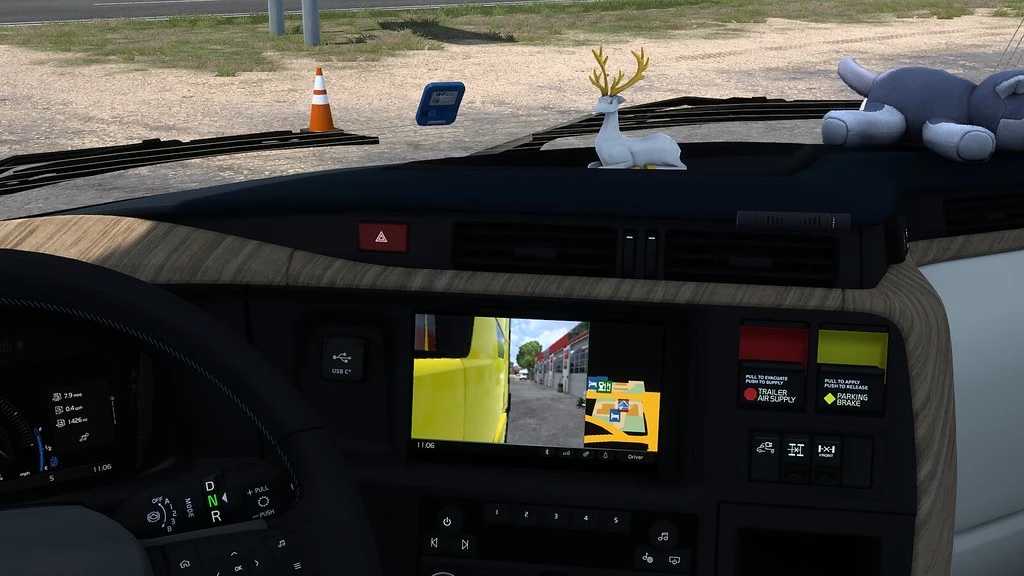
Volvo VNL 2025 improved Radio Infotainment Screens v1.1 ATS
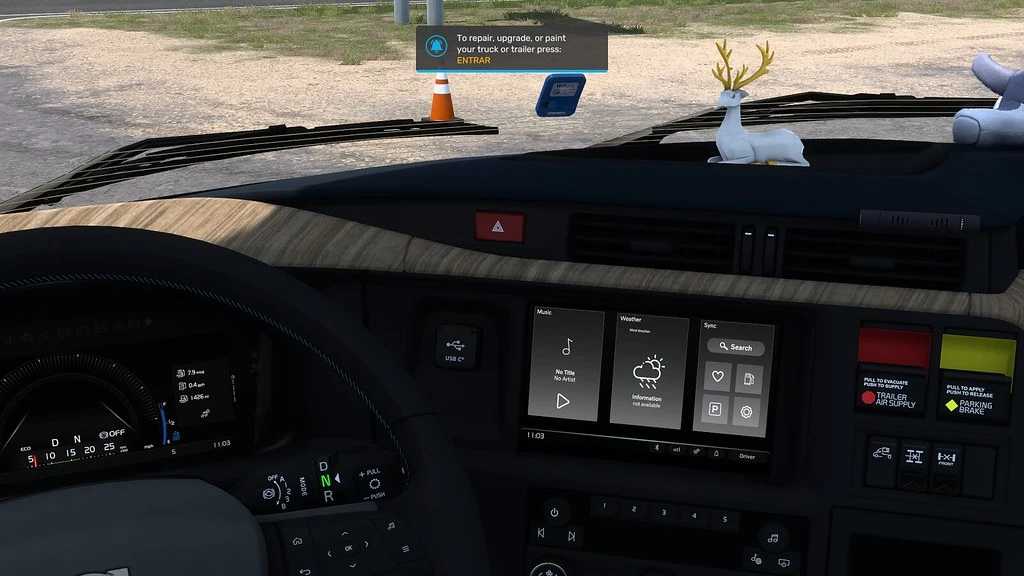
Infotainment “Main Menu/Widgets”*.
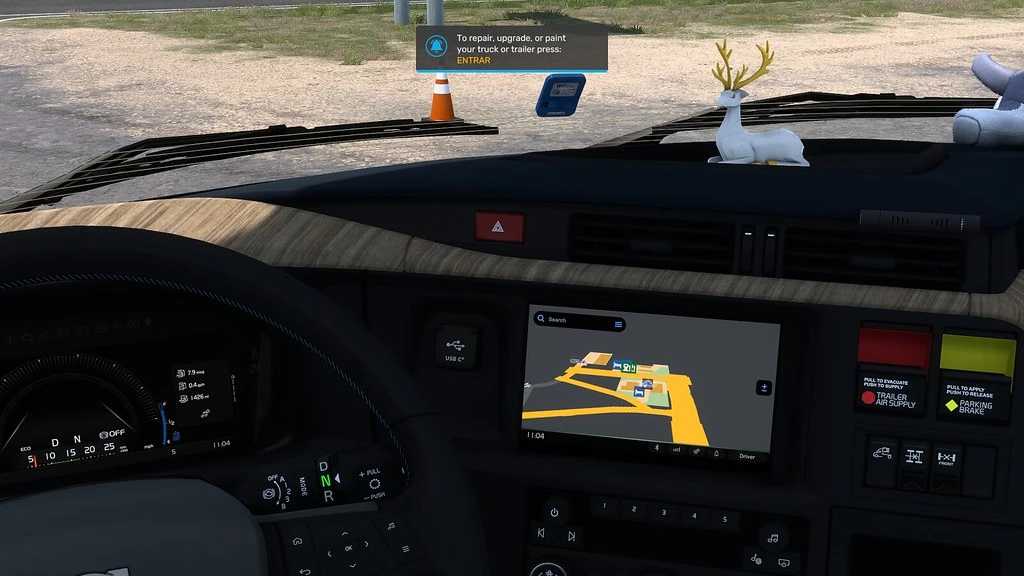
GPS (Default by SCS).
Right Camera Monitor System (CMS) + GPS.
Includes screen with message for those who doesn’t use/own the Camera Monitor System (CMS).
Right Camera Monitor System (CMS).
Includes screen with message for those who doesn’t use/own the Camera Monitor System (CMS).
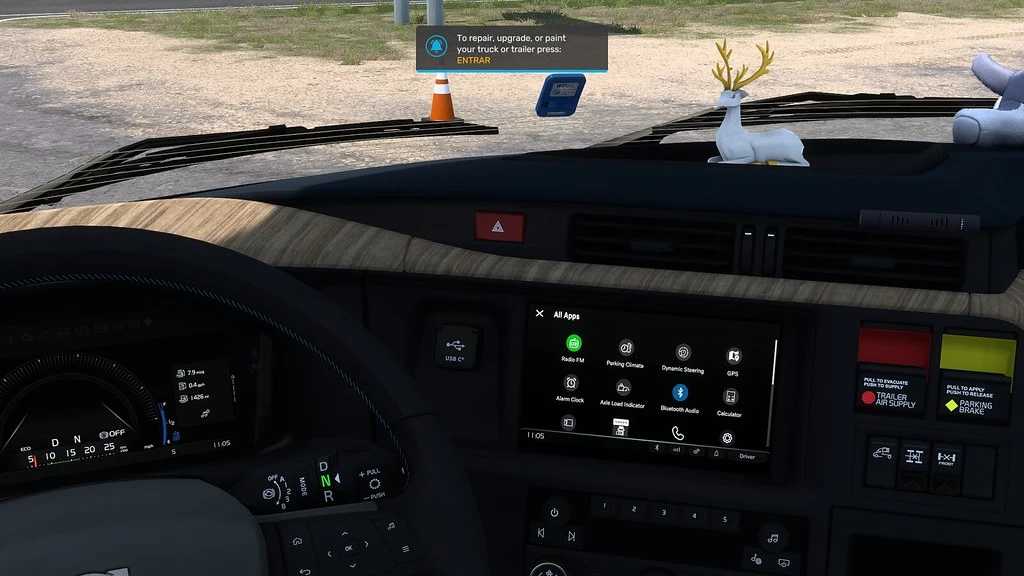
Infotainment “My Apps” menu**.
Clock screen***.
Screen off (Default by SCS).
GPS background changed to black across screens.
Change proportions of Right Camera Monitor System (CMS) + GPS from 70%-30% to a more realistic 56%-44% (CMS-GPS).
Credits: Graf_Boinenn
How to install ETS2 mods or ATS Mods
In Euro Truck Simulator 2 it’s easy to install mods. You just need to download mod from here, copy/unzip files into: “My Documents\Euro Truck Simulator 2\mod” folder or if you play ATS please install mods to: “My Documents\American Truck Simulator\mod” folder. To unzip files you can use: WinRAR or 7zip. After that you need to activate the mods you want to use.
Report bugs in the comments and help modders improve this mod. Always check the comments, you can find a solution.