Sibirmap v2.12.1 ETS2

Sibirmap v2.12.1 ETS2
Chelyabinsk and the interchange on the highway Moscow-Chelyabinsk (M-5)
Yuzhnouralsk
Troitsk and the nearby Bugristoe checkpoint, connecting to the map of the Great Steppes (Kostanay region), A310 (E123) highways
Magnitogorsk (implemented a bypass of the city and two industrial zones — north and south, as well as the airport of the city), highways R 361, R 360.
Bashkiria’s territory: Sibai, Baymak, Akyar, Inzer, Beloretsk, highways R-361, R-337
Orenburg region: Gai, Novotroitsk, highway R-336
Orsk and the MAPP Orsk customs point, docking with the map of the Great Steppes (Aktobe region)
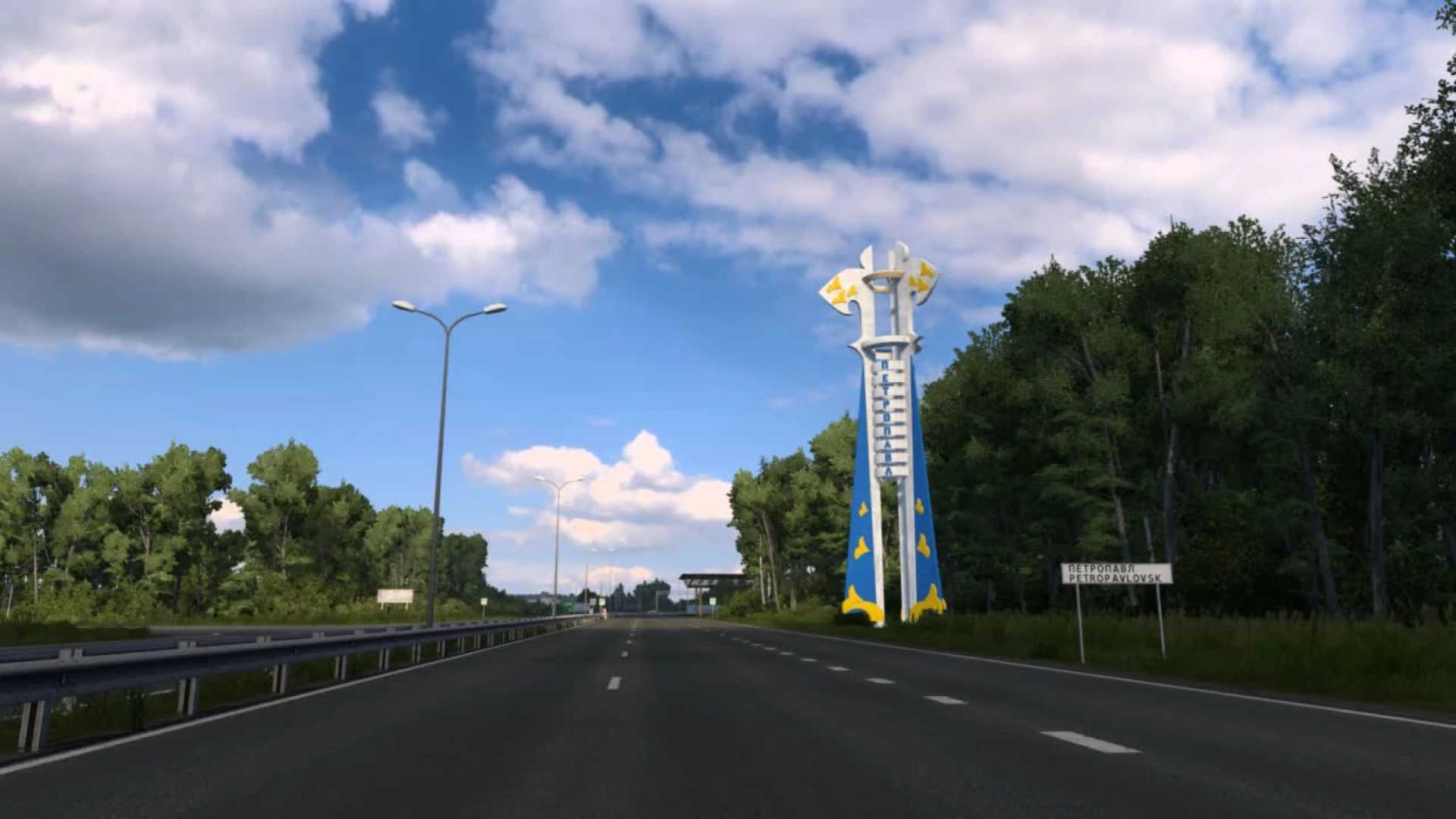
The M-51 highway has been added across the territory of Kazakhstan from Mamlut to Isilkul (including the city of Petropavlovsk of regional significance, as well as border crossings on the border of the Omsk region of the Russian Federation and Kazakhstan).
Many unique bases and unique facilities.
Bug fixes for previous versions.
The presence of DLC for the expansion of the standard map is MANDATORY
(Going East, Scandinavia, Viva la France, Italia, Beyond Baltic Sea, Road to Black Sea, Iberia, WestBalkans, Greece).
Credits: 10 Avoid
How to install ETS2 mods or ATS Mods
In Euro Truck Simulator 2 it’s easy to install mods. You just need to download mod from here, copy/unzip files into: “My Documents\Euro Truck Simulator 2\mod” folder or if you play ATS please install mods to: “My Documents\American Truck Simulator\mod” folder. To unzip files you can use: WinRAR or 7zip. After that you need to activate the mods you want to use.