Realistic Physics Add-on for BMW E60 & F10 v1.0 ETS2
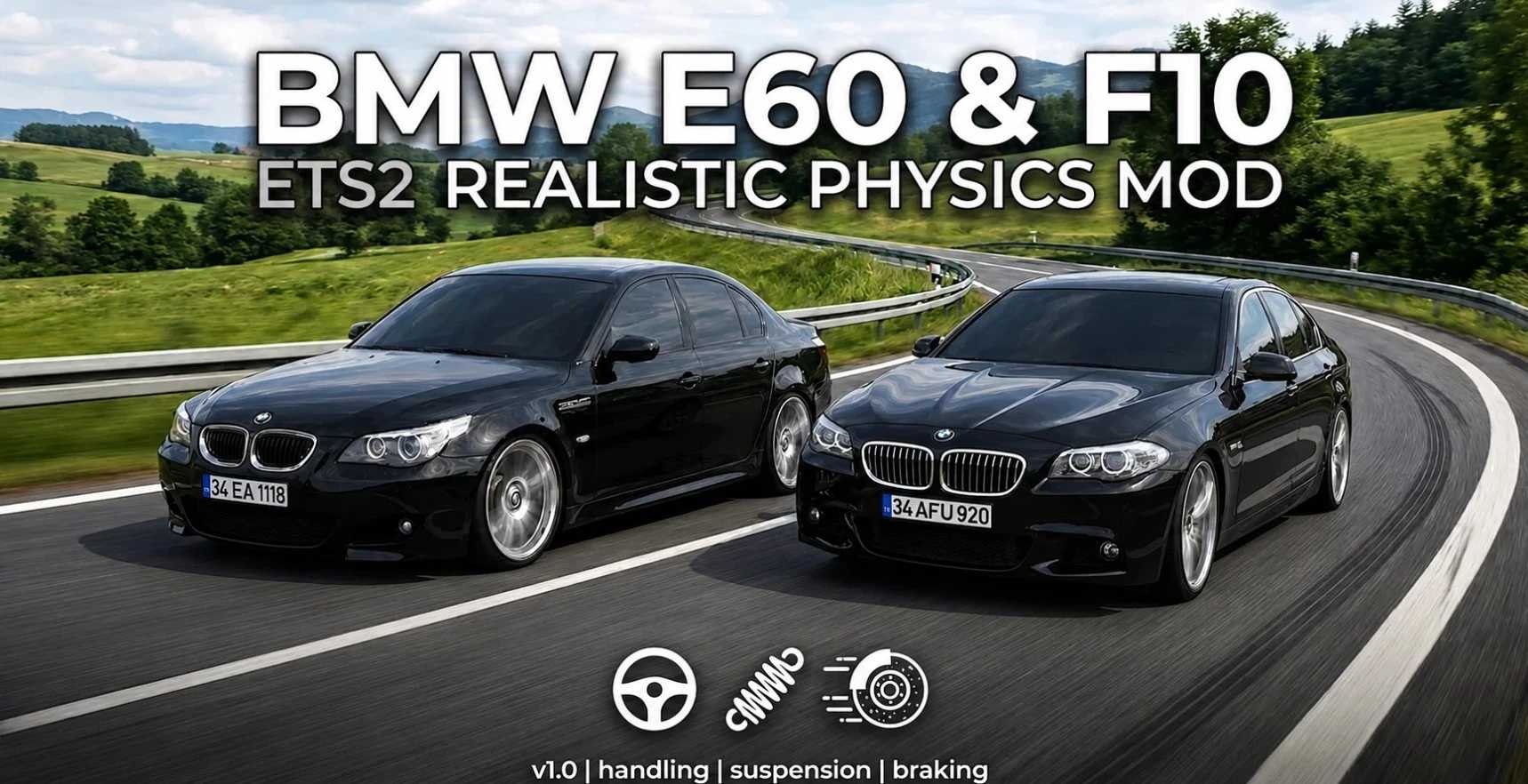

Realistic Physics Add-on for BMW E60 & F10 v1.0 ETS2
This mod completely overhauls the driving dynamics for the BMW E60 and F10 models in ETS2, bringing a true passenger car experience to the simulator.
Realistic Suspension: Fine-tuned spring and damper settings.
Optimized Center of Gravity: Reduced body roll in high-speed corners.
Authentic Braking: Balanced brake force to match passenger vehicle standards.
Improved Cabin Physics: Natural cabin movement during acceleration and braking.
Transmission Tweaks: Smoother gear shifts and realistic clutch engagement.
Compatibility: This mod modifies core physics files. It is NOT compatible with other global physics mods, trucks, buses, or heavy vehicles. It is specifically designed to be used ONLY with the relevant car mods.
Required Mods: This physics mod ONLY works with the following car mods:
BMW 5-Series F10 M-Sport (by Harun Aras, Erhan Özen, Mehmet Ali Bayat)
BMW 5-Series E60 M-Tech (by KskLi1453 – Erhan Özen – Trzpro)
Load Order: To ensure the physics apply correctly, you MUST place this mod ABOVE the car mods and any other physics-related mods in your Mod Manager.
Credits: Mithrandir
How to install ETS2 mods or ATS Mods
In Euro Truck Simulator 2 it’s easy to install mods. You just need to download mod from here, copy/unzip files into: “My Documents\Euro Truck Simulator 2\mod” folder or if you play ATS please install mods to: “My Documents\American Truck Simulator\mod” folder. To unzip files you can use: WinRAR or 7zip. After that you need to activate the mods you want to use.