MasterGrade Real POV Reshade Shader and Preset v1.60 ETS2

MasterGrade Real POV Reshade Shader and Preset v1.60 ETS2
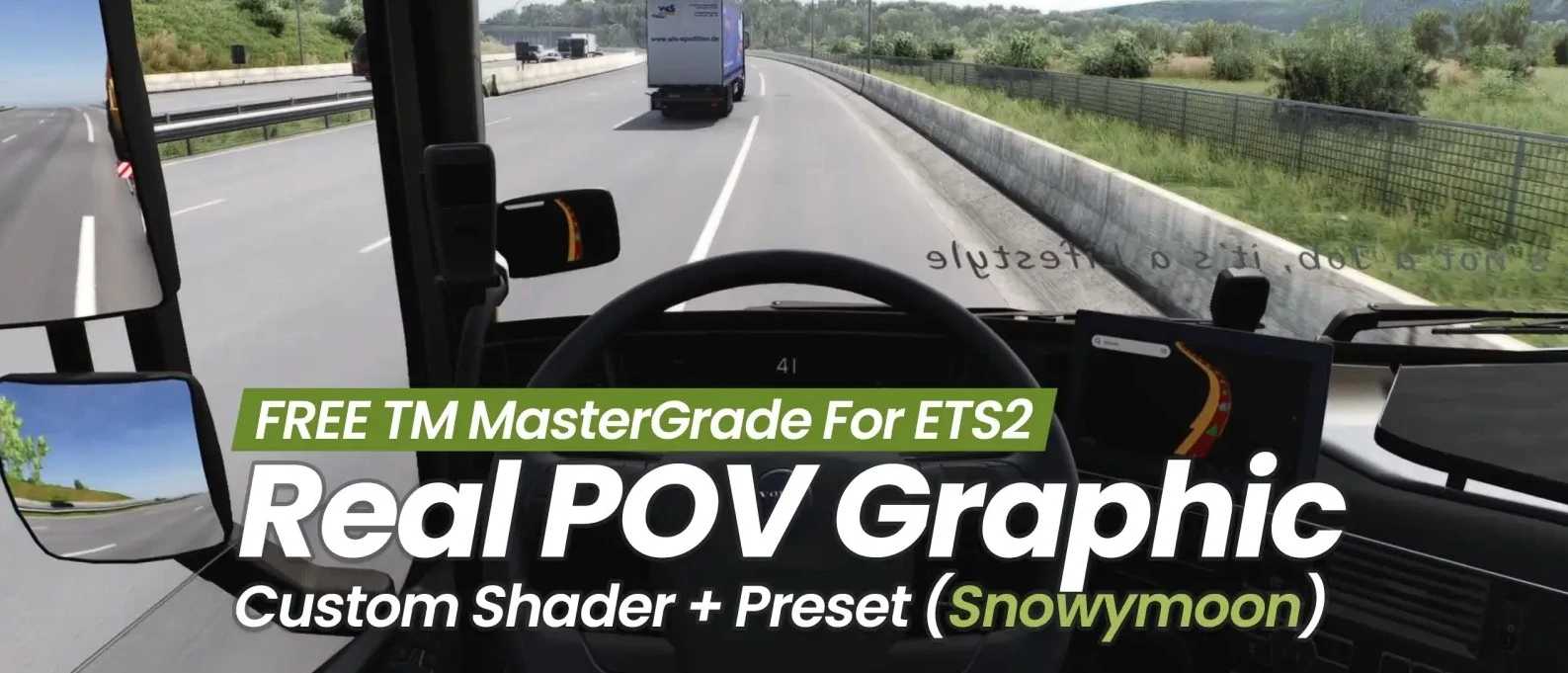
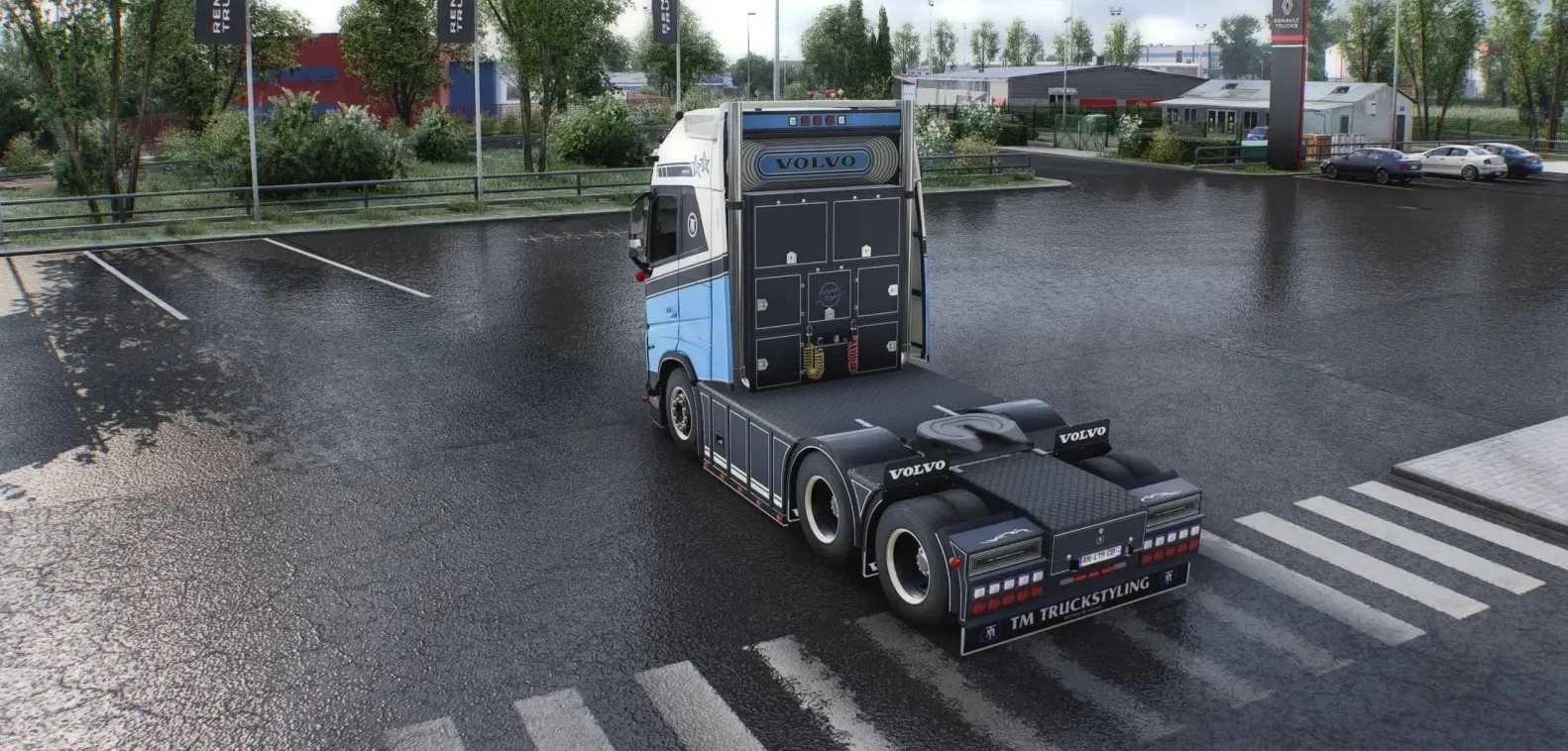
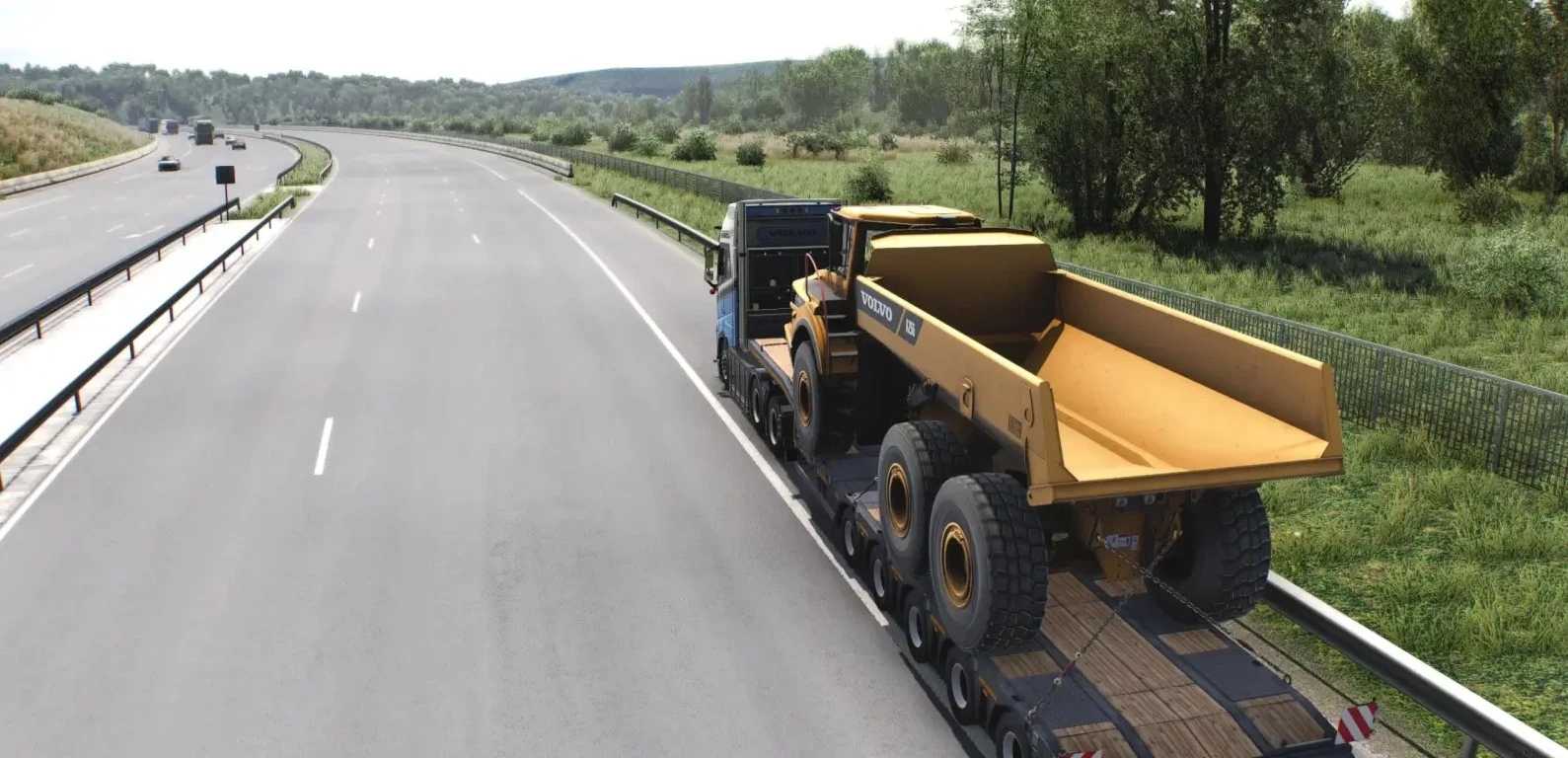
This mod brings a custom high realism ReShade preset and shader to ETS2 players as a free visual enhancement pack, perfect for achieving ultra realistic point of view (POV) graphics with natural lighting, depth, and cinematic atmosphere optimized for head tracking / TrackIR users during long haul drives.
Features:
– Custom ReShade Shader FX (built on Snowymoon v2)
– 3 Ready-to-use Presets: Ultra Cinematic, Balanced, Performance Friendly
– Optimized for POV Driving with Head Tracker / TrackIR
– Enhanced Natural Lighting, color grading, depth of field & atmospheric effects
– Smart Shader Effects for realism without heavy performance loss
– High Quality Post Processing with optimized bloom, contrast & detail
– Custom Day/Night/Weather Shaders
– Real Life POV Imperfections — vignette, fisheye, ISO noise (fully adjustable)
– Cabin Locked Shadows — shadows stay inside the cabin using luminance + saturation gates
– Smart Dynamic Foliage — trees & grass react naturally to sunlight
– Cinematic Speed — velocity adaptive motion blur for smooth 60FPS driving
– Universal 2D Failsafe — depth effects fade out on menus & map screens
– Built in FPS Engine — 4 presets (Ultra → Low) for instant performance tuning
– Easy Installation + ingame ReShade menu adjustments
– Compatible with ETS2 and ATS
Tested for 1.60 game version
Credits: izuanbakar
How to install ETS2 mods or ATS Mods
In Euro Truck Simulator 2 it’s easy to install mods. You just need to download mod from here, copy/unzip files into: “My Documents\Euro Truck Simulator 2\mod” folder or if you play ATS please install mods to: “My Documents\American Truck Simulator\mod” folder. To unzip files you can use: WinRAR or 7zip. After that you need to activate the mods you want to use.