Garmin Dezl LGV1020 by Hartline 1.60 v1.0 ETS2

Garmin Dezl LGV1020 by Hartline 1.60 v1.0 ETS2
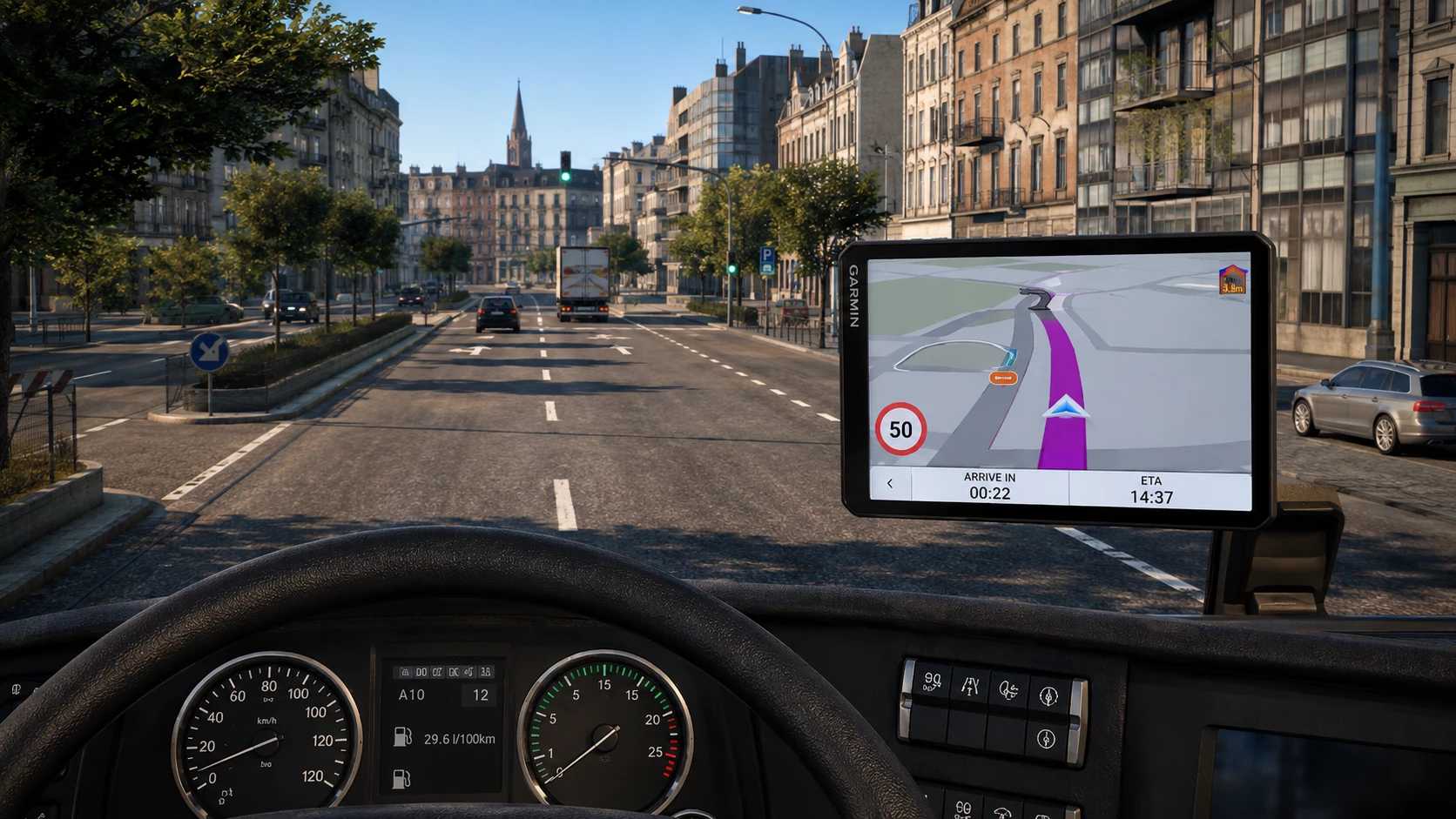
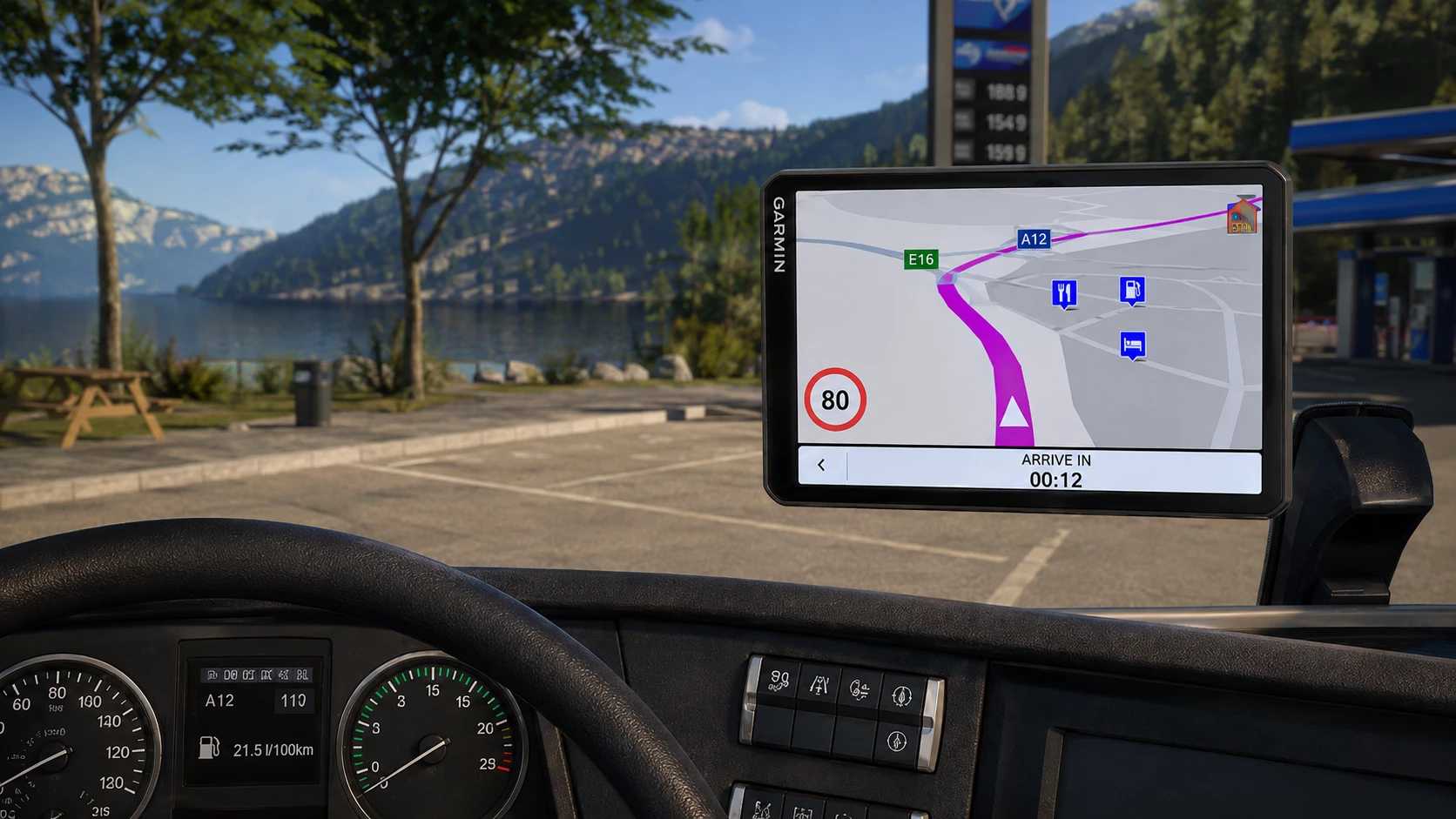
Garmin Dezl LGV1020 by Hartline is a standalone windshield GPS accessory for Euro Truck Simulator 2 1.60.x. It brings a clean, Garmin-inspired 10-inch truck-navigation design into the cab while using the real, live ETS2 navigation system.
FEATURES
Garmin dēzl LGV1020-inspired widescreen design
Standalone windshield/interior GPS accessory
Original live ETS2 map and navigation route
Working speed-limit display
Working ARRIVE IN / remaining-route-time display
Muted Garmin-style map colours and magenta route
Left-hand-drive and right-hand-drive variants included
In-game accessory price: €799
No dependency on TJ’s GPS mod
COMPATIBILITY
Built for ETS2 1.60.x and tested with the Utopia Map. Other maps are untested. ETS2 1.61 Experimental currently marks this release as incompatible; a dedicated 1.61 update is planned. This is not an ATS version.
INSTALLATION
Download the SCS file, copy it into your Euro Truck Simulator 2 mod folder, activate it in Mod Manager, and purchase the GPS as a windshield/interior accessory.
Credits: Mod concept, design and development: Hartline. Garmin and dēzl are trademarks of Garmin Ltd. or its subsidiaries. Euro Truck Simulator 2 and its original navigation system are by SCS Software. Unofficial fan-made modification; not affiliated with or endorsed by Garmin or SCS Software.
How to install ETS2 mods or ATS Mods
In Euro Truck Simulator 2 it’s easy to install mods. You just need to download mod from here, copy/unzip files into: “My Documents\Euro Truck Simulator 2\mod” folder or if you play ATS please install mods to: “My Documents\American Truck Simulator\mod” folder. To unzip files you can use: WinRAR or 7zip. After that you need to activate the mods you want to use.