Allans Map Icons v1.0 ATS

Allans Map Icons v1.0 ATS
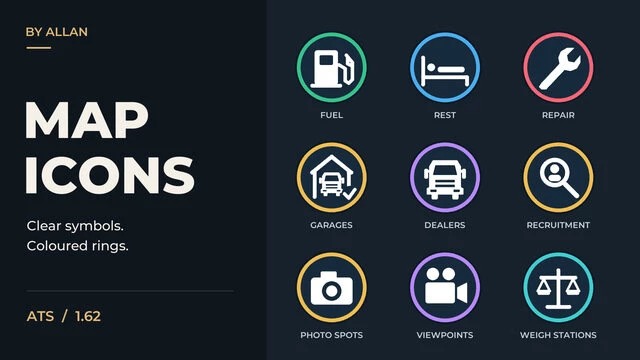
Give your map a consistent look with redesigned circular icons, coloured rings, and clear white symbols.
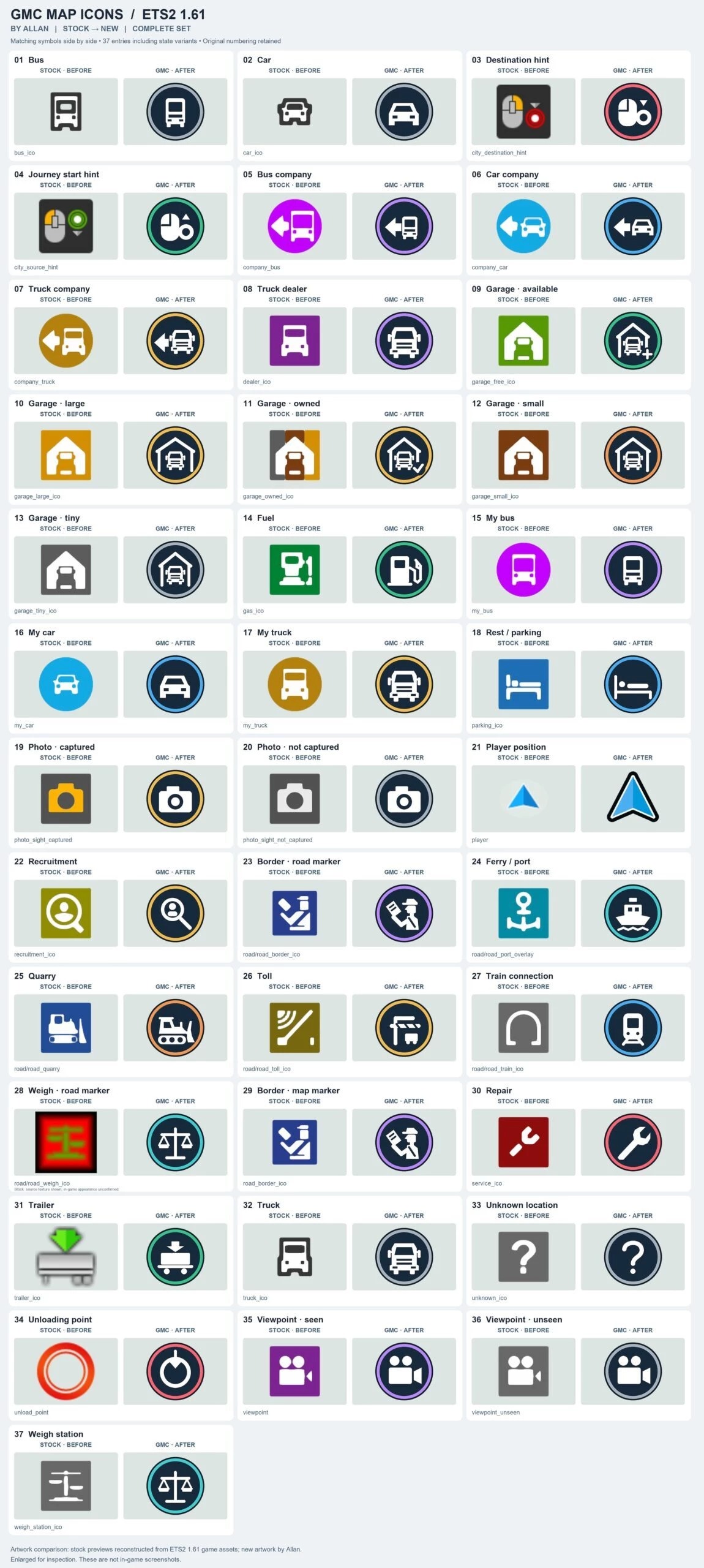
The set covers fuel stations, rest stops, repair shops, garages, truck dealers, recruitment agencies, transport links, photo spots, viewpoints, and navigation markers.
Different colours and symbols help distinguish locations and show their available, owned, or discovered states.
This is a visual replacement for map icons.
It does not add locations or change the road network.
For version 1.62.
Place above your Route Adviser and other mods that replace the same icons.
Disable any previous Map Icons edition, and do not use multiple versions together.
Credits: Allan
How to install ETS2 mods or ATS Mods
In Euro Truck Simulator 2 it’s easy to install mods. You just need to download mod from here, copy/unzip files into: “My Documents\Euro Truck Simulator 2\mod” folder or if you play ATS please install mods to: “My Documents\American Truck Simulator\mod” folder. To unzip files you can use: WinRAR or 7zip. After that you need to activate the mods you want to use.
Report bugs in the comments and help modders improve this mod. Always check the comments, you can find a solution.