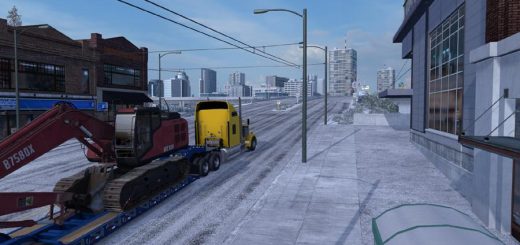
Allans Adviser – Mirror Classic v1.0 ATS


Allans Adviser – Mirror Classic v1.0 ATS
A cleaner view of your journey, with cyan navigation, compact driving information, and smaller F2 mirrors.
Choose your preferred layout:
Classic — navigation at the bottom right, with mirrors in the upper corners.
Mirror Side — navigation at the top right, with the right mirror beside it.
Mirror Below — navigation at the top right, with the right mirror underneath.
Features include a clear direction marker, journey information, dark panels, and a centred driving display.
For version 1.62. Enable only one layout and disable your previous adviser mod.
Do not use multiple versions of this mod at the same time.
Load order — highest priority first:
Map Icons, if used
Loading Screen Compatibility, if required
FullScreen Maps, if used
Allans’ Adviser
Your background map
Designed for Allan’s background-map setup.
Other background maps or interface mods may require a compatibility patch.
Credits: Allan
How to install ETS2 mods or ATS Mods
In Euro Truck Simulator 2 it’s easy to install mods. You just need to download mod from here, copy/unzip files into: “My Documents\Euro Truck Simulator 2\mod” folder or if you play ATS please install mods to: “My Documents\American Truck Simulator\mod” folder. To unzip files you can use: WinRAR or 7zip. After that you need to activate the mods you want to use.