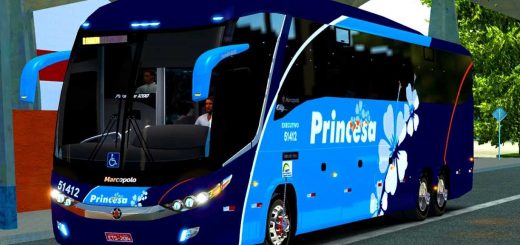
Grand Utopia Map v1.21 1.62 ETS2
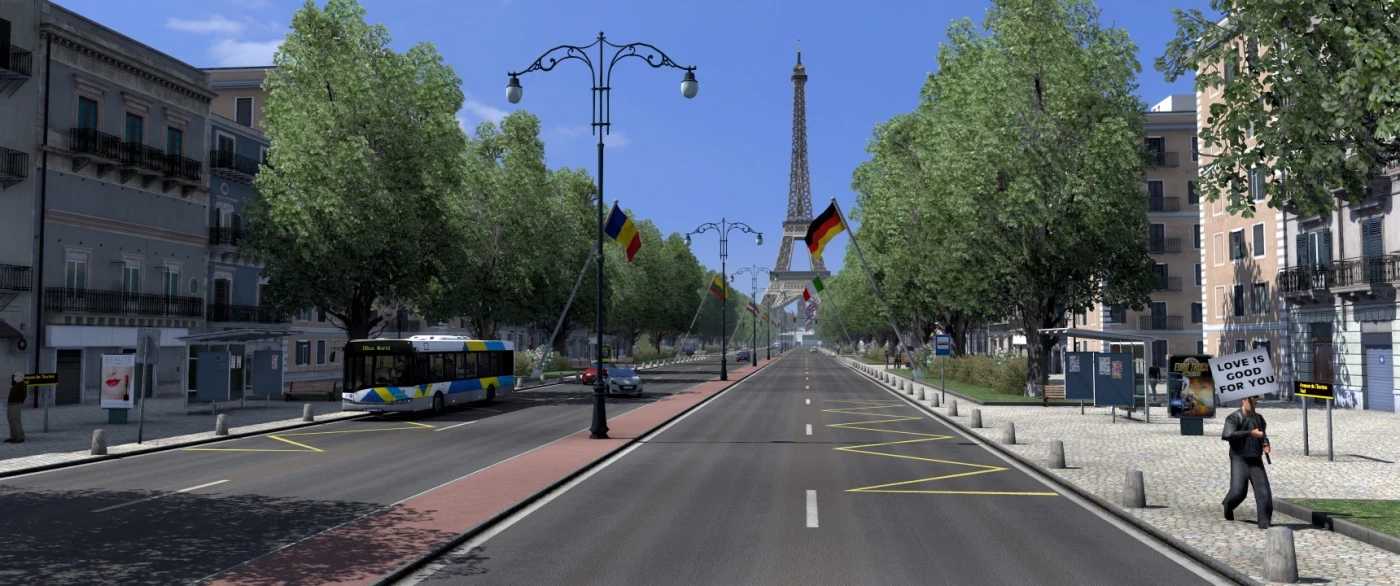

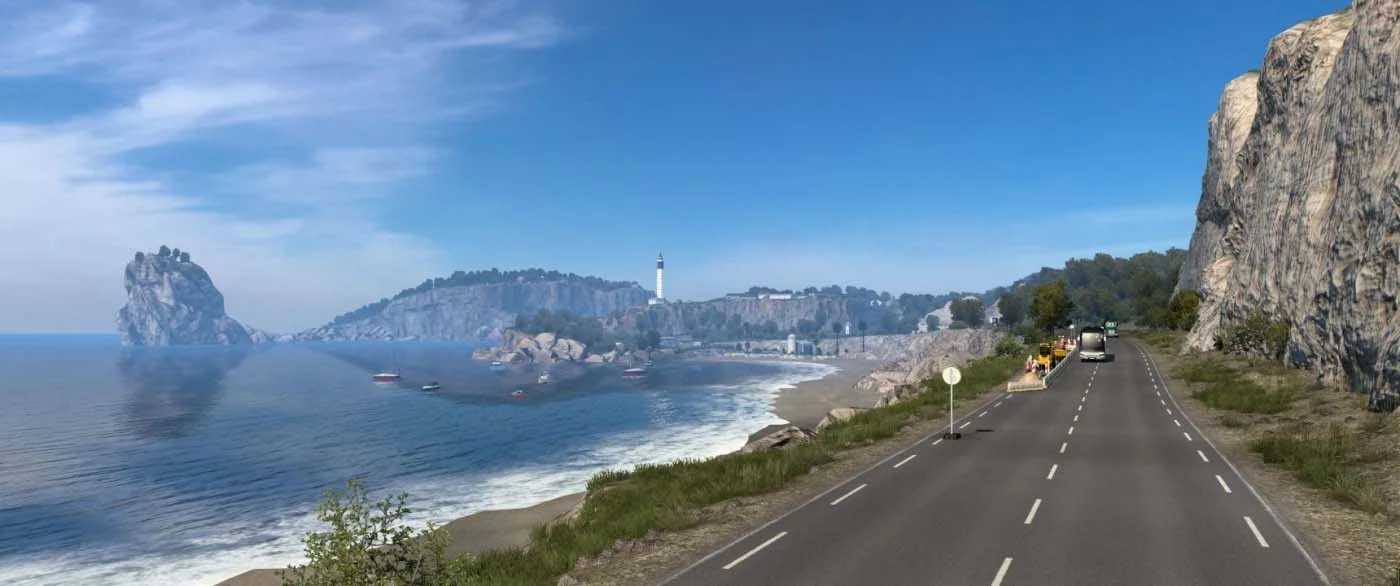
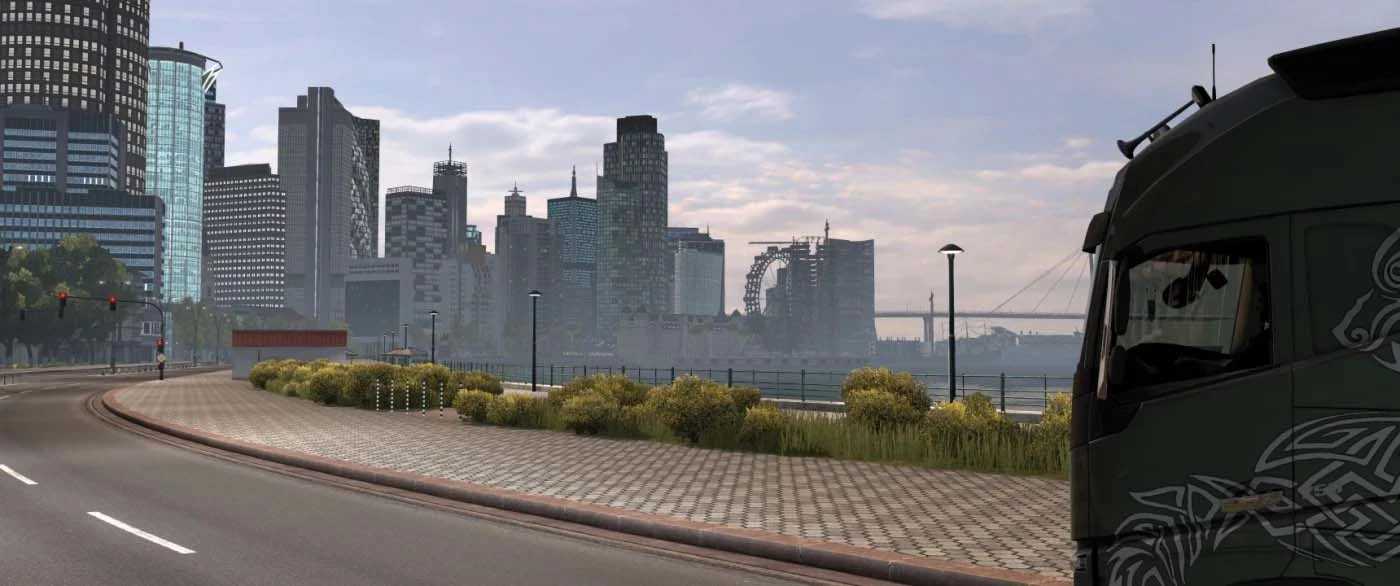
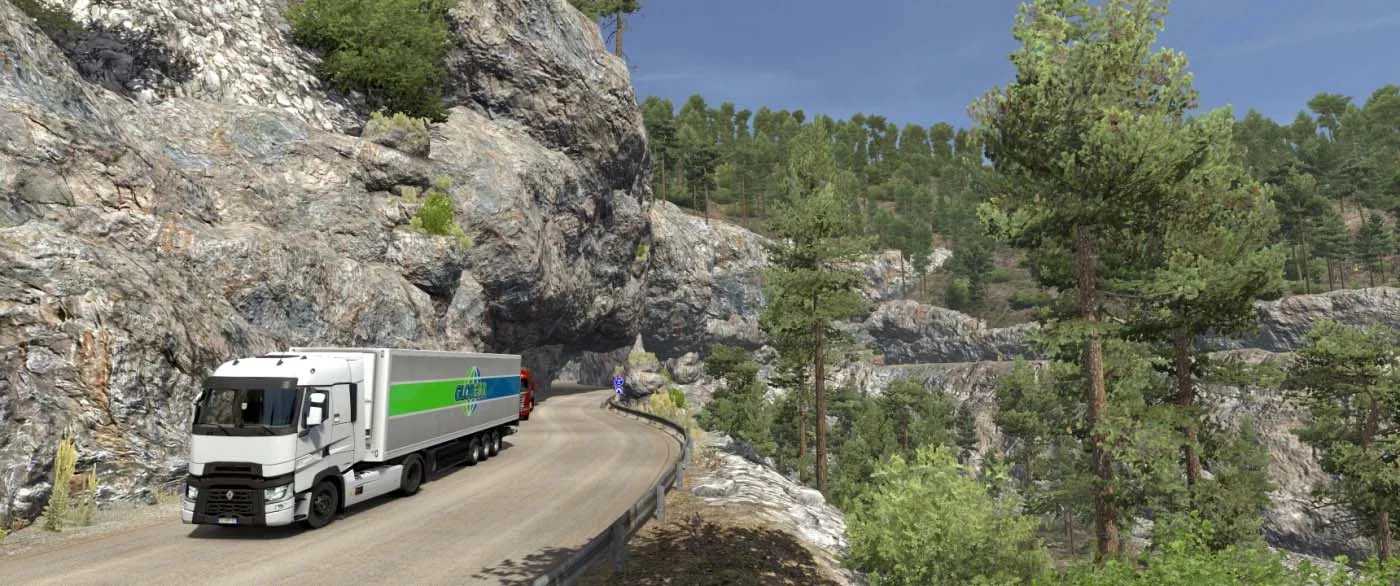
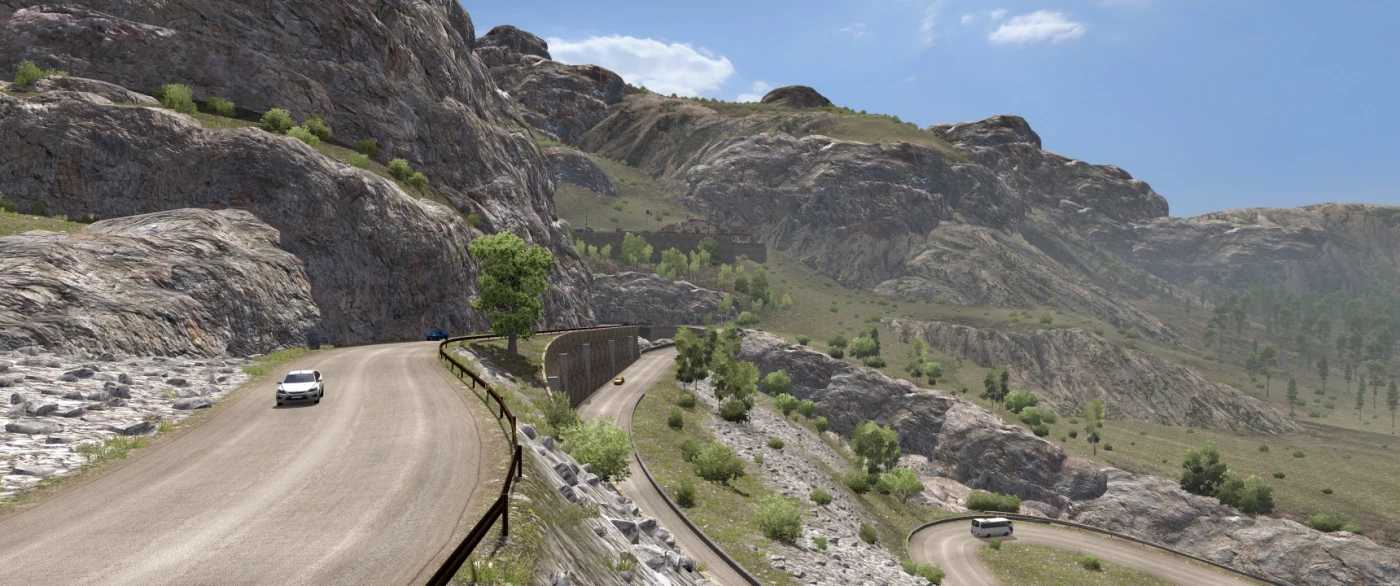
Grand Utopia Map v1.21 1.62 ETS2
Changes v1.21
Road network:
Extension of the D29 road between Port-Méli (AK) and Vieux-Habitants (AK)
Cities and villages:
Addition of Djado (AK)
Chirac (GU) signs updated with Adyox’s sign set
Players VTC:
Activation of the VTC Global Luhmn Logistics (_VTC011) in Malterre (GU)
Activation of the VTC RedLine Logistics (_VTC015) in Paulsboro (MG)
Official custom companies:
Addition of Ulvsvag Hotel in Djado (AK)
Fuel price per liter:
updated on 19/11/2026: €2.38 (GU), €2.50 (AK), €1.20 (MG)
Climate profiles:
Akokan: new tropical climate, with storms and hurricanes.
Mygotopia and north of Grand Utopia: new oceanic to continental climate, foggy.
Centre and rest of Grand Utopia: new mostly sunny climate, with a few rare storms
High-altitude snowy areas: new cold climate, with frequent snow.
Longer days and identical sunrise and sunset times across the whole map
More frequent thunderstorms (45%)
Other changes:
Custom emblems on license plates for the departments of Grand Utopia (96) and Akokan (967).
Bus stops in all cities made compatible with the Coaches DLC (a few villages have no playable stop because the layout of the place does not suit SCS’s job generation system).
Coaches DLC job generation adjusted to better match the map’s urban fabric and its 1:1 scale.
New SCS garage model placed in some cities: Andréa (GU), Beaubourg (GU), Belmont (GU), Castelnoir (GU), Clerlande (GU), Dolan-sur-Mer (GU), Egeskov (GU), Eilmont (GU), Gebbbe-du-Montargis (GU), Gérardmer (GU), Ghyvelde (GU), Iliffe (GU), Lafalaise (GU), La Palmyre (GU), Le Paradis (GU), Louchartville (GU), Malterre (GU), Meulan (GU), Montmorillon (GU), Pérignat (GU), Pontiac (GU), Rivenchy (GU), Rombas (GU), Sainte-Marie-sur-Mer (GU), Saint-Sébastien-le-Bec (GU), Saint-Sylvestre-Cappel (GU), Tours (GU), Utopia : Centre-ville (GU), Clermont (GU), Croix-Blanche (GU), Stade (GU), Zone Portuaire (GU), Liberty Bay (MG), Paulsboro (MG), Windfield (MG), Port-Méli (AK)
Works with 1.62.x
Credits: MyGodness
How to install ETS2 mods or ATS Mods
In Euro Truck Simulator 2 it’s easy to install mods. You just need to download mod from here, copy/unzip files into: “My Documents\Euro Truck Simulator 2\mod” folder or if you play ATS please install mods to: “My Documents\American Truck Simulator\mod” folder. To unzip files you can use: WinRAR or 7zip. After that you need to activate the mods you want to use.