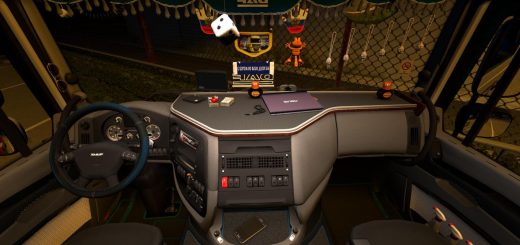
Physics Mod v1.612 By Maxx2504 (1.61.x) ETS2
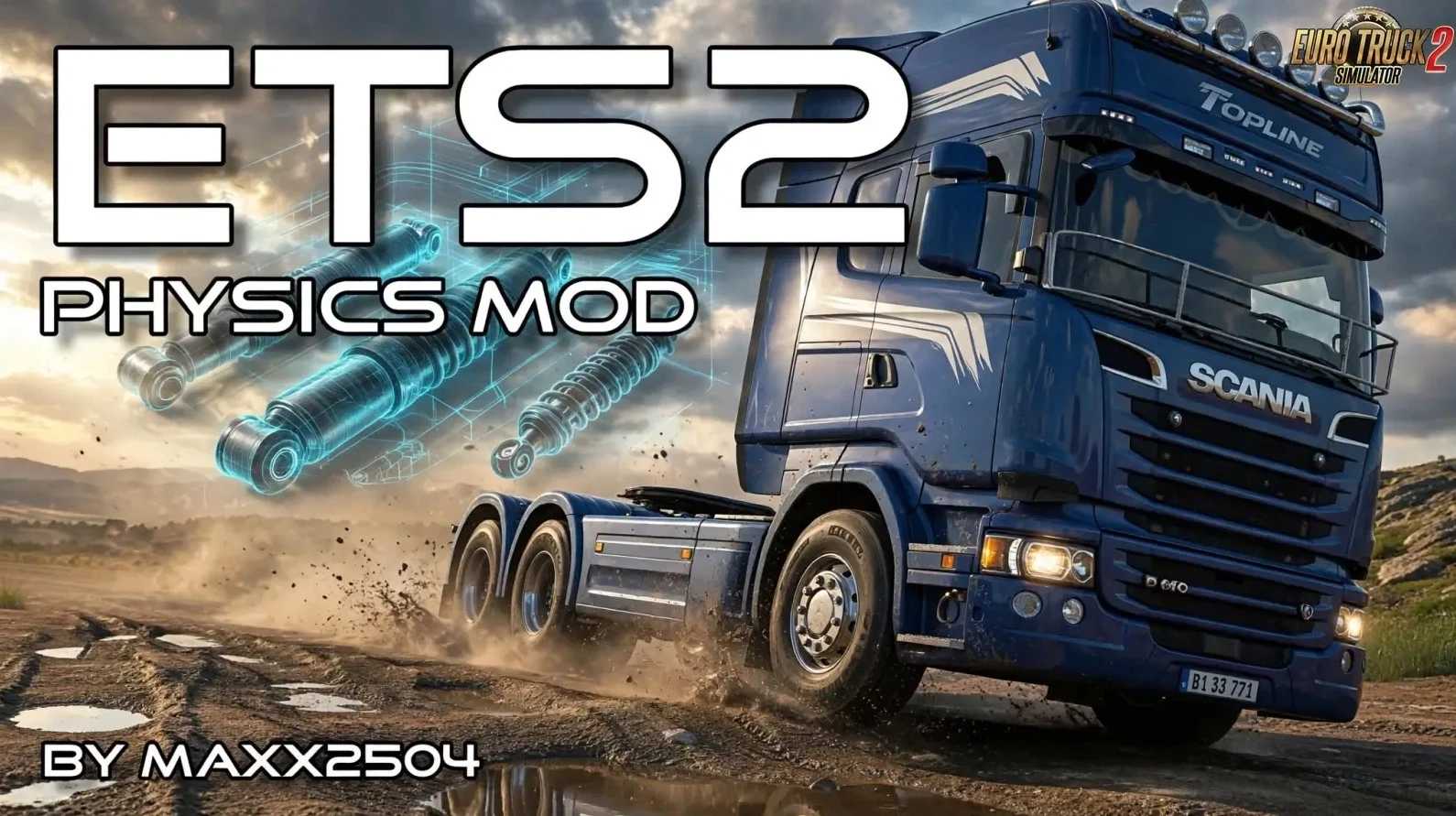

Physics Mod v1.612 By Maxx2504 (1.61.x) ETS2
This modification improves the driving physics of Euro Truck Simulator 2 for a more realistic and enjoyable experience.
Originally created for personal use and a small community, it focuses on better cabin movement, suspension, braking and overall truck feel.
Note: It may not work correctly with US style trucks due to cabin movement differences, and it is not intended for arcade style racing.
Features:
Steering sensitivity multipliers (gamepad steering only)
Reworked brake curve and brake torque factor
Adjusted brake temperatures
Cabin suspension travel and damping factors
Cabin weight increased to 1200 kg
Reworked truck suspension
Engine and clutch viscosity values
Interior camera movement improvements
Front wheel steering changed to 35° (deprecated)
Installation & Tips:
Subscribe and set the mod to **high priority** in the Mod Manager
Works with any personal settings (screenshot shows author’s preferred values as example only)
Recommended temporary settings after 1.61 (due to SCS changes): Cabin & suspension stiffness 0%, Interior camera movement 200%
Compatibility Notes:
Updated for ETS2 1.61.x (v1.612 October 12, 2026)
Old version for 1.57 included
Due to SCS changes in patch 1.61, vehicle suspension is much stiffer, which affects interior camera feel. The cabin still moves, but it is less visible from inside.
Tested on game version 1.61.x
Credits: Maxx2504
How to install ETS2 mods or ATS Mods
In Euro Truck Simulator 2 it’s easy to install mods. You just need to download mod from here, copy/unzip files into: “My Documents\Euro Truck Simulator 2\mod” folder or if you play ATS please install mods to: “My Documents\American Truck Simulator\mod” folder. To unzip files you can use: WinRAR or 7zip. After that you need to activate the mods you want to use.