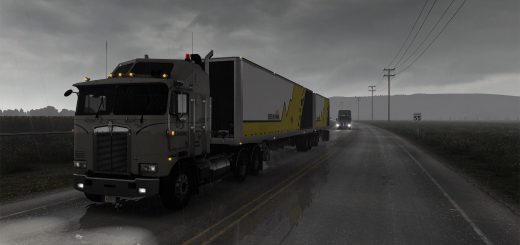
Adviser Top Bar small Left ATS HUD v1.61 ATS
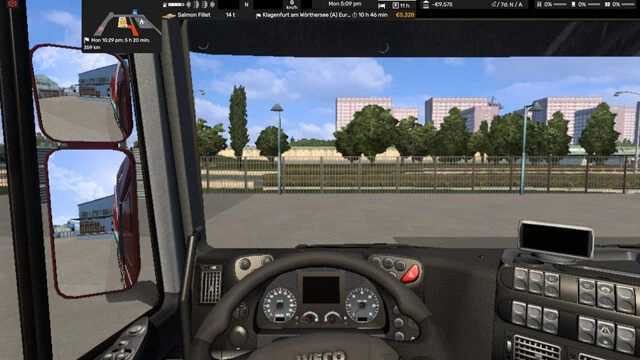

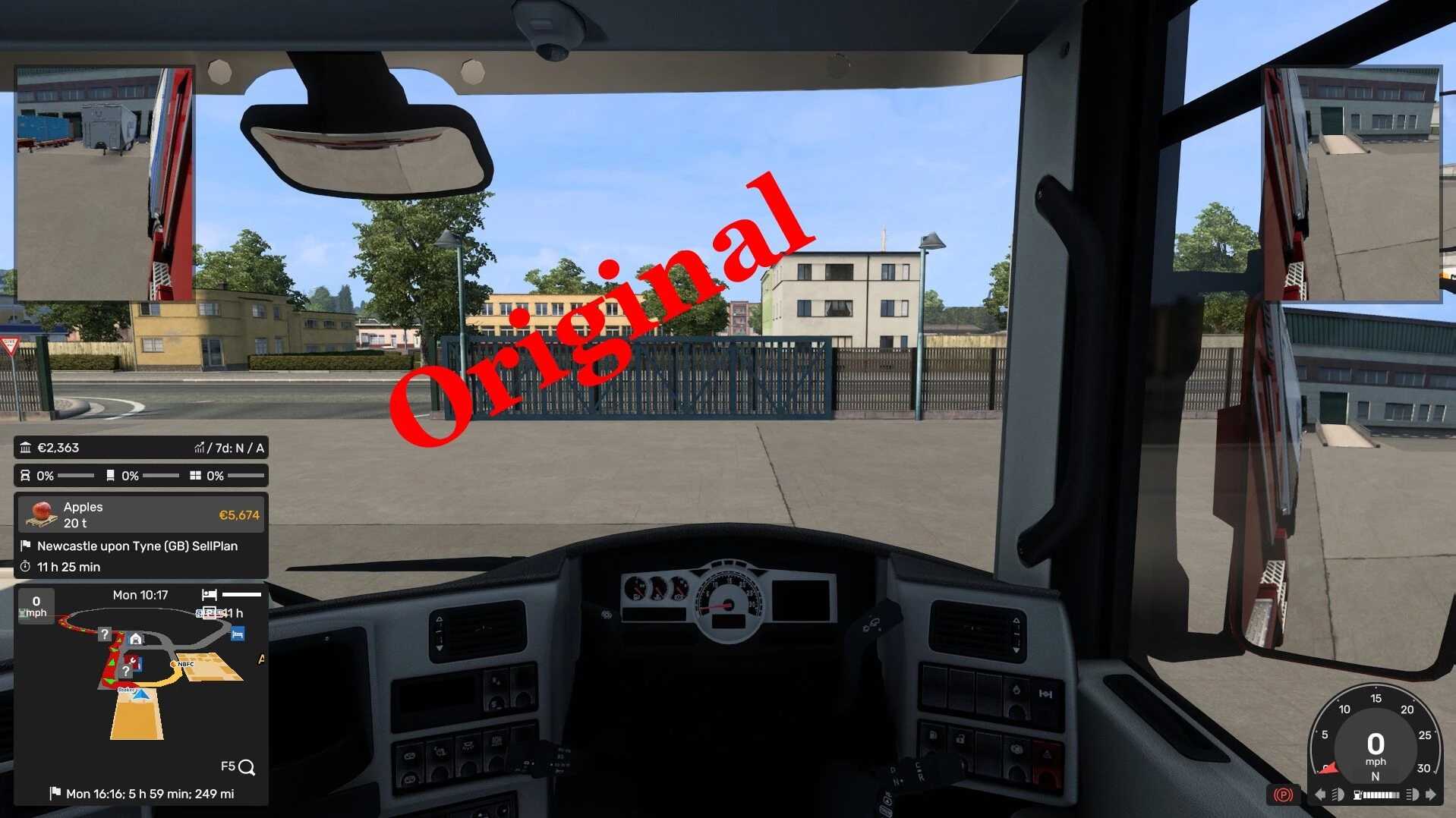
Adviser Top Bar small Left ATS HUD v1.61 ATS
V1.61
This Adviser modifies the game’s UI layout by removing the new tachometer.
It also moves the map to the top left shrinks it.
All other information has been adjusted along the top. Including the static indicators (the notification lights), basic indicators (the fuel, lights, turn signals), gear, cruise, speed, speed limit, game time, fatigue monitor. Also the running line bar (the line that tells you company) has also been moved into the top bar.
This mod is only for Version 1.60+
This MOD was tested and works on screens from 1920×1080 up to 7680×1440
Remember various widgets can be enabled and disabled as well as the transparency within the option of the F6 key.
Credits: Distiller
How to install ETS2 mods or ATS Mods
In Euro Truck Simulator 2 it’s easy to install mods. You just need to download mod from here, copy/unzip files into: “My Documents\Euro Truck Simulator 2\mod” folder or if you play ATS please install mods to: “My Documents\American Truck Simulator\mod” folder. To unzip files you can use: WinRAR or 7zip. After that you need to activate the mods you want to use.
Report bugs in the comments and help modders improve this mod. Always check the comments, you can find a solution.