Ford Trucks F-MAX v1.61.1 ETS2
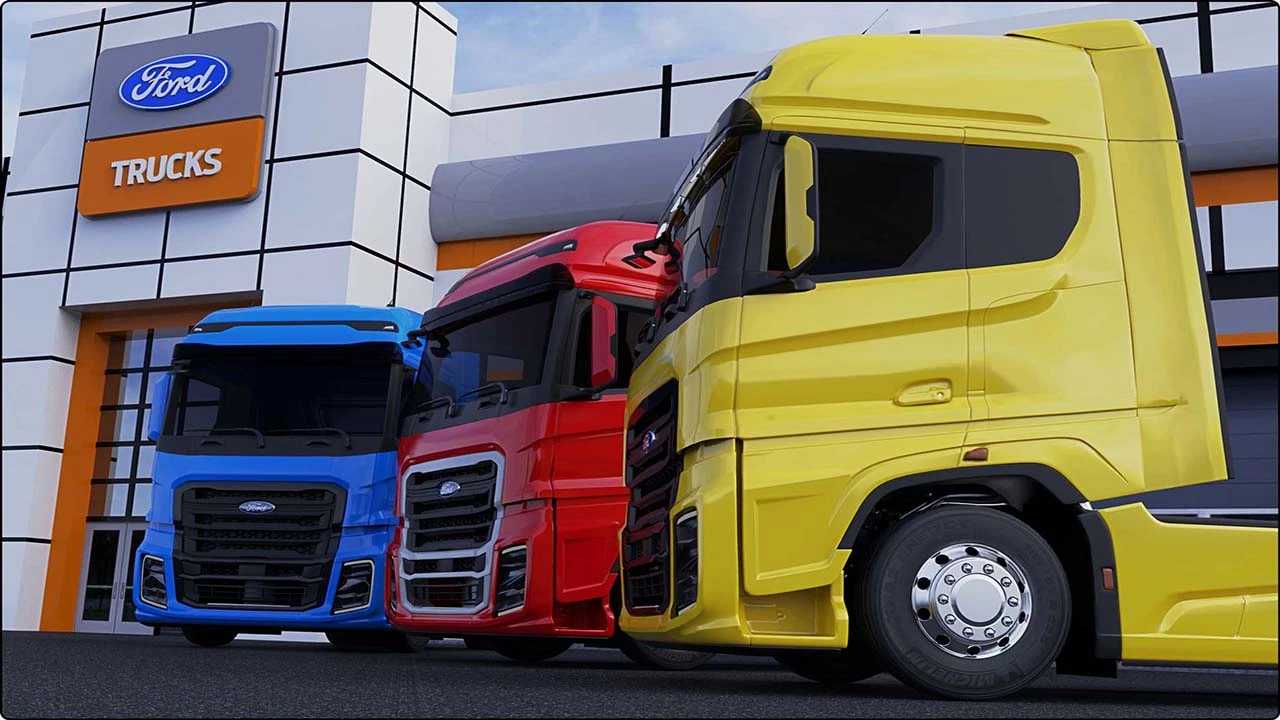

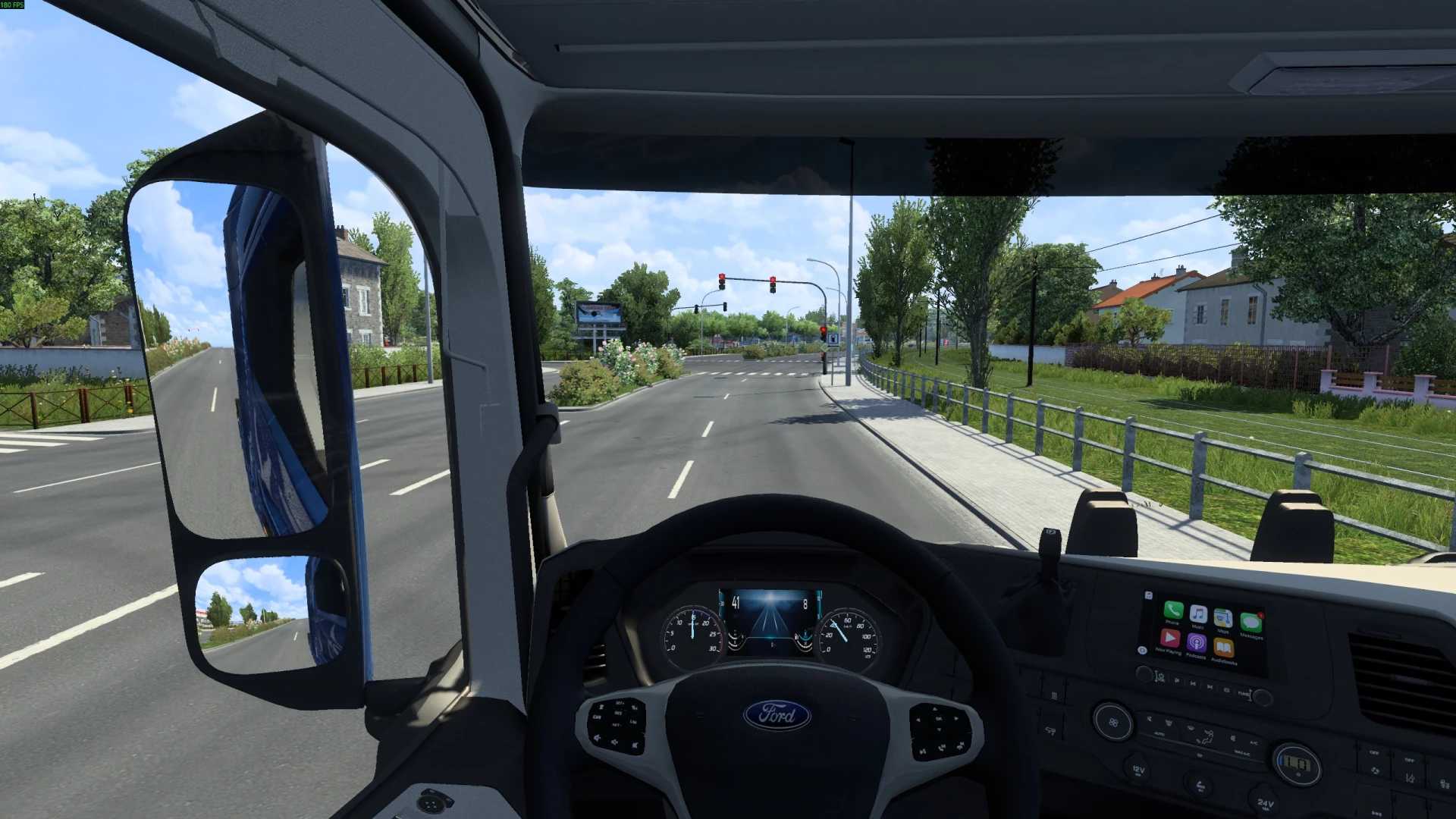
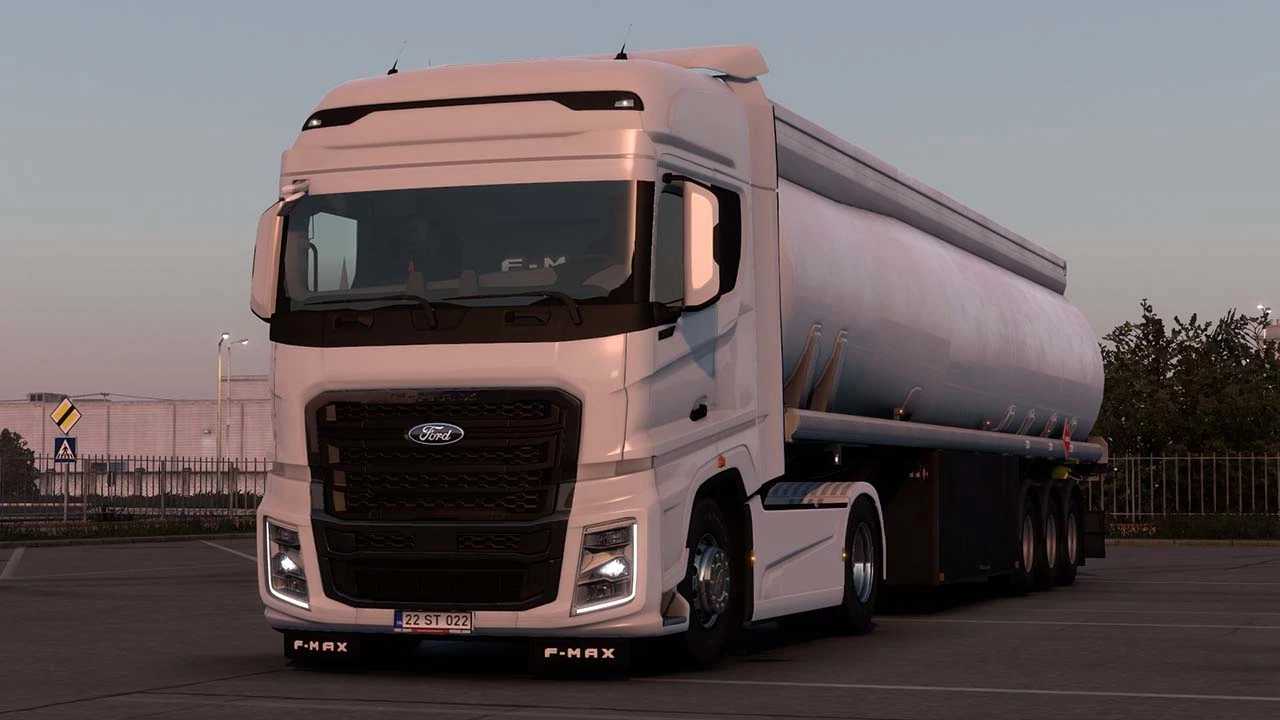
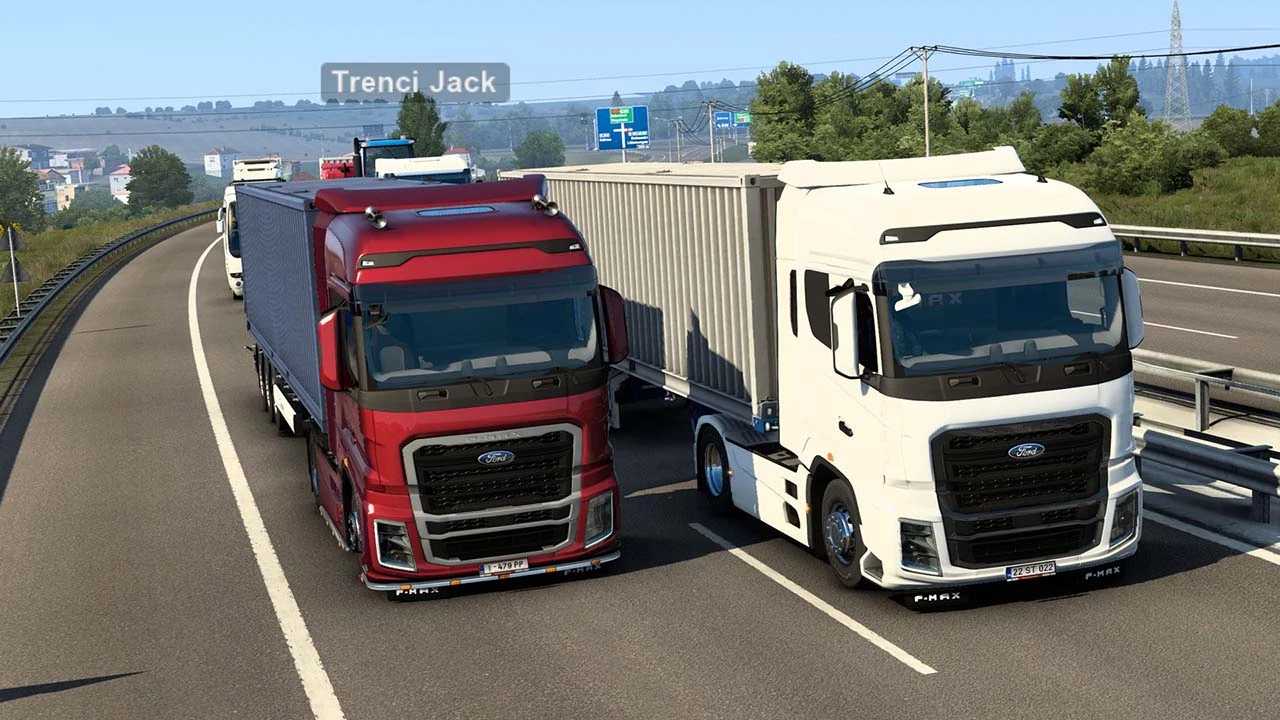
Ford Trucks F-MAX v1.61.1 ETS2
Changelog: 1.61.1
WHAT’S NEW:
Used Truck Market: Added native certified pre-owned Ford F-MAX trucks dynamically across Europe (realistic odometers from 185,000 to 580,000 km with authentic wear).
2026 Gen2 Powertrain: Added EcoTorq Gen2 510 PS (2,600 Nm) engine and EcoTorq 16TX2640 TD 16-speed automated transmission with crawler gears.
Dual-Sound System: Switchable in engine selector between EVR (Engine Voice Records factory sound) and Kriechbaum (acoustic bass remaster).
Stability & Fixes: Fixed Truck Configurator fallbacks in data.sii to prevent desktop crashes; resolved missing chassis cover references.
UK Market Support: Added dedicated RHD definitions for quick jobs, dealers, and used truck market in the UK.
Features:
Highly detailed original F-MAX interior and exterior modeling
Authentic digital dashboard computer and integrated GPS navigation
Original engine acoustics by Engine Voice Records (EVR) & Kriechbaum
Animated driver pedals and functional handbrake
Full support for official Cabin Accessories DLC & SiSL Mega Pack
Cabin interior lights and comprehensive skin templates
4×2 Normal and Low-Deck (LL) chassis configurations
EcoTorq 12.7L engines: 500 PS and 2026 Gen2 510 PS
Transmissions: ZF 12TX2620, Allison with retarder, and EcoTorq 16TX 16-speed
Customizable front grills, side skirts, and fuel tanks (up to 1,050 liters)
Credits: 1nn7erpLaY, SimülasyonTÜRK
How to install ETS2 mods or ATS Mods
In Euro Truck Simulator 2 it’s easy to install mods. You just need to download mod from here, copy/unzip files into: “My Documents\Euro Truck Simulator 2\mod” folder or if you play ATS please install mods to: “My Documents\American Truck Simulator\mod” folder. To unzip files you can use: WinRAR or 7zip. After that you need to activate the mods you want to use.