West Poland Refresh – A Promods Addon v3.01 1.60 ETS2
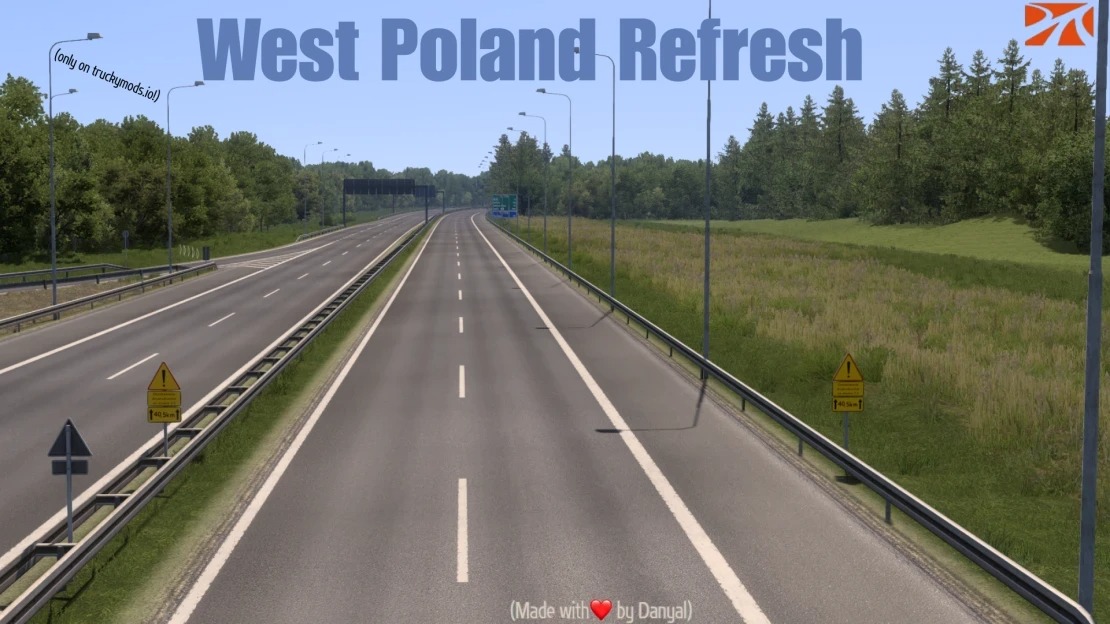

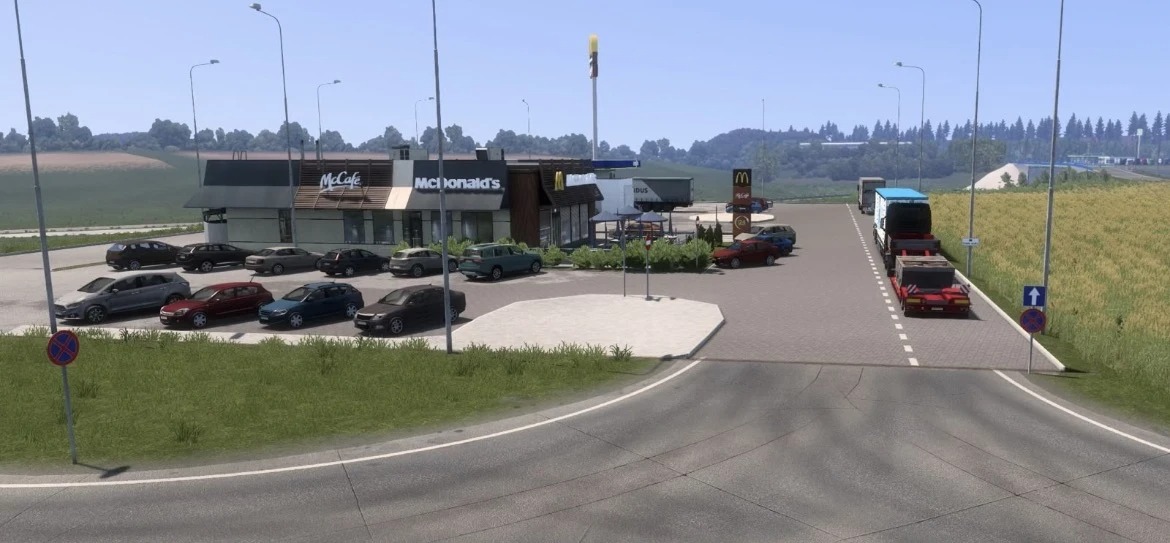
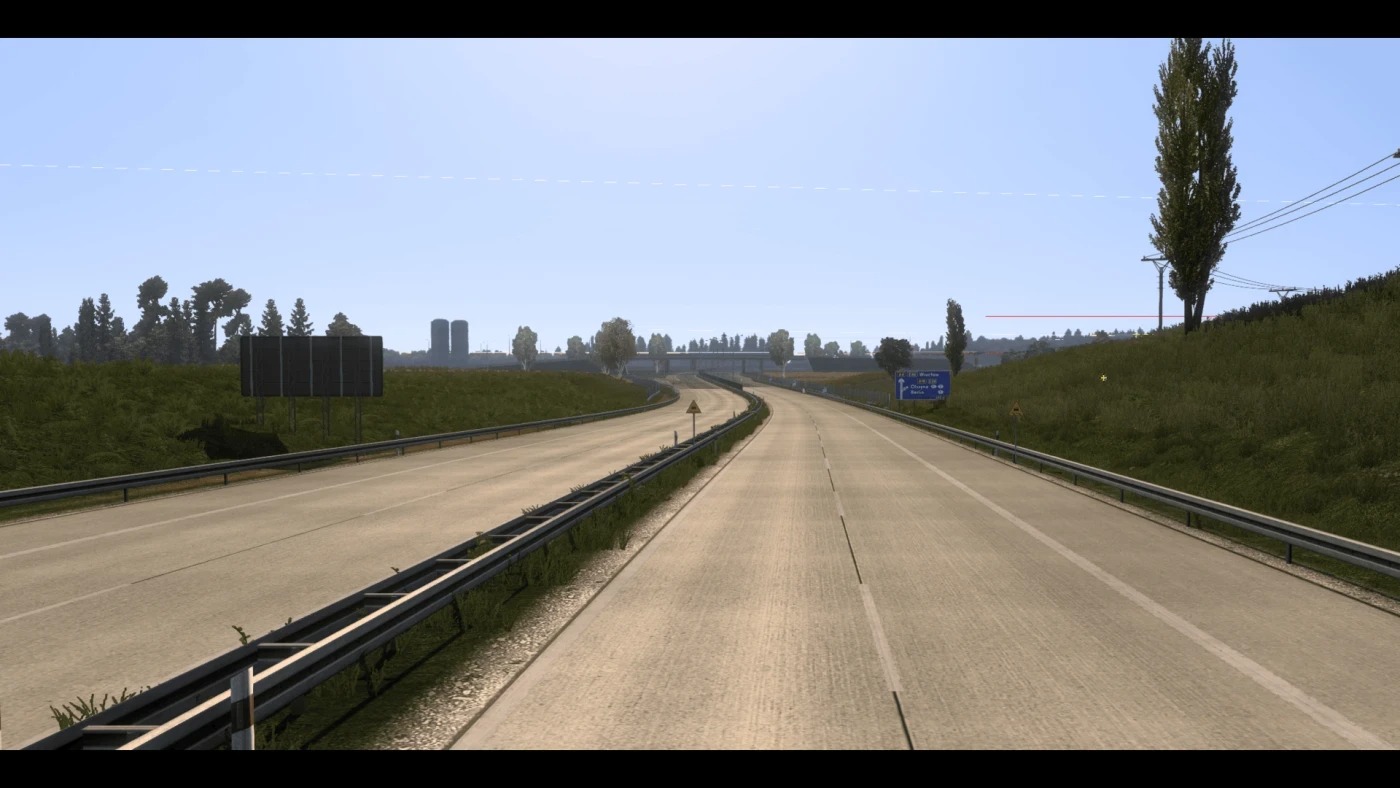
West Poland Refresh – A Promods Addon v3.01 1.60 ETS2
Western Poland Refresh | ProMods Addon Bring Western Poland up to modern standards. Western Poland Refresh is a ProMods addon developed by the DTMapping Team, featuring work from: Danyal (Project Creator), Snebbi, Nacho Rios, Bobrow (Ramin Bober) The project focuses on refreshing and expanding various areas across Western Poland.
It modernises older parts of the map with updated roads, new junctions, improved scenery, and future city expansions while staying true to the ProMods style.
Current Features
Complete refresh of the former E36 project, now fully integrated into Western Poland Refresh.
The old National Road 3 has been rebuilt into the modern S3 Expressway, currently stretching from Poznań to the A4 junction near Legnica, featuring new interchanges, updated road layouts, and improved signage.
New petrol stations and service areas.
Refreshed and more accurate motorway signage.
Improved scenery, vegetation, and environmental detail.
More realistic motorway infrastructure for a smoother driving experience.
Planned Features
New and refreshed cities, including Zielona Góra and Legnica.
Extension of the S3 Expressway from the A4 junction south towards the Czech border.
Reworks and improvements along the western section of the A4 motorway.
Road network expansions and improvements around Wrocław.
Small reworks, fixes, and expansions around Zgorzelec.
Additional refreshed roads, junctions, and surrounding areas across Western Poland in future updates.
Requirements
Euro Truck Simulator
Latest version of ProMods.
Compatibility This is a ProMods addon and requires the latest version of ProMods to function.
It is designed to integrate seamlessly with the ProMods map. Thank you for supporting Western Poland Refresh. More roads, cities, and improvements will be added throughout development.
Credits: Danyal
How to install ETS2 mods or ATS Mods
In Euro Truck Simulator 2 it’s easy to install mods. You just need to download mod from here, copy/unzip files into: “My Documents\Euro Truck Simulator 2\mod” folder or if you play ATS please install mods to: “My Documents\American Truck Simulator\mod” folder. To unzip files you can use: WinRAR or 7zip. After that you need to activate the mods you want to use.