Volga Map – SibirMap SV RC V1.2 ETS2
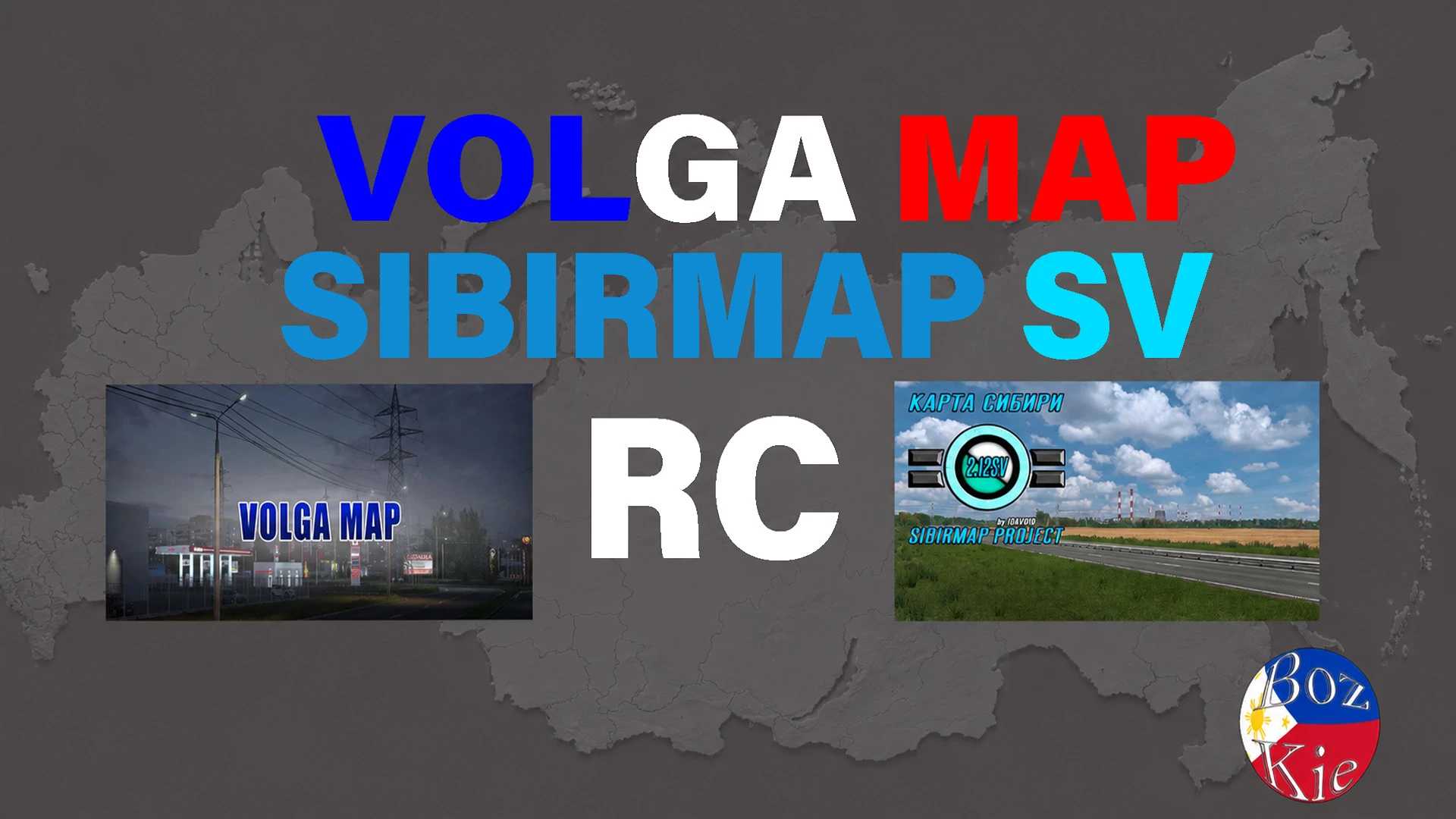

Volga Map – SibirMap SV RC V1.2 ETS2
Mod features:
Connect Buzuluk and Orenburg
Changelog v1.2
Some Prefab and Road signs changed
Fixed Bugs
Promods TGS Compatible
Required mods
Sibirnap 2.12.x Support Version
Volga Map 1.5.3
Load Order
put above SibirMap SV and VolgaMap
(NOTE!)[normal]for “Promods TGS”
if your using Volga Map – TGS RC, put “Volga Map – SibirMap SV RC” above Volga Map – TGS RC.
Credits: Bozkie
How to install ETS2 mods or ATS Mods
In Euro Truck Simulator 2 it’s easy to install mods. You just need to download mod from here, copy/unzip files into: “My Documents\Euro Truck Simulator 2\mod” folder or if you play ATS please install mods to: “My Documents\American Truck Simulator\mod” folder. To unzip files you can use: WinRAR or 7zip. After that you need to activate the mods you want to use.
Report bugs in the comments and help modders improve this mod. Always check the comments, you can find a solution.