Universal Fix & Localization v3.2 1.48 ETS2
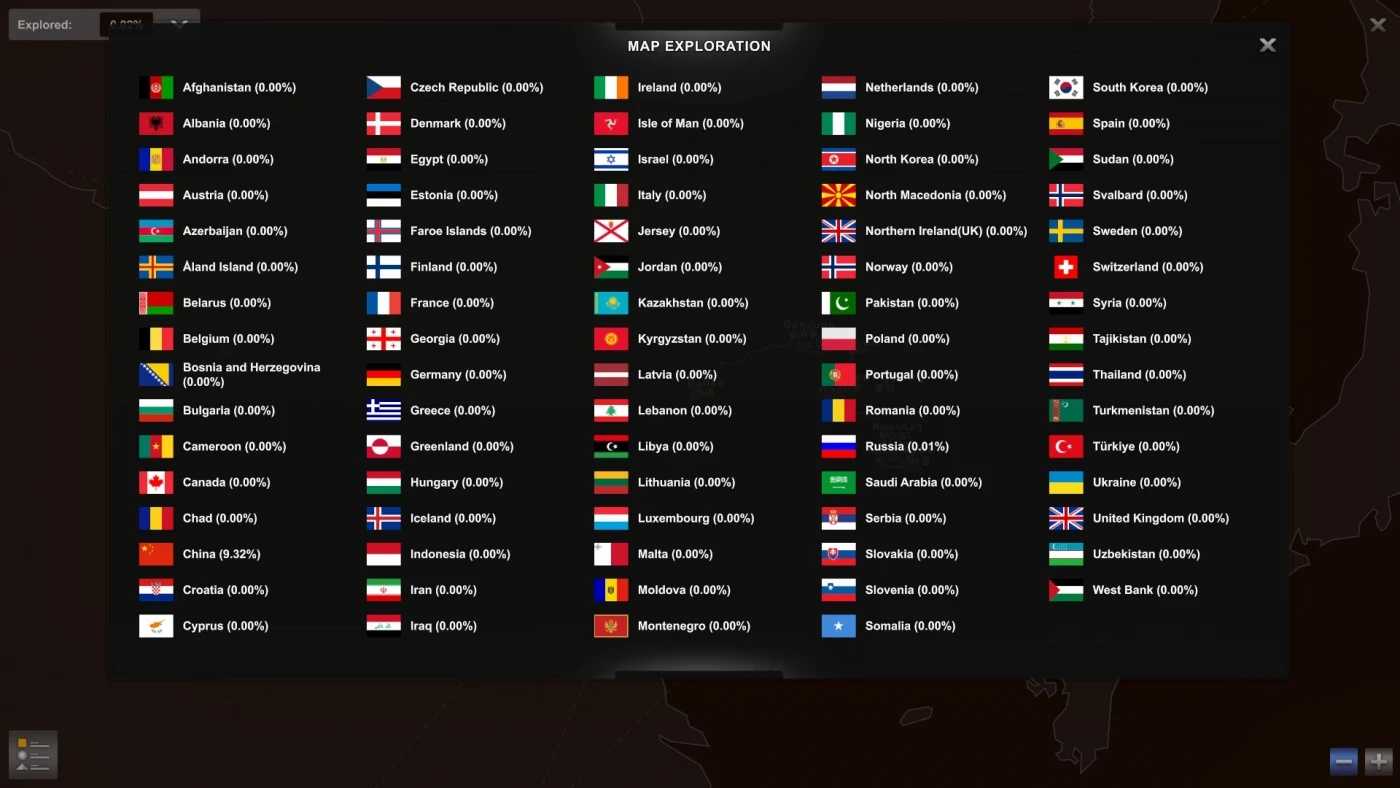


Universal Fix & Localization v3.2 1.48 ETS2
Changes 3.2
Sibir&Volga&SRMap Localization
Fixed Aland and Northern Ireland(UK)
For fixing parts
1. Flags(ISO Codes) and timezones fixed
2. The Great Steppe’s city name fixed
3. Belt of the Tundra’s city name fixed
4. Off the Grid’s city name fixed
For localization parts
Currently supports Chinese(Simplified) and English(UK,US)
Credits: imxiaoanag
How to install ETS2 mods or ATS Mods
In Euro Truck Simulator 2 it’s easy to install mods. You just need to download mod from here, copy/unzip files into: “My Documents\Euro Truck Simulator 2\mod” folder or if you play ATS please install mods to: “My Documents\American Truck Simulator\mod” folder. To unzip files you can use: WinRAR or 7zip. After that you need to activate the mods you want to use.
Report bugs in the comments and help modders improve this mod. Always check the comments, you can find a solution.