TrueSight Preset Free v1.0 ETS2

TrueSight Preset Free v1.0 ETS2
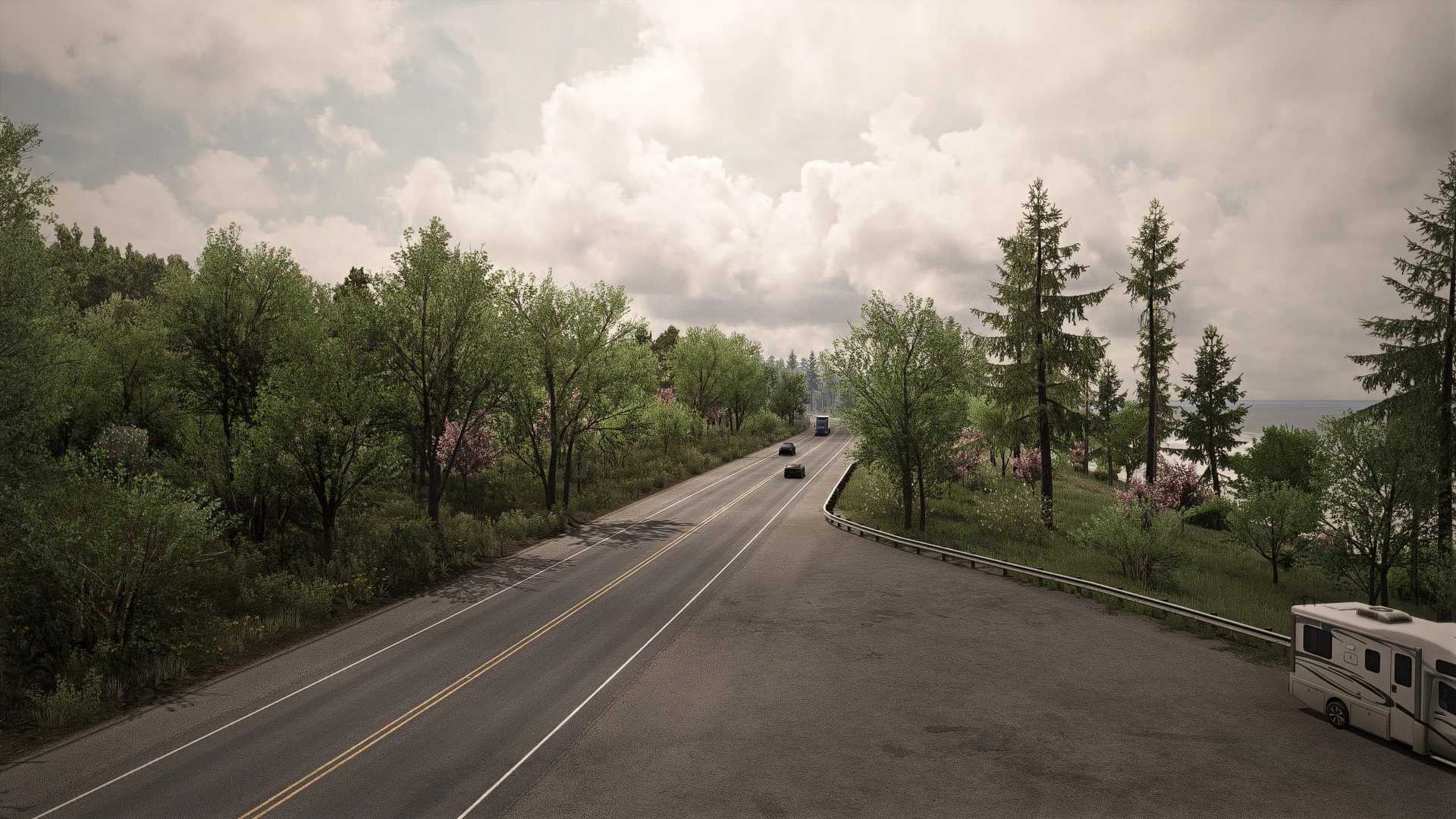
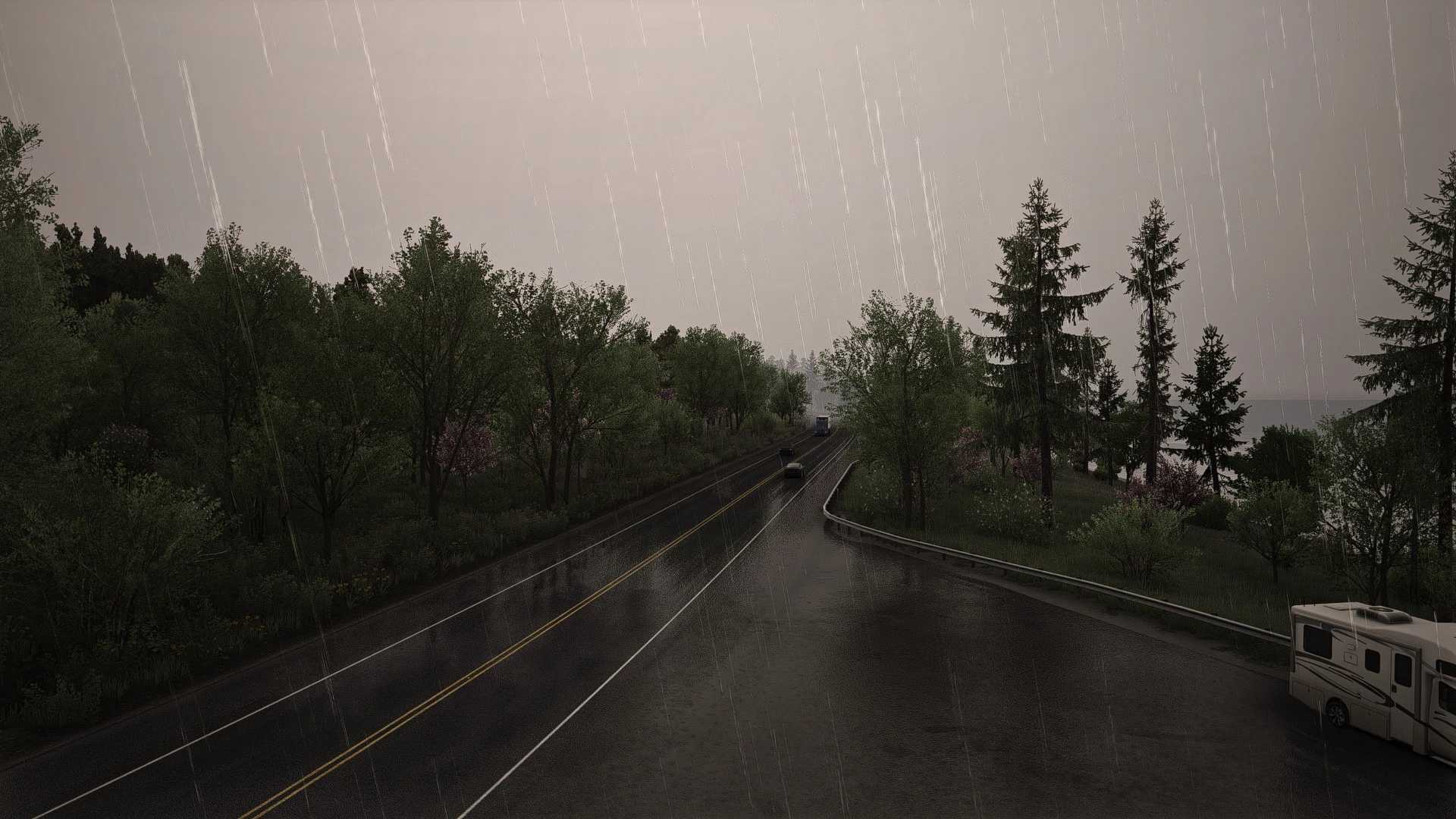
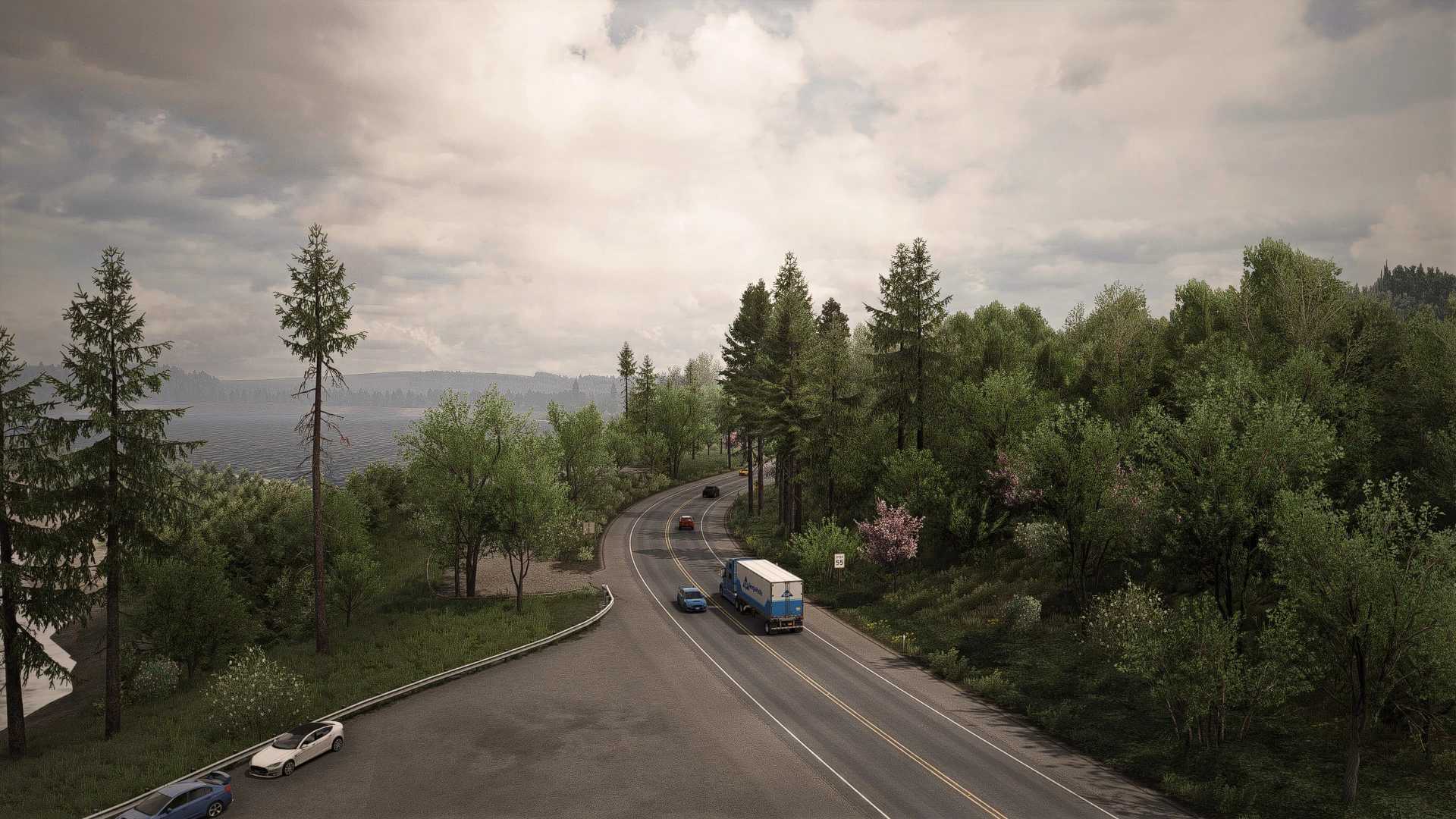
Free ReShade preset designed to improve the visual quality of Euro Truck Simulator 2 And American Truck Simulator while keeping excellent performance.
Whether you’re a casual driver or someone who enjoys realistic screenshots, this preset offers a cleaner and more immersive driving experience.
What’s Included
Natural color correction
Balanced contrast
Improved image clarity
More realistic lighting
Performance-friendly settings
Easy installation
Installation
Install the latest version of ReShade.
Copy the included files into your ETS2/ATS installation folder.
Launch the game.
Open the ReShade menu (Home key).
Select TrueSight_Free.ini.
You’re ready to drive!
Credits: Hasan Alhaddad
How to install ETS2 mods or ATS Mods
In Euro Truck Simulator 2 it’s easy to install mods. You just need to download mod from here, copy/unzip files into: “My Documents\Euro Truck Simulator 2\mod” folder or if you play ATS please install mods to: “My Documents\American Truck Simulator\mod” folder. To unzip files you can use: WinRAR or 7zip. After that you need to activate the mods you want to use.
Report bugs in the comments and help modders improve this mod. Always check the comments, you can find a solution.