TAA | DLAA | DLSS v10.2.31 ETS2
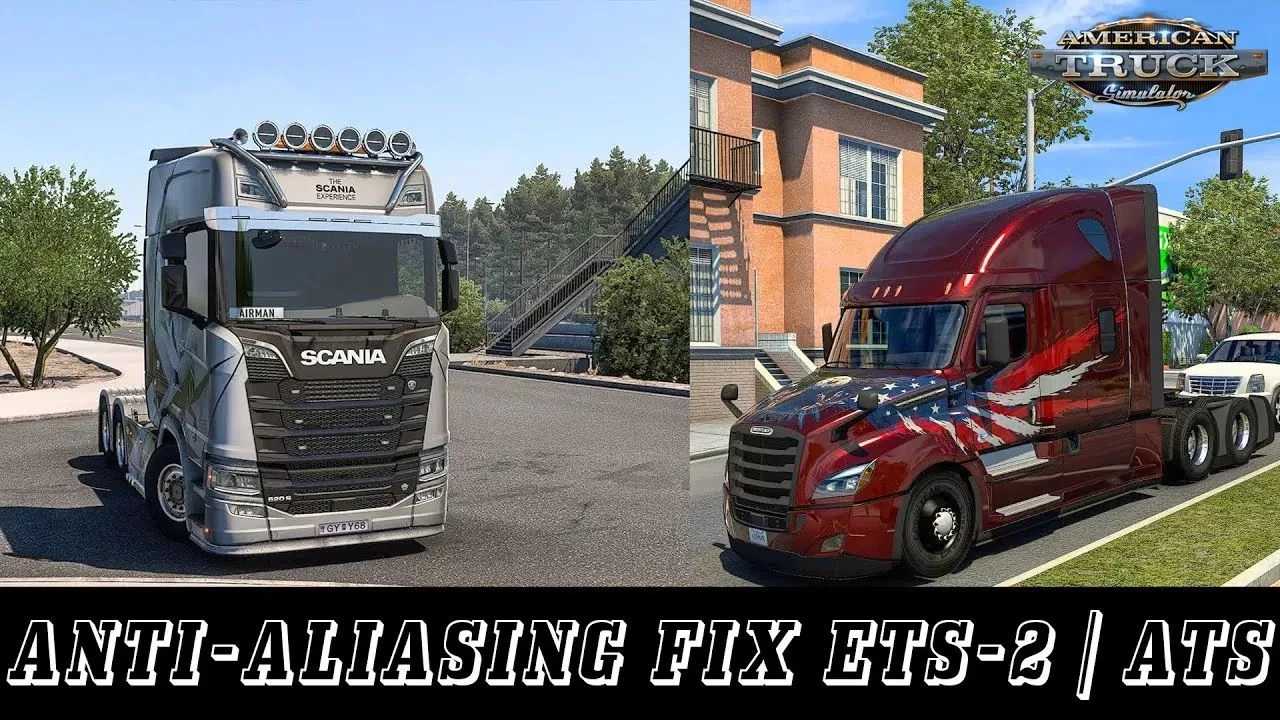

TAA | DLAA | DLSS v10.2.31 ETS2
The mod removes the flicker and ladders in the game.
– Temporary smoothing (TAA)/DLSS/DLAA. Implemented a high-quality and high-performance time anti-aliasing (TAA) solution, as well as DLSS/DLAA support for NVIDIA GPUs.
– Shadow and SSAO improvements. Now you don’t have to worry about flickering shadows and SSAO anymore.
Requirements:
Windows 10 x64 or Windows 11 x64, DirectX 11, constant internet connection.
Installation:
– For the license: place the file on the path X:/xxx/steamapps/common/Euro Truck Simulator 2/bin/win_x64;
– For pirates: /Euro Truck Simulator 2/bin/win_x64;
– Launch the game with DirectX 11.
Be sure to disable anti-aliasing in the game!
Settings:
– Press the “HOME” or “CTRL+P” key to open the game menu;
– Sharpness = increase the sharpness of the filter;
– T. SSAO = Flicker protection solution for SSAO (use with SSAO in the game);
– T. Shadow = flicker prevention solution for the built-in shadows feature.
Credits: Snowy Moon
How to install ETS2 mods or ATS Mods
In Euro Truck Simulator 2 it’s easy to install mods. You just need to download mod from here, copy/unzip files into: “My Documents\Euro Truck Simulator 2\mod” folder or if you play ATS please install mods to: “My Documents\American Truck Simulator\mod” folder. To unzip files you can use: WinRAR or 7zip. After that you need to activate the mods you want to use.