Stadium Pack v1.60 ATS

Stadium Pack v1.60 ATS
Get ready to swap your heavy machinery for sports equipment! . The “Stadium Pack” mod introduces specialized logistics missions where you’ll be responsible for delivering everything from turf and goalposts to team jerseys and stadium concessions. The initial release is all about the 2026 Soccer World Cup Stadiums
As the tournament spans across North America, this mod leverages the ever-expanding ATS map to bring the hype of the World Cup to your desktop. You’ll navigate congested city streets and vast interstate corridors to ensure the venues are match-ready.
Stadiums & Cities Currently in ATS
While the 2026 World Cup will feature 16 host cities across three countries, the SCS map only covers a part of them. Here are the stadiums you can currently visit (or deliver to with the mod) within the existing ATS map:
Lumen Field (Seattle, WA): Known for its incredible atmosphere in the Pacific Northwest.
Levi’s Stadium (Santa Clara/San Francisco Bay Area, CA): A high-tech masterpiece in the heart of Silicon Valley.
SoFi Stadium (Los Angeles/Inglewood, CA): The shimmering crown jewel of Southern California sports.
AT&T Stadium (Arlington/Dallas, TX): The massive “Death Star” of Texas, ready for a global stage.
NRG Stadium (Houston, TX): A retractable-roof titan that dominates the Houston skyline.
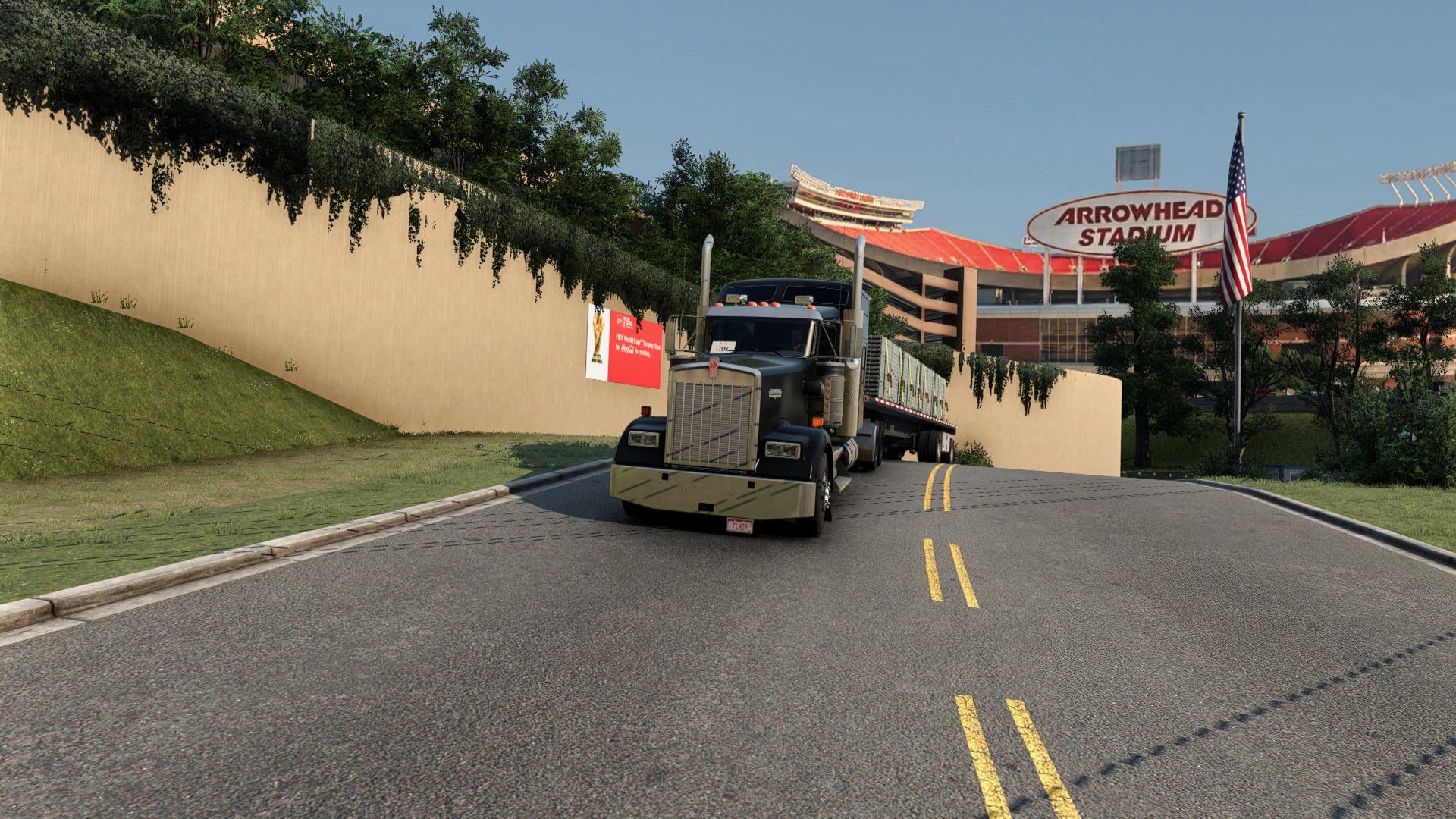
GEHA Field at Arrowhead Stadium (Kansas City, MO): Legendary for its noise levels and central location.
Further you can visit the iconic Rosebowl in Pasadena and the Daikin Stadium in Houston.
Whether you’re hauling a load of soccer balls to Dallas or floodlights to Seattle, 2026 is shaping up to be the biggest year yet for virtual truckers. Keep your eyes on the road and your ears on the radio—the opening whistle is coming!
Credits: MLH82
How to install ETS2 mods or ATS Mods
In Euro Truck Simulator 2 it’s easy to install mods. You just need to download mod from here, copy/unzip files into: “My Documents\Euro Truck Simulator 2\mod” folder or if you play ATS please install mods to: “My Documents\American Truck Simulator\mod” folder. To unzip files you can use: WinRAR or 7zip. After that you need to activate the mods you want to use.