SRI Lightbox Pack v1.59 ETS2

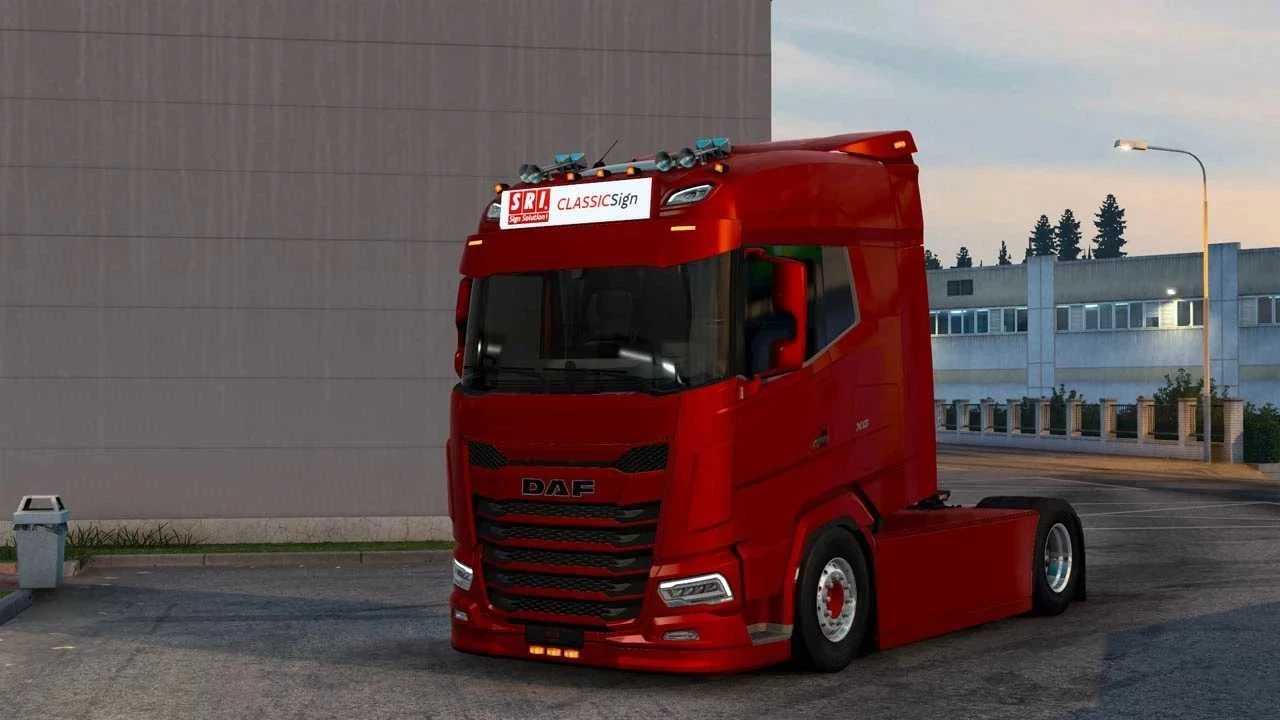
SRI Lightbox Pack v1.59 ETS2
Contents:
SRI AeroSignLED (125×30, 140×40, 160×40)
SRI AeroSlimLED (125×30, 160×30)
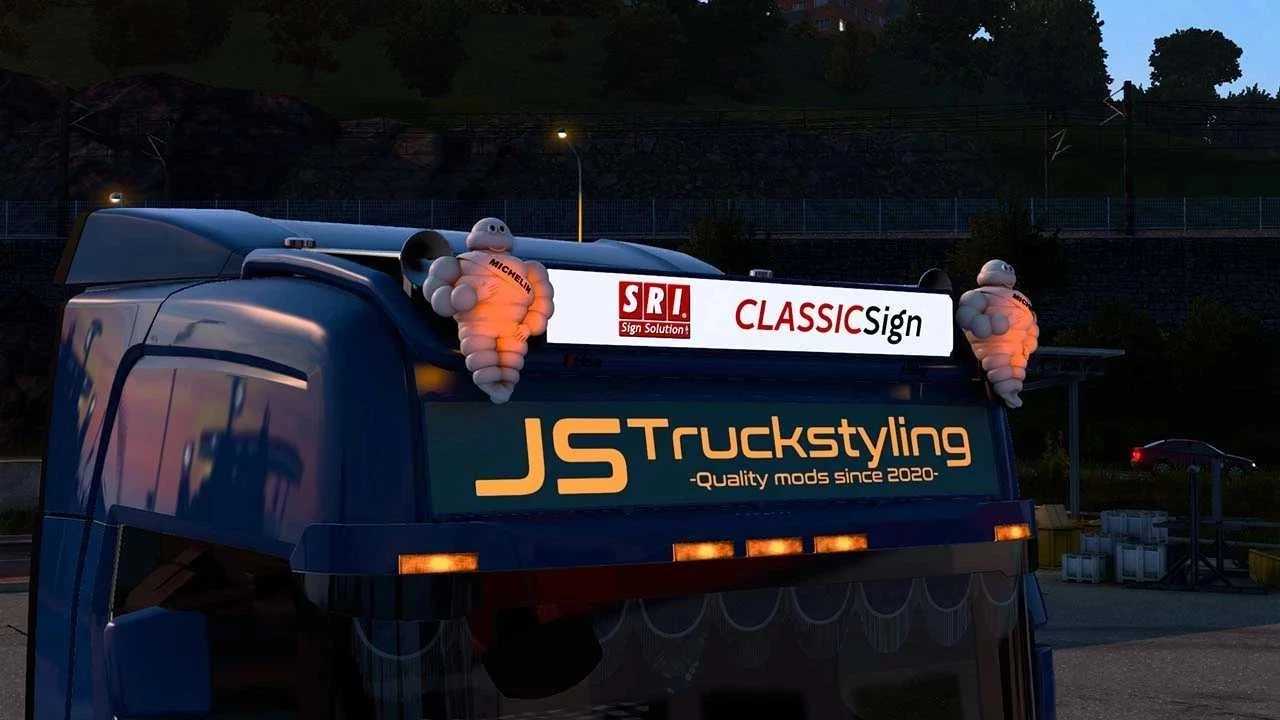
SRI ClassicSignLED (130×20, 130×30, 140×40)
SRI FrontSignLED (138×23 Next Gen, 175×31 RJL, 180×28 Next Gen)
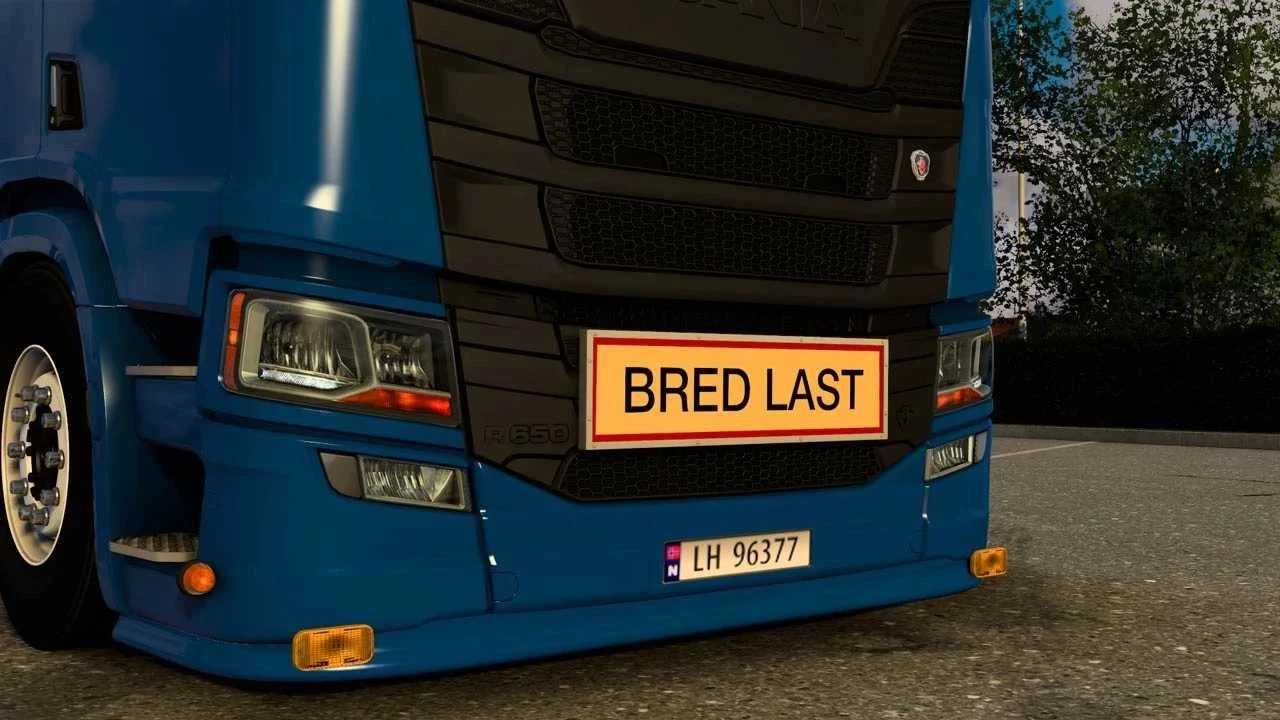
SRI TripleSignLED (97×26 BRED LAST, LANG LAST + custom, both painted and aluminium)
Note: All lightboxes come in two versions, white (SRI Skin is default) and orange (JS skin is default). Orange is harder to skin since it requires lightmask.
Supported trucks:
SCANIA:
Scania PGR-Series by JUseeTV
SCS Scania Next Gen
PGRS Scania Next Gen by Eugene
H&W Scania Next Gen T-Cab + Longline by Skimo
Scania RT by Skimo
S Scania Next Gen Longline by Skimo
RJL Scania G, R, R4
RJL Scania T, T4
VOLVO:
SCS Volvo FH4
SCS Volvo FH5
SCS Volvo FH6 (Aero)
Volvo FH3 by Johnny244
Volvo FH5 Free/Premium by Sanax
DAF:
SCS DAF 2021 (XF, XG, XG+)
SCS DAF XD
DAF 2021 by Jasper
MAN:
SCS MAN TGX TG3
FORD:
Ford Trucks F-MAX
Recommended lightpacks:
BC-Exterior Belka accessory (Full support)
JUseeTV Lightpack (Full support)
Hella Rallye 3000 (Full support, place under lightbox in mod manager to make included fix work!)
Tested for 1.59 game version
Credits: JSTruckstyling
How to install ETS2 mods or ATS Mods
In Euro Truck Simulator 2 it’s easy to install mods. You just need to download mod from here, copy/unzip files into: “My Documents\Euro Truck Simulator 2\mod” folder or if you play ATS please install mods to: “My Documents\American Truck Simulator\mod” folder. To unzip files you can use: WinRAR or 7zip. After that you need to activate the mods you want to use.