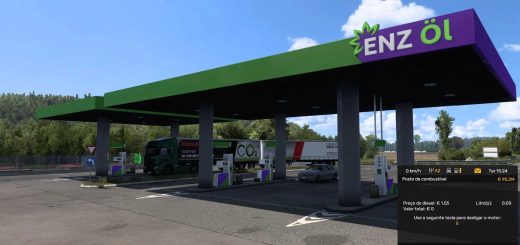
Snowymoon 1.60.1.0s ETS2
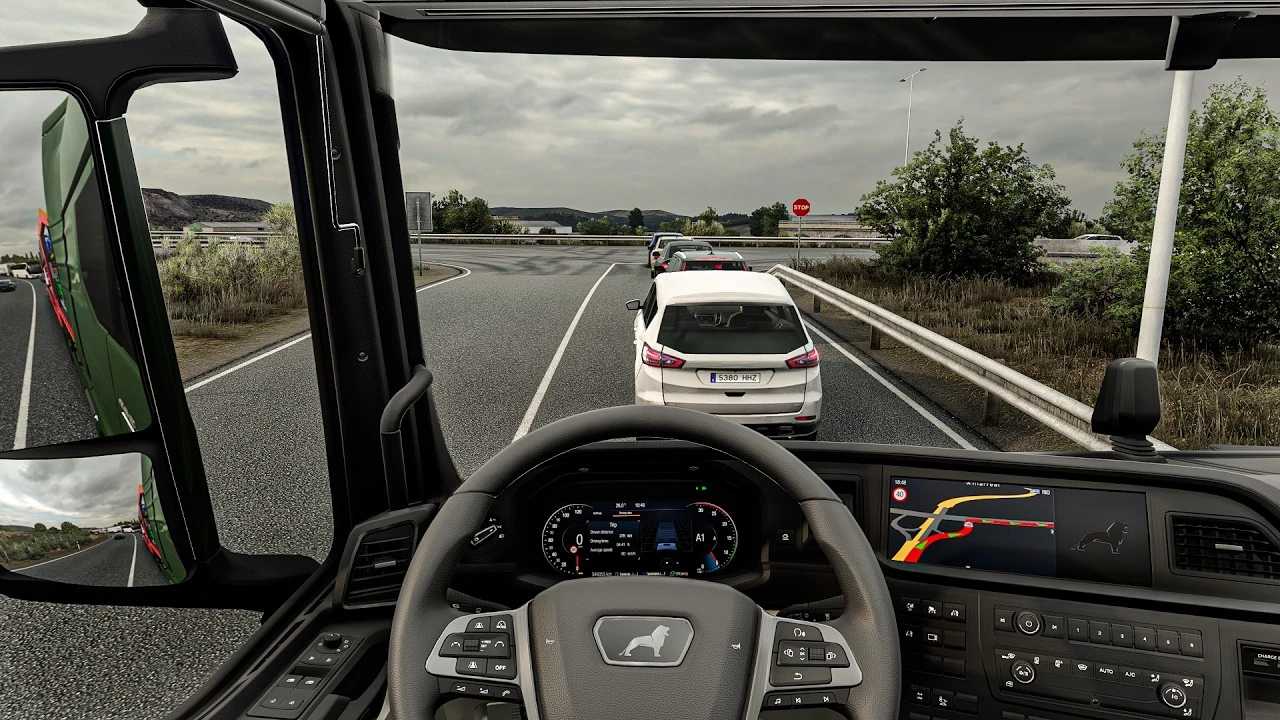

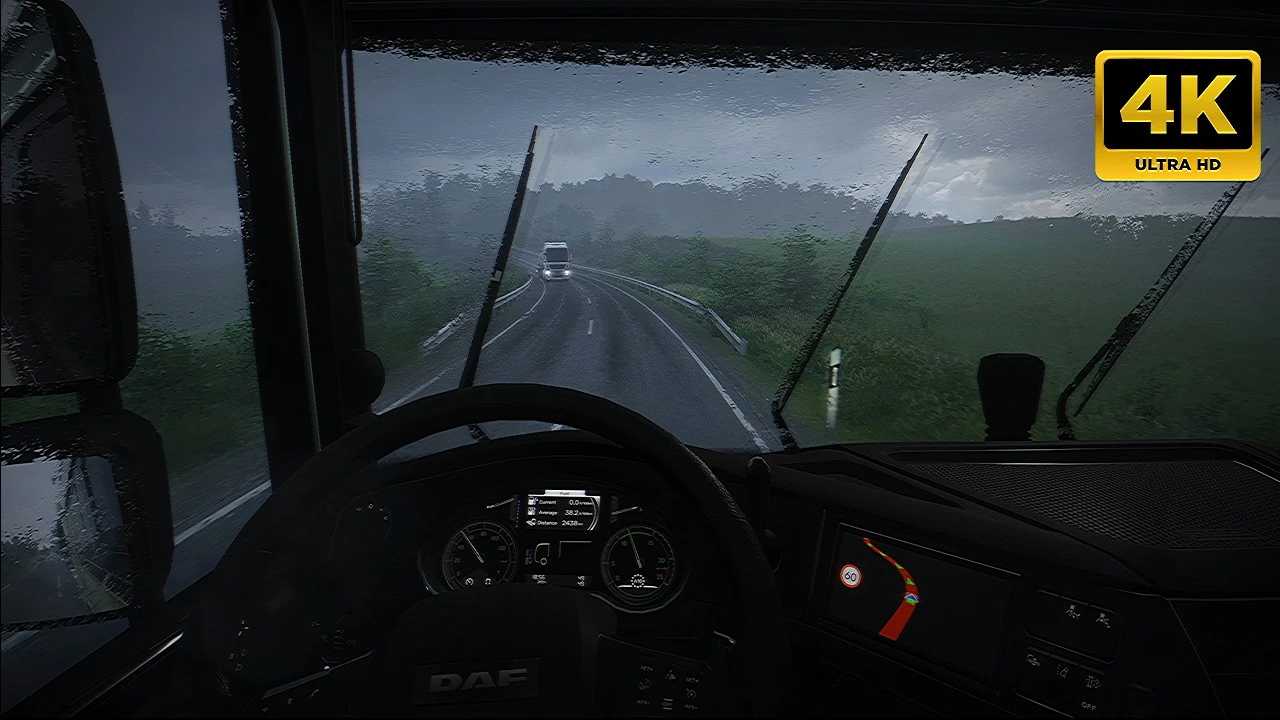
Snowymoon 1.60.1.0s ETS2
Extract files to Euro Truck Simulator 2/bin/win_x64/
Launch game with DirectX 11 and press FN+END or END key during quick job
Temporal Anti Aliasing/Anti Aliasing Clarity is working with HDR & to use DLAA and DLSS turn off HDR from windows display settings if you are getting black screen
Tested with
ETS 1.60.1.0s(64 bit)
ProMods 2.83 Maps/Cabin Accessory Pack/Trailer and company pack
Ultimate Graphics Mod ETS2
Real Companies & gas stations
What is working
1. Temporal Anti Aliasing
2. Tmporal Anti Aliasing Clarity
3. DLAA
4. DLSS Quality Rev.2
5. DLSS Balanced Rev.2
6. DLSS Performance Rev.2
7. DLSS Preset C(Less Ghosting)
8. DLSS Preset D(Less aliasing)
9. DLSS Preset F(smooth)
10. Sharpness/Motion Blur/Color Preset/FXAA
Issues:
1. Pausing esc to menu sometimes crashing game so you can disable snowymoon and then can return to menu
2. If your game isn’t loading/hang/crash on job menu.set snowymoon to Disabled at game startup and once the job starts set snowymoon menu options
Credits: SNWM, Haxor
How to install ETS2 mods or ATS Mods
In Euro Truck Simulator 2 it’s easy to install mods. You just need to download mod from here, copy/unzip files into: “My Documents\Euro Truck Simulator 2\mod” folder or if you play ATS please install mods to: “My Documents\American Truck Simulator\mod” folder. To unzip files you can use: WinRAR or 7zip. After that you need to activate the mods you want to use.