Small Light Lollipop + Turn Signals v1.59 ETS2

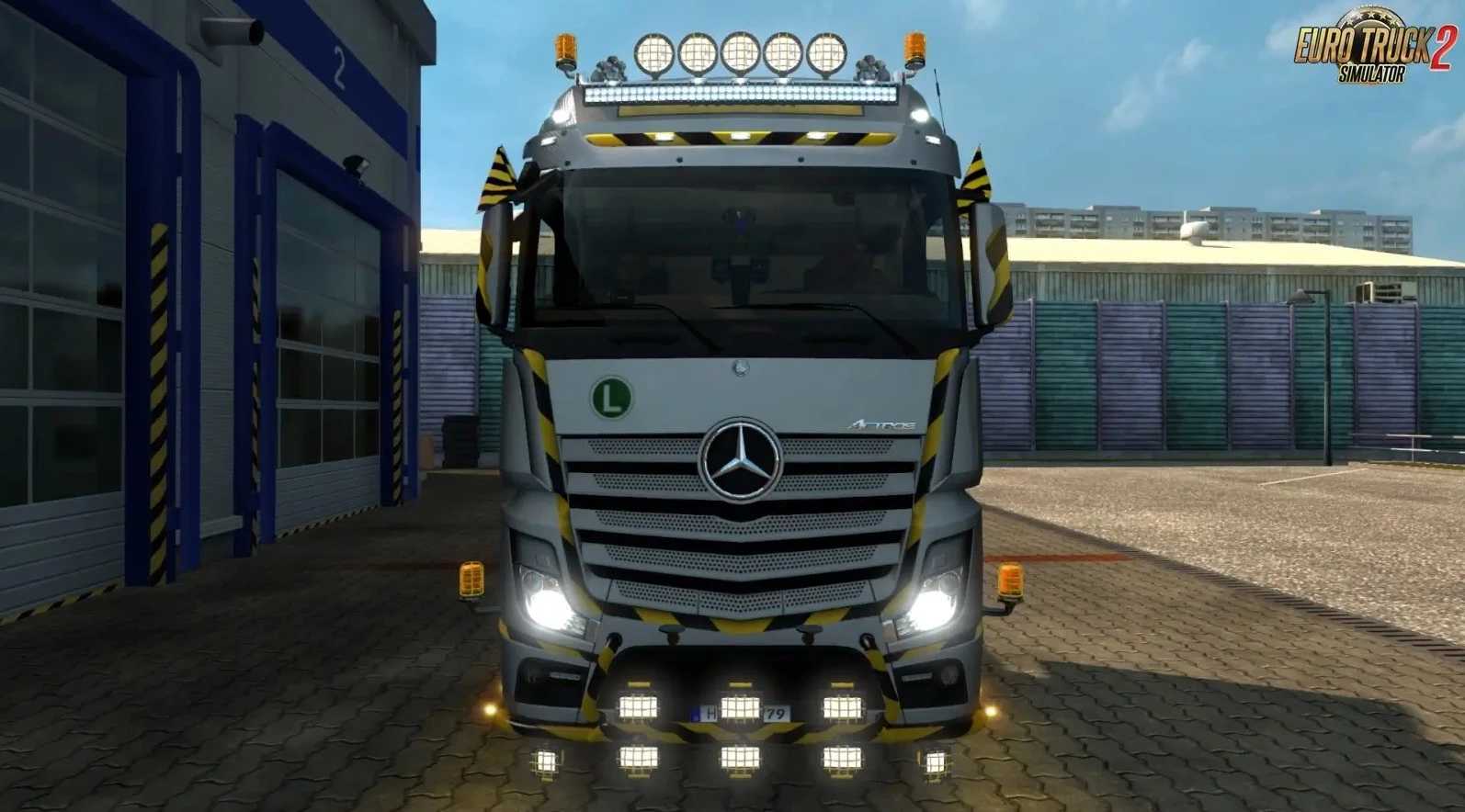
Small Light Lollipop + Turn Signals v1.59 ETS2
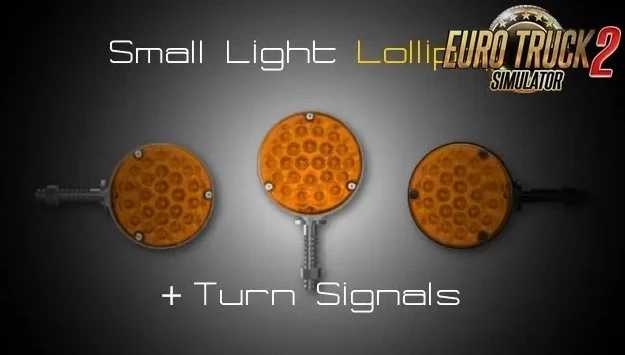
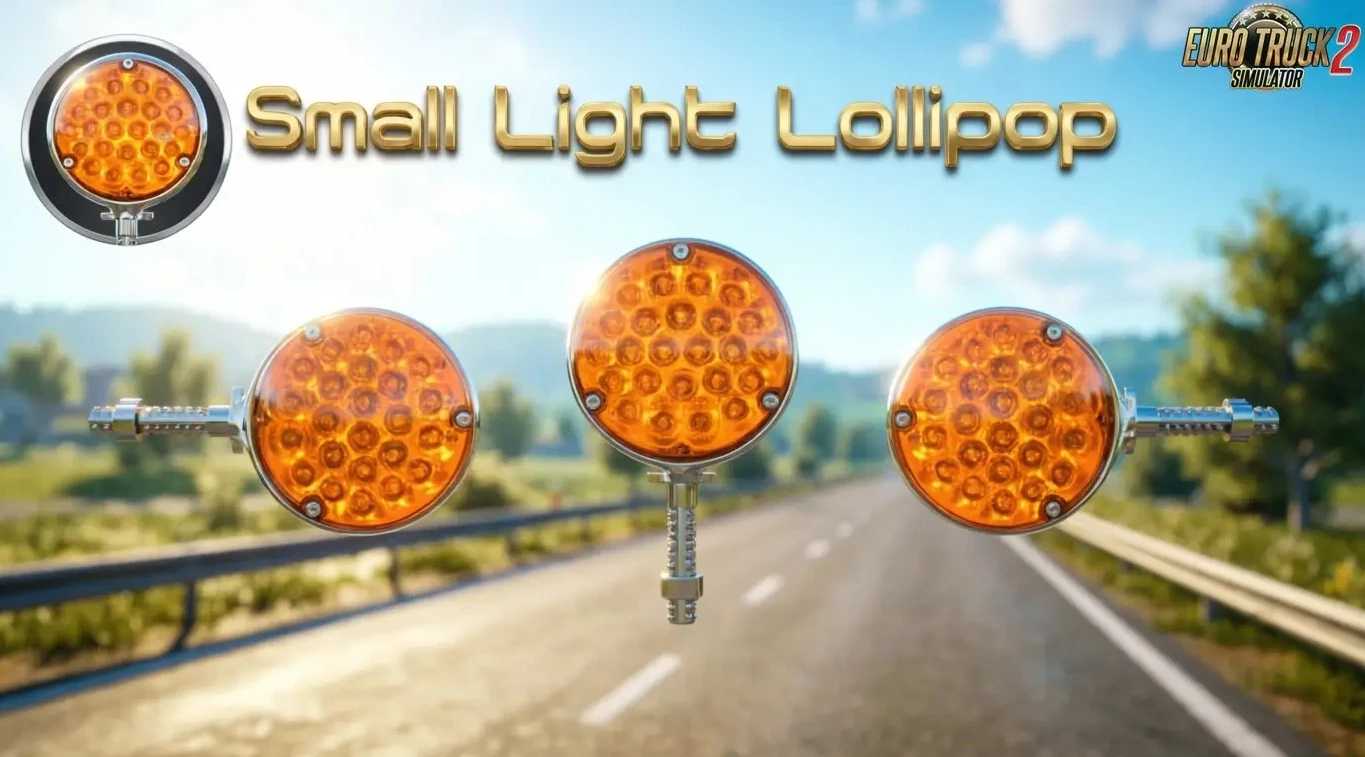
This mod brings the iconic orange small light “Lollipop” accessory to ETS2 players as a standalone tuning part, perfect for enhancing truck customization on mirrors, bottom grills, sideskirts, exhausts, and more across all European maps requiring available attach slots and authentic reflective lighting.
Features Small Light Lollipop:
– Standalone accessory (Lights / Tools category)
– Chrome or black‑chrome finish options
– Left or right turn‑signal variants
– Reworked SCS flares with added reflections (no base files replaced)
– Attachable to: bottom grill, sideskirts, exhausts, mirrors (if slots exist)
– High-quality 3D model with realistic appearance
– Compatible with all trucks & all maps
– Optimized for stable performance and seamless integration
Credits: Sasq
How to install ETS2 mods or ATS Mods
In Euro Truck Simulator 2 it’s easy to install mods. You just need to download mod from here, copy/unzip files into: “My Documents\Euro Truck Simulator 2\mod” folder or if you play ATS please install mods to: “My Documents\American Truck Simulator\mod” folder. To unzip files you can use: WinRAR or 7zip. After that you need to activate the mods you want to use.