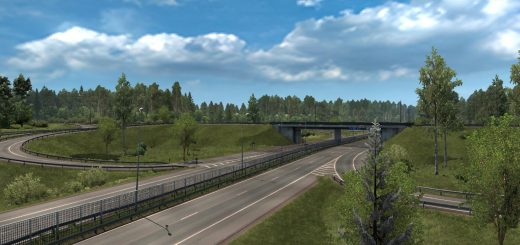
Slovensko+ v4.5 ETS2


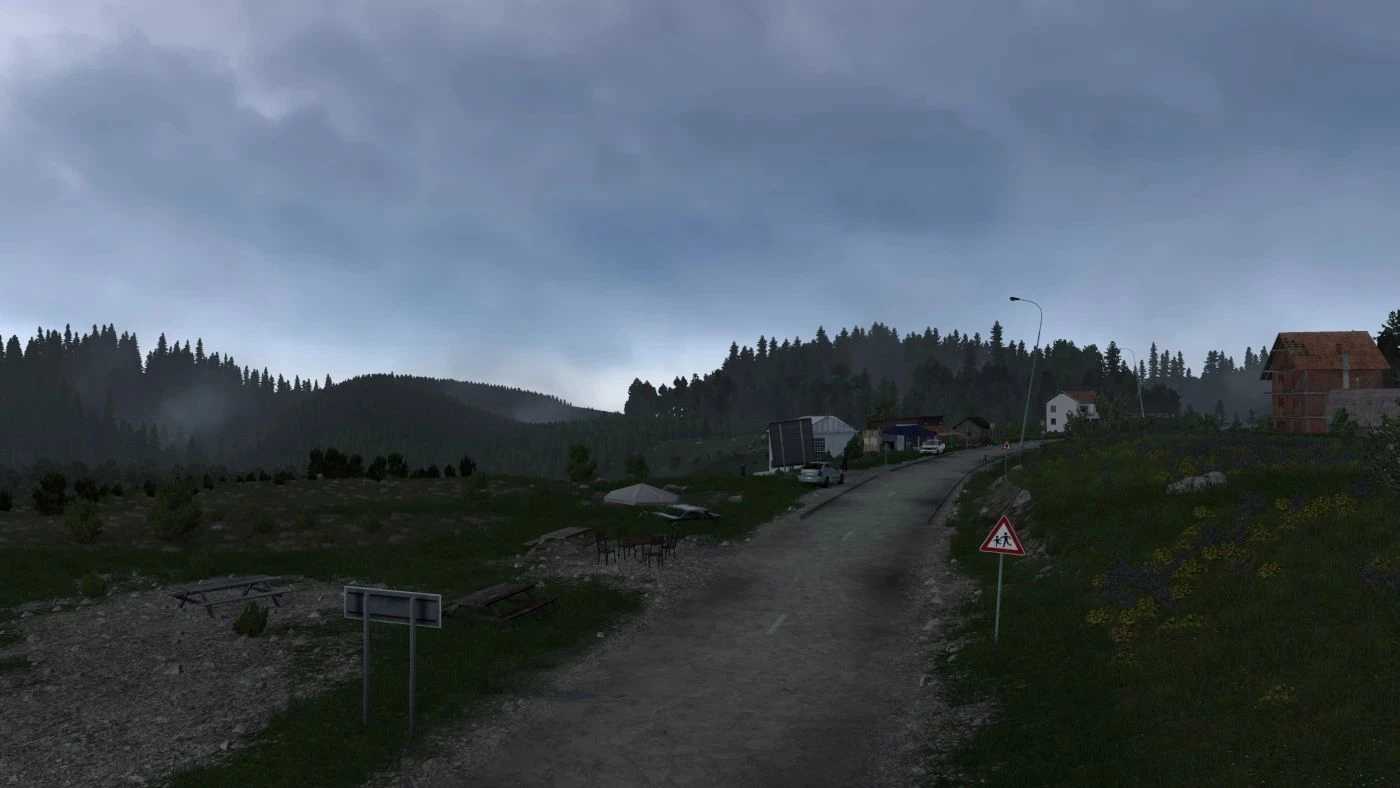
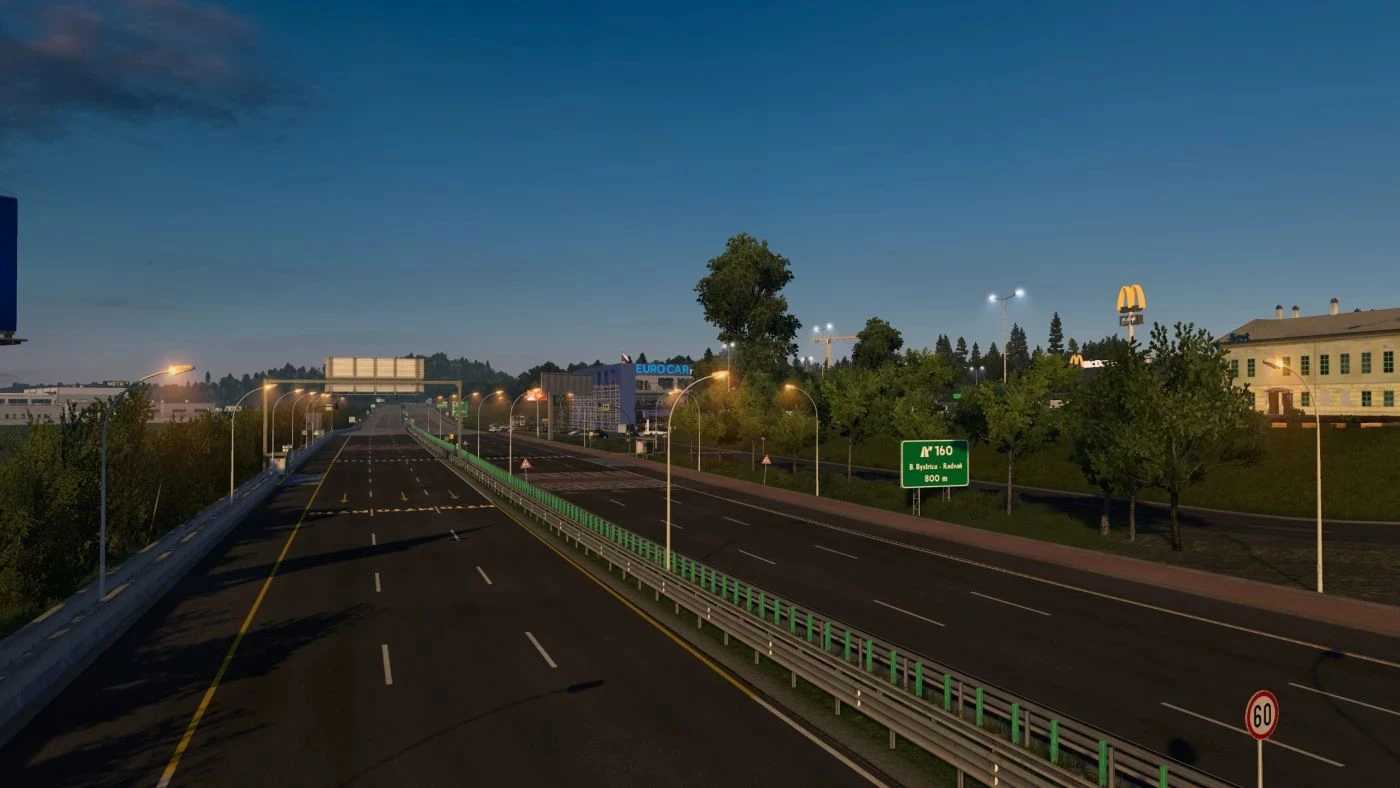

Slovensko+ v4.5 ETS2
CITIES & LOCATIONS
Lovinobaňa
Banská Bystrica (Full Rework in v5.0)
Ružomberok
Čáry
Kúty
Veľký Krtís
Pôtor
Košice(Reworked)
Bud’ča(V5.0 W.I.P)
Poprad(V5.0 W.I.P)
Vernár(V5.0 W.I.P)
Strečno(V5.0 W.I.P)
Bratislava (refresh) (V5.0 W.I.P)
ROAD NETWORK
I/66 (E77): Zvolen – Hungarian Border (Reskinned)
I/16 (E58): Zvolen – Lovinobana – Kosice (Refreshed)
D1 Highway (E50): Trnava – Trencin – Ruzomberok – Kosice (Reskinned)
I/17: Hungarian Border – Kosice (Reworked)
I/18 / I/21 (E371): Svidník – (Reskinned)
R1 (E77/E58): Banska Bystrica – Ruzomberok (Reskinned)
I/18 (E50): Ruzomberok – Olomuc (Reskinned)
I/51 / I/2: Trnava – Cary – Kuty – Border CZ/SK (Reworked / Refreshed)
I/75: Potor – Velky Krtis – Bratislava (New Road)
Compatibility for ProMods v2.82,
Compatibility for Euro Truck Simulator 2 v1.59,
To acommodate upcoming v5.0 content update, changes such as have been made:
Removed Plášťovce,
Removed Trenčín
Credits: AndrewS_
How to install ETS2 mods or ATS Mods
In Euro Truck Simulator 2 it’s easy to install mods. You just need to download mod from here, copy/unzip files into: “My Documents\Euro Truck Simulator 2\mod” folder or if you play ATS please install mods to: “My Documents\American Truck Simulator\mod” folder. To unzip files you can use: WinRAR or 7zip. After that you need to activate the mods you want to use.