Slovensko+ (Silesia Version) v0.9 1.59 ETS2

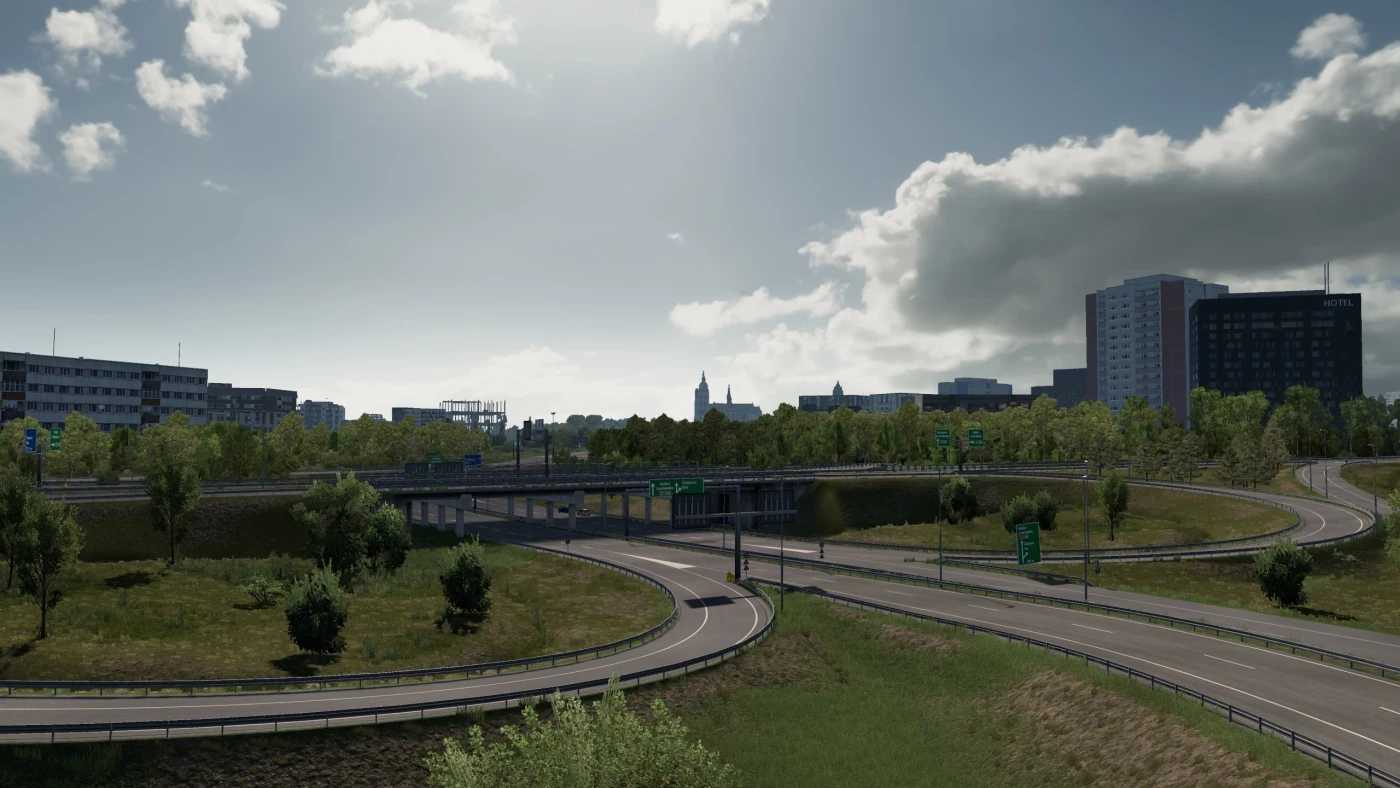
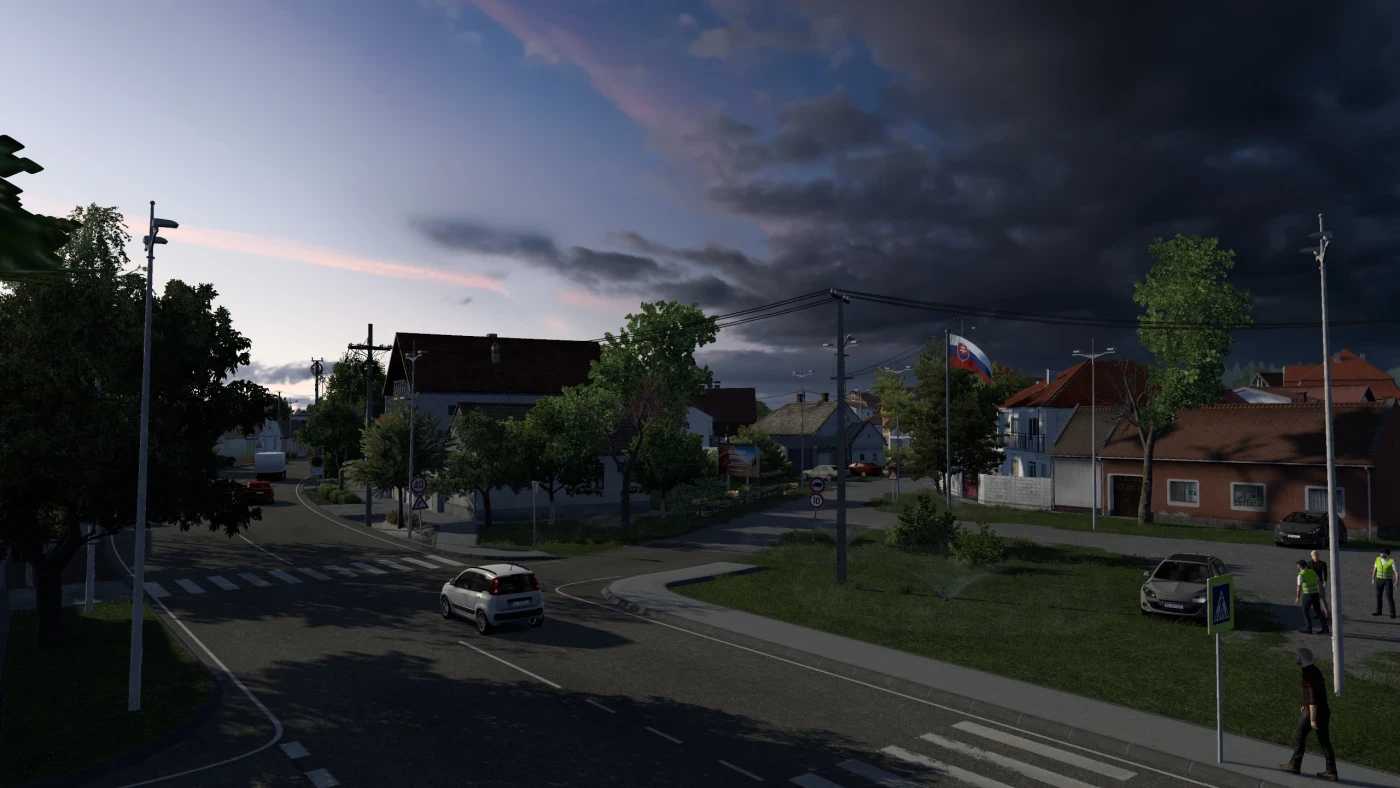
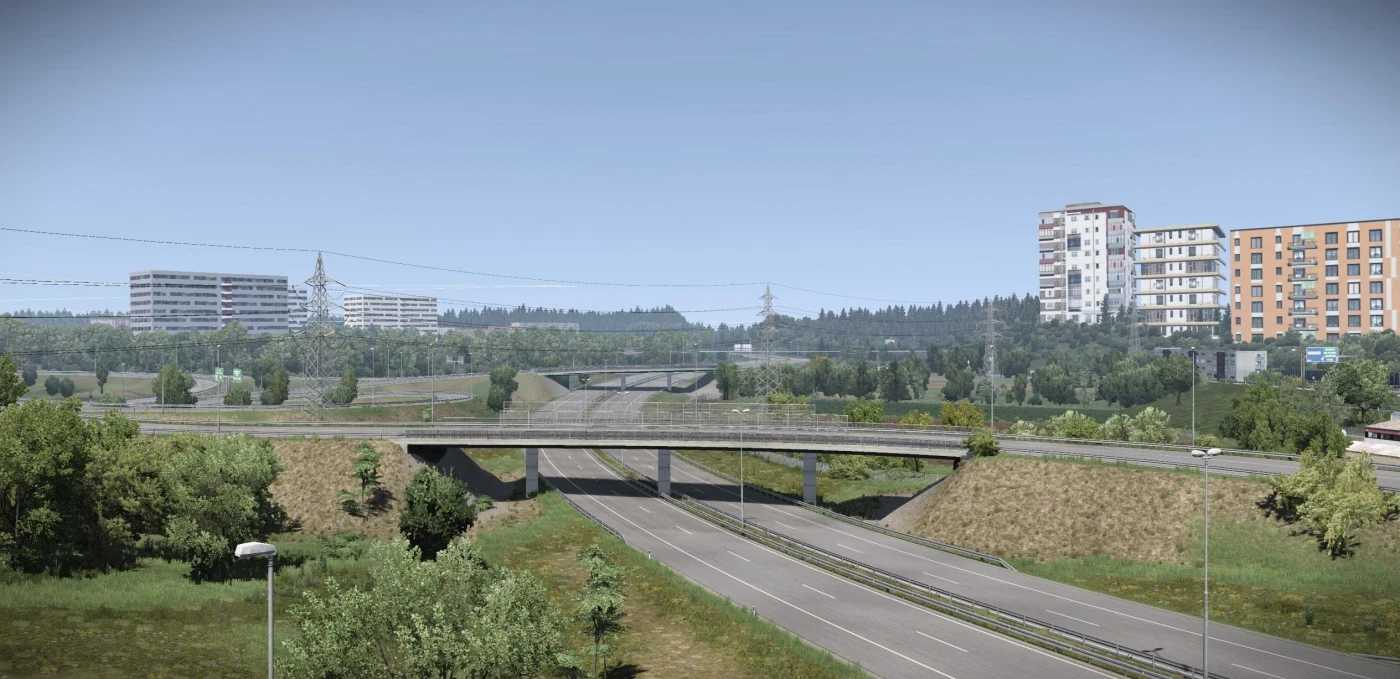
Slovensko+ (Silesia Version) v0.9 1.59 ETS2
V0.9:
Compatibility with Silesia 1.7.4 (ETS2 1.59).
Compatibility with ProMods v2.82.
QOL Fixes
Visual bugs/glitches fixes
Small improvements in Velky Krtis (I/75)
Cleanup of unnecessary definitions on UI map.
Description:
CITIES & LOCATIONS
Lovinobaňa
Banská Bystrica (Full Rework in v5.0)
Ružomberok
Čáry
Kúty
Veľký Krtís
Pôtor
Košice (Reworked)
Bud’ča (V5.0 W.I.P)
Poprad (V5.0 W.I.P)
Vernár (V5.0 W.I.P)
Strečno (V5.0 W.I.P)
Bratislava (refresh) (V5.0 W.I.P)
ROAD NETWORK
I/66 (E77): Zvolen – Hungarian Border (Reskinned)
I/16 (E58): Zvolen – Lovinobana – Kosice (Refreshed)
D1 Highway (E50): Ruzomberok – Kosice (Reskinned)
I/17: Hungarian Border – Kosice (Reworked)
R1 (E77/E58): Banska Bystrica – Ruzomberok (Reskinned)
I/51 / I/2: Trnava – Cary – Kuty – Border CZ/SK (Reworked / Refreshed)
I/75: Potor – Velky Krtis – Bratislava (New Road)
Credits: AndrewS_
How to install ETS2 mods or ATS Mods
In Euro Truck Simulator 2 it’s easy to install mods. You just need to download mod from here, copy/unzip files into: “My Documents\Euro Truck Simulator 2\mod” folder or if you play ATS please install mods to: “My Documents\American Truck Simulator\mod” folder. To unzip files you can use: WinRAR or 7zip. After that you need to activate the mods you want to use.