Slovakia Map by kapo944 v6.7.2 ETS2
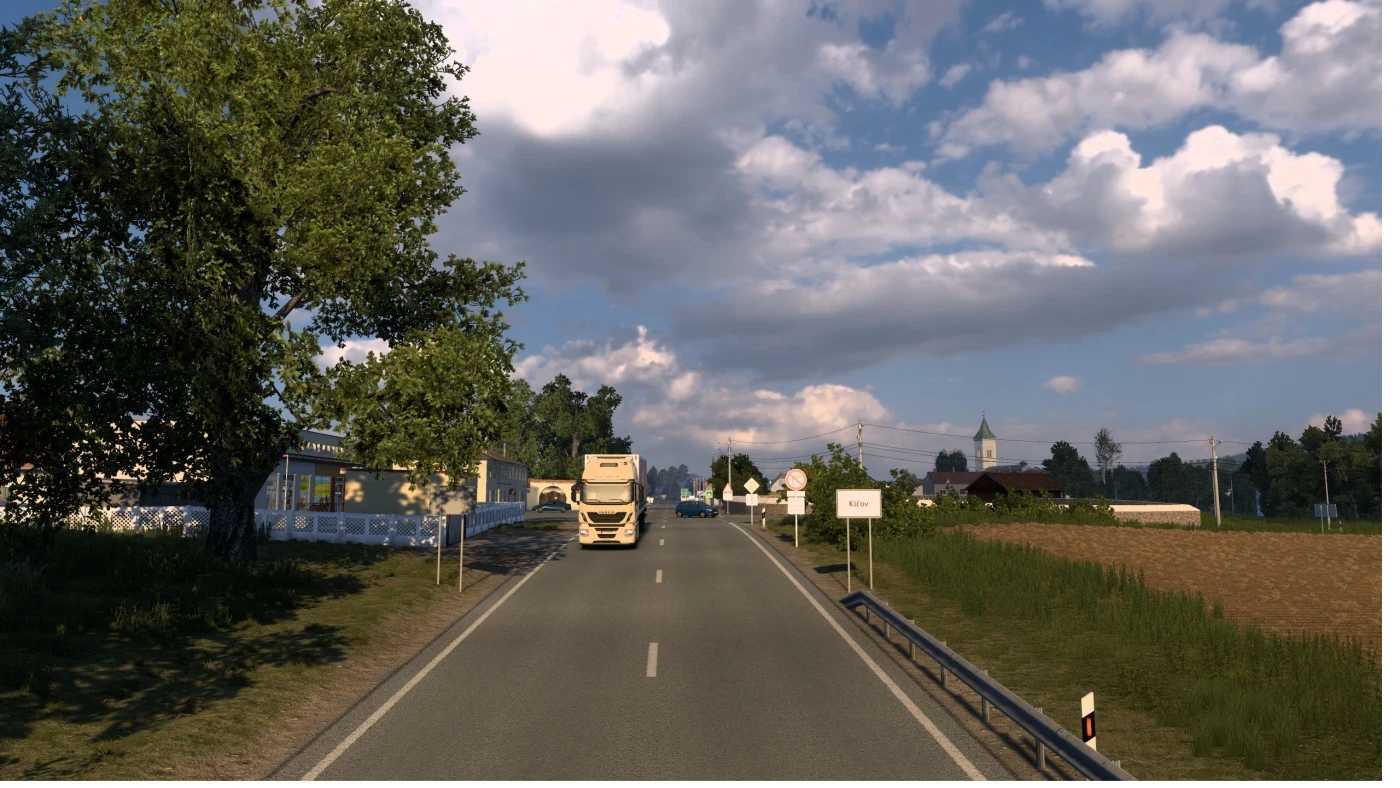

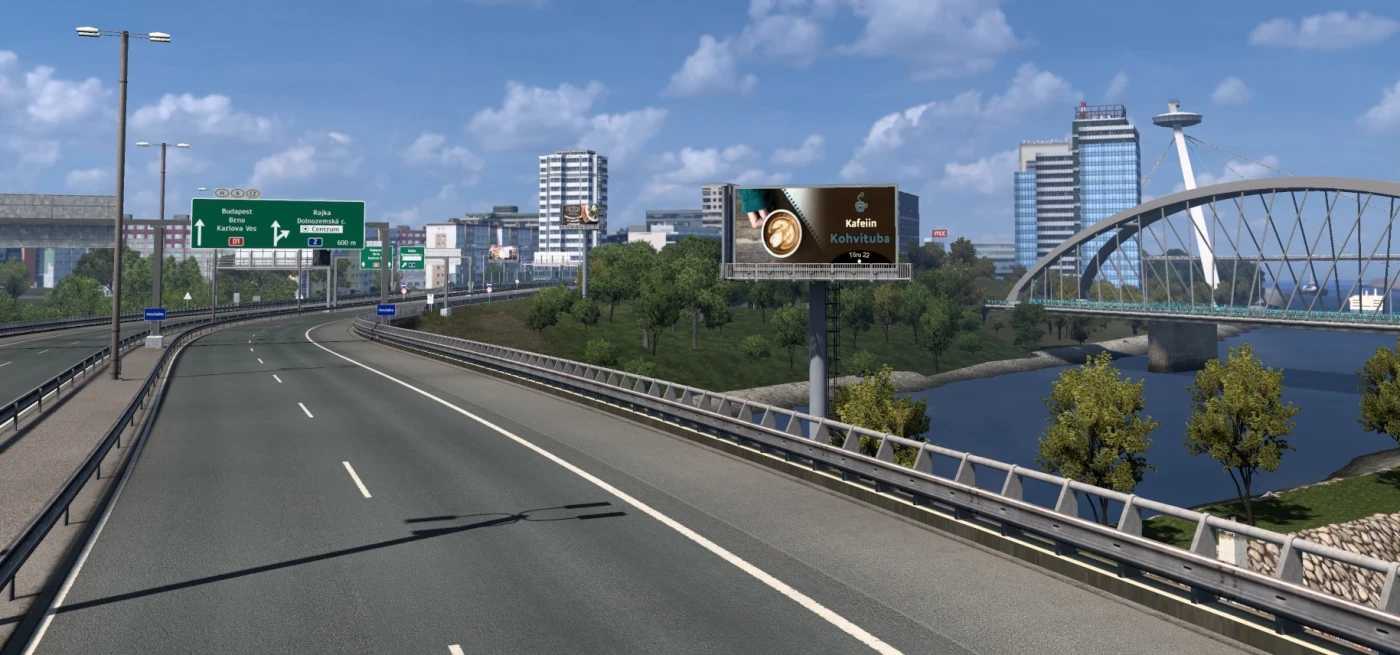
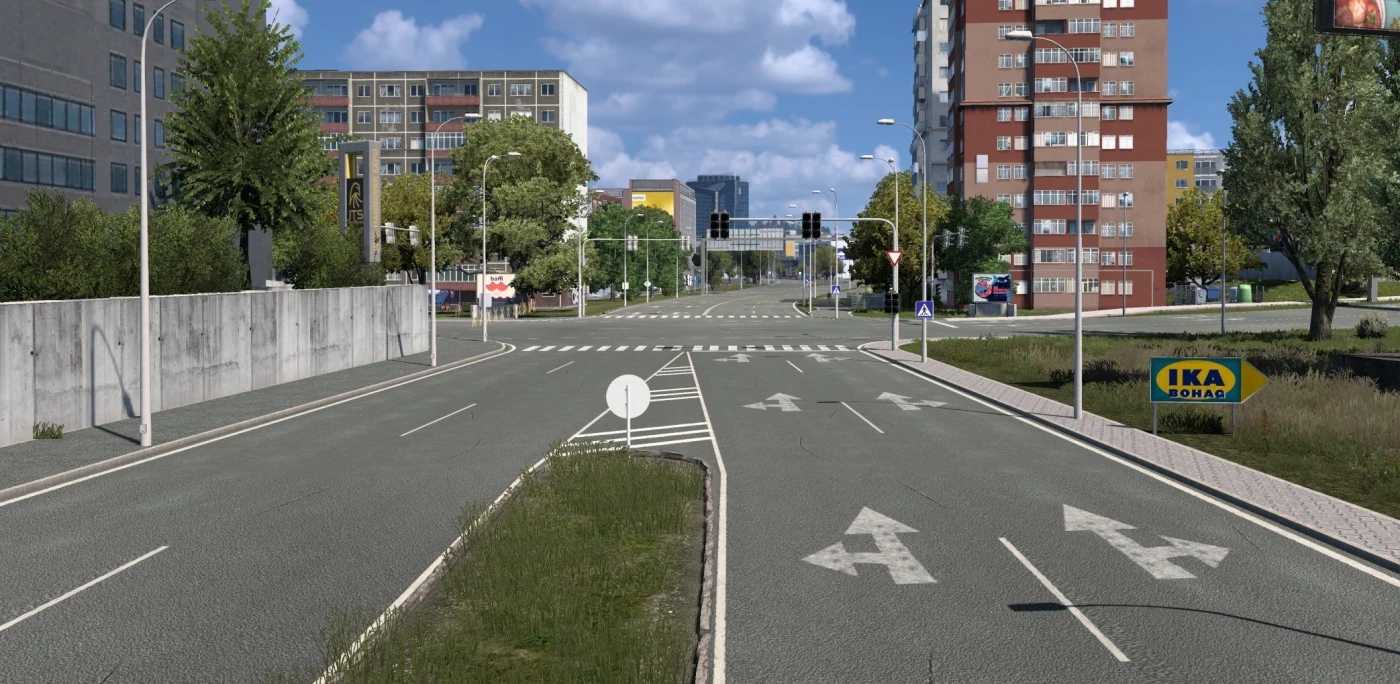
Slovakia Map by kapo944 v6.7.2 ETS2
Changelog v6.7.2 / 9.5.20265 (Free)
Support for game version 1.59
New road network on highway D1 between Exits 50-68
Fixed/rebuild:
new signs
terrain holes
some vegetation fixes
some improvements around the city of Žarnovica
missing wheels on LOD1 on our buses
fixed road signs with missing text
Main features
Standalone map module (slovak.mbd)
1:5 scale map of Slovakia
Detailed cities, roads, and countryside
Custom signs, assets, and regional details
Regular updates and bug fixes
Custom traffic lights
Requirements
Euro Truck Simulator 2
No DLC required, optional Special Transport DLC
How to install:
1. Download the file
2. Extract the rar archive with winrar ( or 7zip)
3. Run slovakia setup installer and follow the instructions
4A. You can play the game with new profile “Slovakia_map”
4B. Or create your own profile but !change game module from Europe to slovak.mbd!
Compatibility: 1.59
Credits: kapo944
How to install ETS2 mods or ATS Mods
In Euro Truck Simulator 2 it’s easy to install mods. You just need to download mod from here, copy/unzip files into: “My Documents\Euro Truck Simulator 2\mod” folder or if you play ATS please install mods to: “My Documents\American Truck Simulator\mod” folder. To unzip files you can use: WinRAR or 7zip. After that you need to activate the mods you want to use.