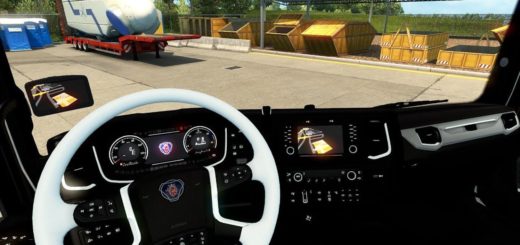
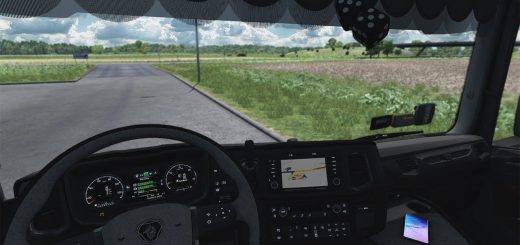
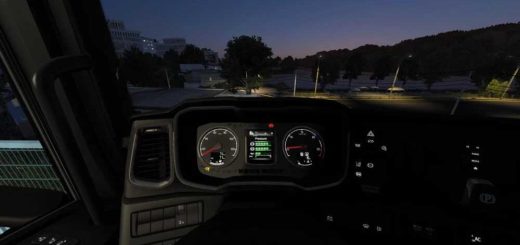
Scania Smart Dash Improved Dashboard v1.7 ETS2
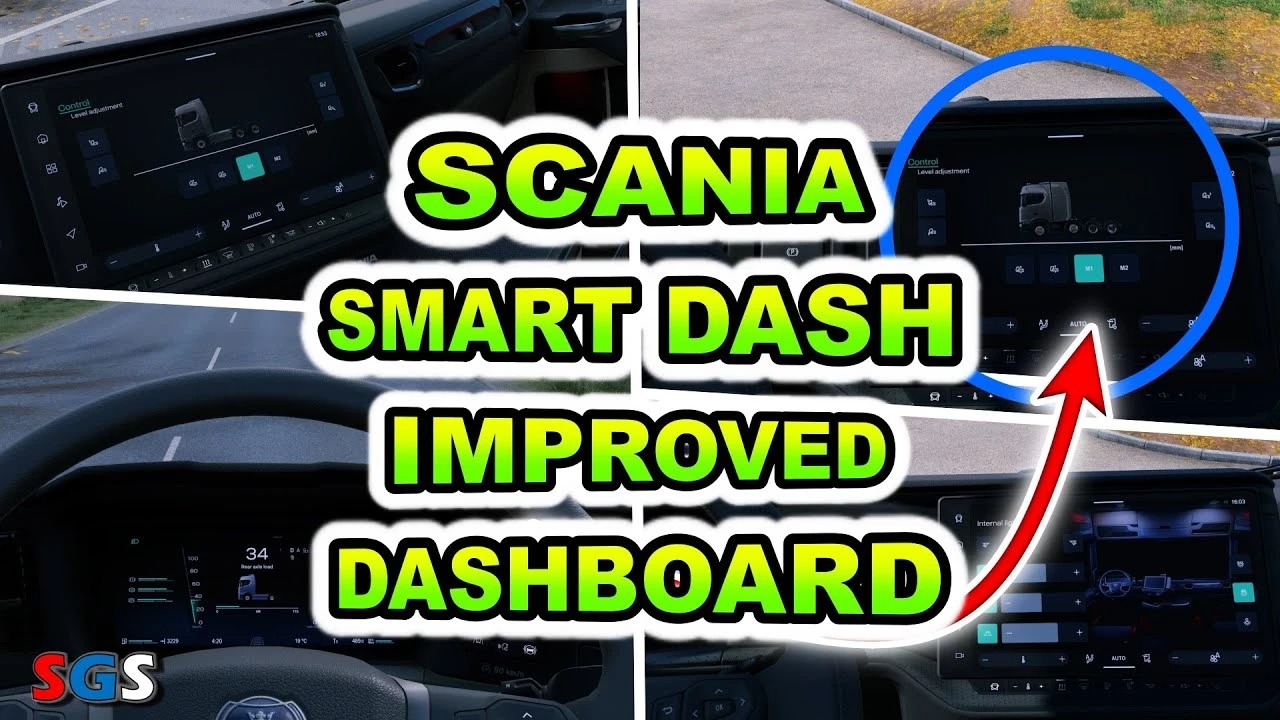

Scania Smart Dash Improved Dashboard v1.7 ETS2
v1.7
changed system warning sound (blind spot for example) to default;
added support “Swap Body Carrier Chassis Pack” mod.
v 1.6
added new interior versions for S/R-model High roof cab;
fixes.
v 1.5
added truck/trailer axles indicators;
added new interior versions for R-model High roof cab with 3-axle chassis;
added time until rest on infotainment module;
fixes.
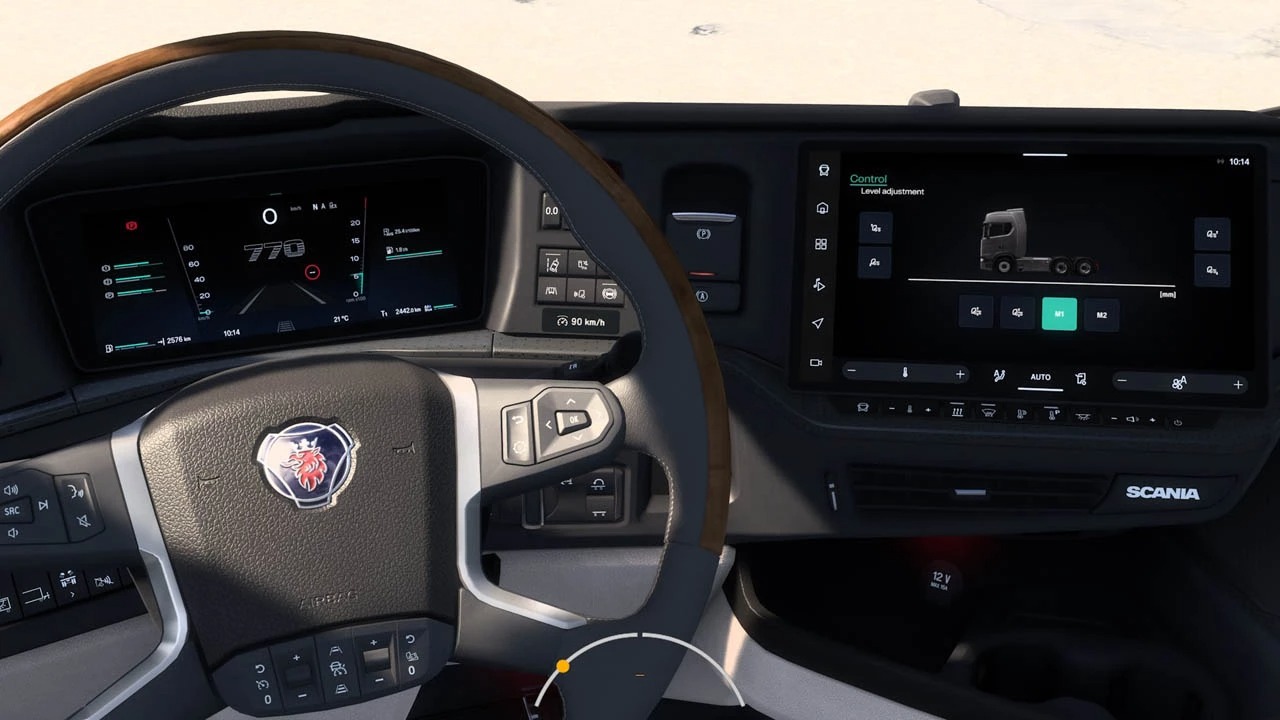
This mod improved Scania Smart Dash dashboard:
added odometer;
added low beam icon;
added left/right blind spot indicators;
added truck/trailer axles indicators;
added remaining fuel in tank gauge;
added cruise control memory icon;
added cruise control tolerance gauge;
added trip time gauge;
added oil temperature bar;
added turbo pressure bar;
added a darkening effect for maximum values on the tachometer and speedometer;
added page titles to the dashboard;
added logo;
added rear axle load page;
added suspension load bar;
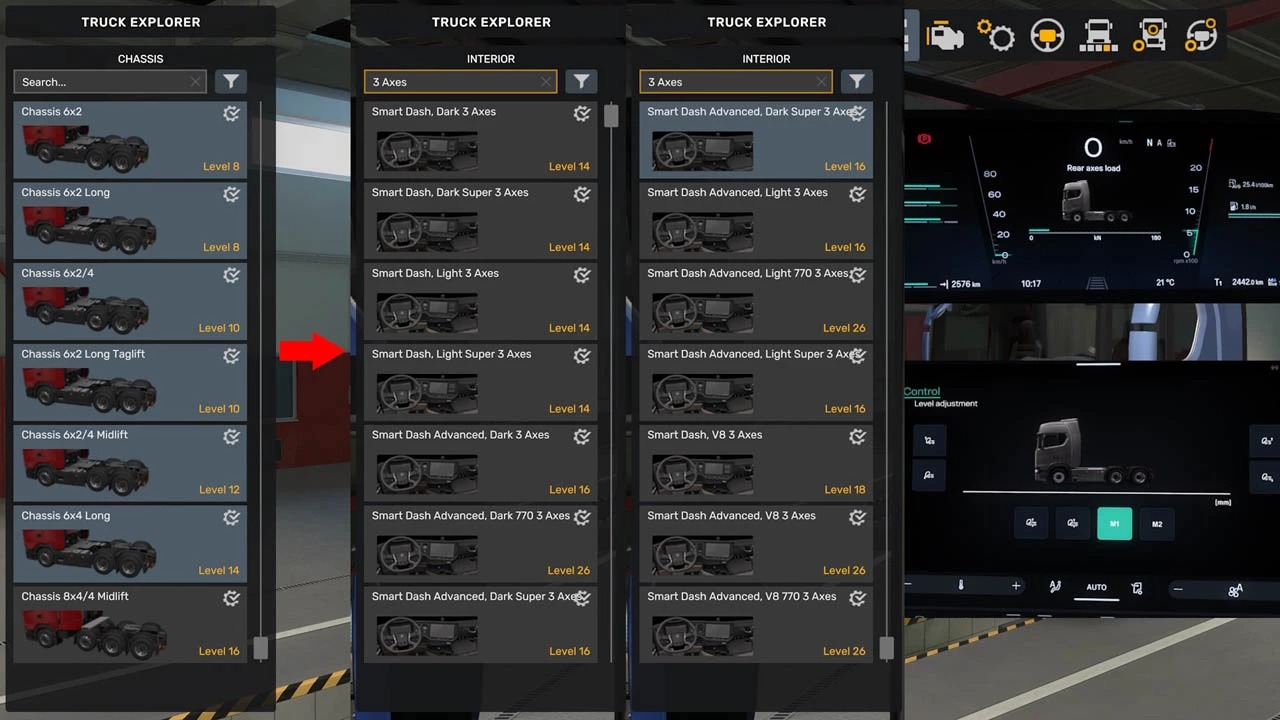
added new interior versions for R/S-model High roof cab: options for 2-, 3- or 4-axle chassis, as well as Super and 770 versions (choose the interior version carefully – this affects the icons and gauges);
added speed limit gauge on infotainment module;
added 3 new decorative pages on infotainment module;
added ETA on infotainment module;
added time until rest on infotainment module;
rebuilded structure of the infotainment module;
changed system warning sound (blind spot for example);
changed cruise control block;
changed transmission block;
fixes and improvements.
Credits: KnightRider, AMYLECH
How to install ETS2 mods or ATS Mods
In Euro Truck Simulator 2 it’s easy to install mods. You just need to download mod from here, copy/unzip files into: “My Documents\Euro Truck Simulator 2\mod” folder or if you play ATS please install mods to: “My Documents\American Truck Simulator\mod” folder. To unzip files you can use: WinRAR or 7zip. After that you need to activate the mods you want to use.