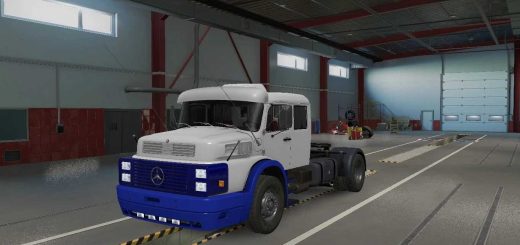
Scania r420 PAULO JUNIOR v1.0 ETS2
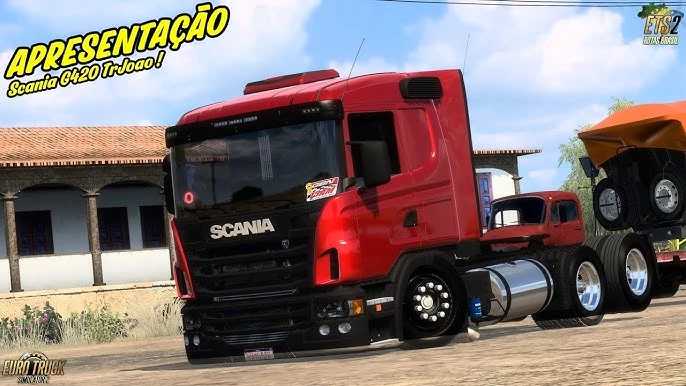

Scania r420 PAULO JUNIOR v1.0 ETS2
It sounds like you’re looking for information about a Scania R420 mod for Euro Truck Simulator 2 (ETS2) created by or associated with “Paulo Junior.” Paulo Junior is a content creator, likely a YouTuber or modder, who often shares or creates mods for ETS2, particularly focusing on Brazilian-style trucks and accessories.
These mods often feature:
Brazilian Customization: This can include unique chassis options (like “arqueado” or lowered), specific wheel designs, interior modifications, and even regional liveries or “skins.”
Realistic Sounds: Many Brazilian truck mods prioritize accurate engine and exhaust sounds, which are a big part of the immersion for players.
High-Quality Models: Modders often strive for detailed 3D models of the trucks and their components.
Compatibility with Game Versions: Mods are constantly updated to work with the latest versions of ETS2.
Things to Consider When Using ETS2 Mods
Game Version Compatibility: Always check which version of ETS2 the mod is compatible with. An outdated mod can cause crashes or glitches.
Mod Conflicts: Running too many mods, or mods that modify the same game elements, can lead to conflicts. It’s often best to test new mods one by one.
Installation: Most ETS2 mods come as `.scs` files that need to be placed in your `Documents/Euro Truck Simulator 2/mod` folder. Some might require a specific load order within the game’s Mod Manager.
Read Descriptions: Always read the mod description and any instructions provided by the creator.
If you find a video from Paulo Junior about the Scania R420, it will usually provide direct download links and installation instructions in the video description.
Credits: paulo junior
How to install ETS2 mods or ATS Mods
In Euro Truck Simulator 2 it’s easy to install mods. You just need to download mod from here, copy/unzip files into: “My Documents\Euro Truck Simulator 2\mod” folder or if you play ATS please install mods to: “My Documents\American Truck Simulator\mod” folder. To unzip files you can use: WinRAR or 7zip. After that you need to activate the mods you want to use.