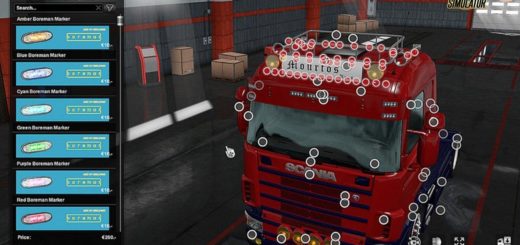
Scania R 2009 Tuning Edition for Multiplayer. ETS2
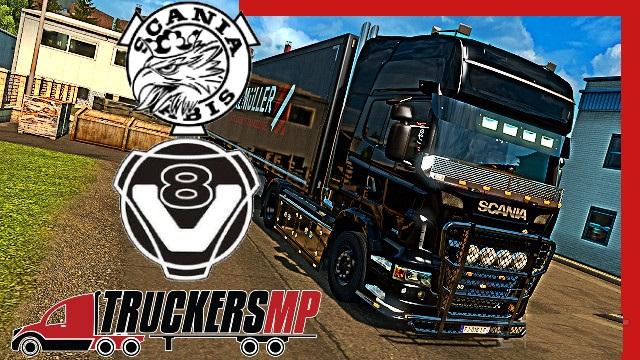

Scania R 2009 Tuning Edition for Multiplayer. ETS2
Works on 1.38.* [1.37.* not working]
Works on TruckersMP
DLC Dependencies:
Mighty Griffin pack [Scania Tuning]
Actros pack [Mercedes Benz Tuning]
Rims pack
Volvo FH Pack [Volvo Tuning]
Steps for the installation of this MOD in the Multiplayer:
1st – First, you have to click the Subscribe button.
2nd – You start the game, go to the mods manager and activate the MOD.
3rd – You buy the truck, save your game and go to the Multiplayer
4th – Inside the Multiplayer you load the game and you can now enjoy the truck.
Note
– You only must change the color of the truck
Steps for the installation of this MOD in the Multiplayer:
1st – First, you have to click the Subscribe button.
2nd – You start the game, go to the mods manager and activate the MOD.
3rd – You buy the truck, save your game and go to the Multiplayer
4th – Inside the Multiplayer you load the game and you can now enjoy the truck.
Note
– You only must change the color of the truck
Credits: --
How to install ETS2 mods or ATS Mods
In Euro Truck Simulator 2 it’s easy to install mods. You just need to download mod from here, copy/unzip files into: “My Documents\Euro Truck Simulator 2\mod” folder or if you play ATS please install mods to: “My Documents\American Truck Simulator\mod” folder. To unzip files you can use: WinRAR or 7zip. After that you need to activate the mods you want to use.