Scania Pack v2.1 ETS2
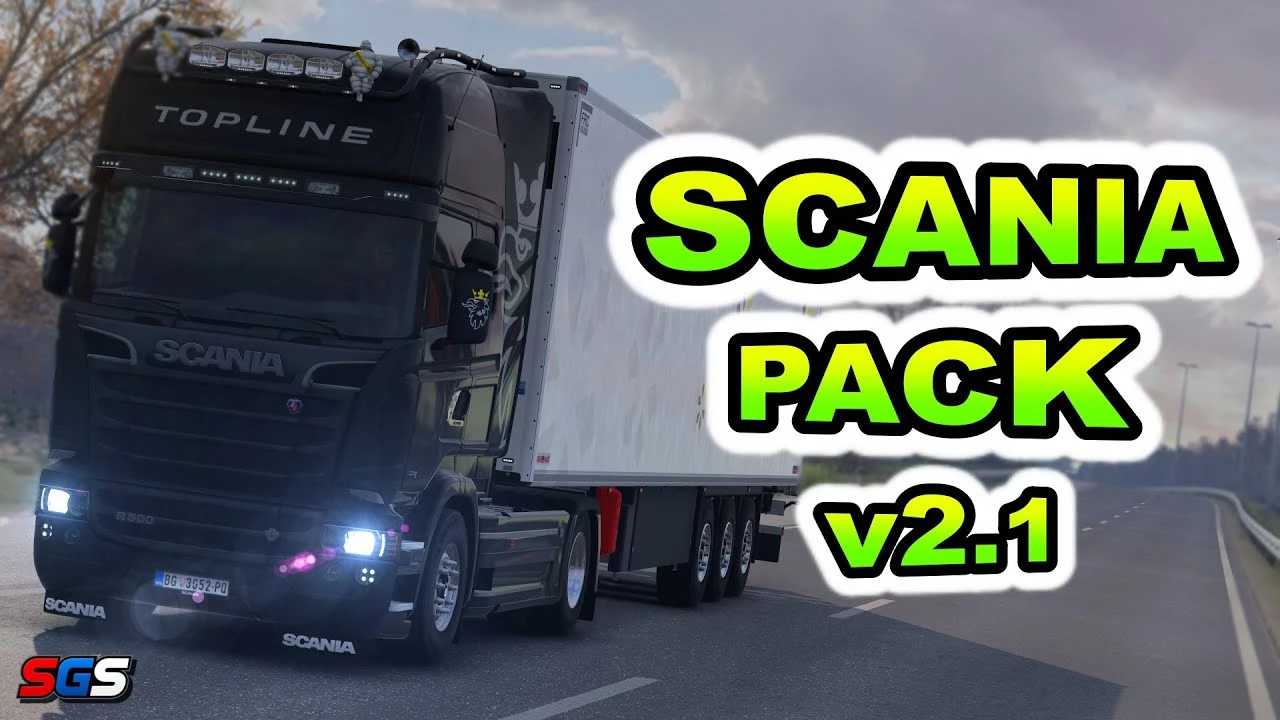

Scania Pack v2.1 ETS2
Scania R and Scania Streamline:
– Cabins: 3 options (Highline, Topline, Normal)
– Chassis: 10 variants (4×2, 6×2, 6×4, etc.)
– Interiors: Automatic & manual transmission interiors with detailed designs
– Real on‑board computer: Functional dashboard with realistic displays
– New tuning: Fenders, side skirts, exhaust pipes & more
– Redesigned cabs & chassis
Scania P and G:
– Cabins: 2 options for both P & G series
– Chassis: 9 variants for flexible cargo & driving preferences
– Interiors: Automatic & manual transmission interiors tailored to P & G series
– Real on‑board computer: Consistent with R & Streamline functionality
– New tuning: Unique parts such as bumpers, side panels & lighting options
Credits: SCS Software, Schumi, Oscar, Tobrago, 50keda, GT-Mike
How to install ETS2 mods or ATS Mods
In Euro Truck Simulator 2 it’s easy to install mods. You just need to download mod from here, copy/unzip files into: “My Documents\Euro Truck Simulator 2\mod” folder or if you play ATS please install mods to: “My Documents\American Truck Simulator\mod” folder. To unzip files you can use: WinRAR or 7zip. After that you need to activate the mods you want to use.
Report bugs in the comments and help modders improve this mod. Always check the comments, you can find a solution.