Scania NG Improved Dashboard v5.2 ETS2

Scania NG Improved Dashboard v5.2 ETS2
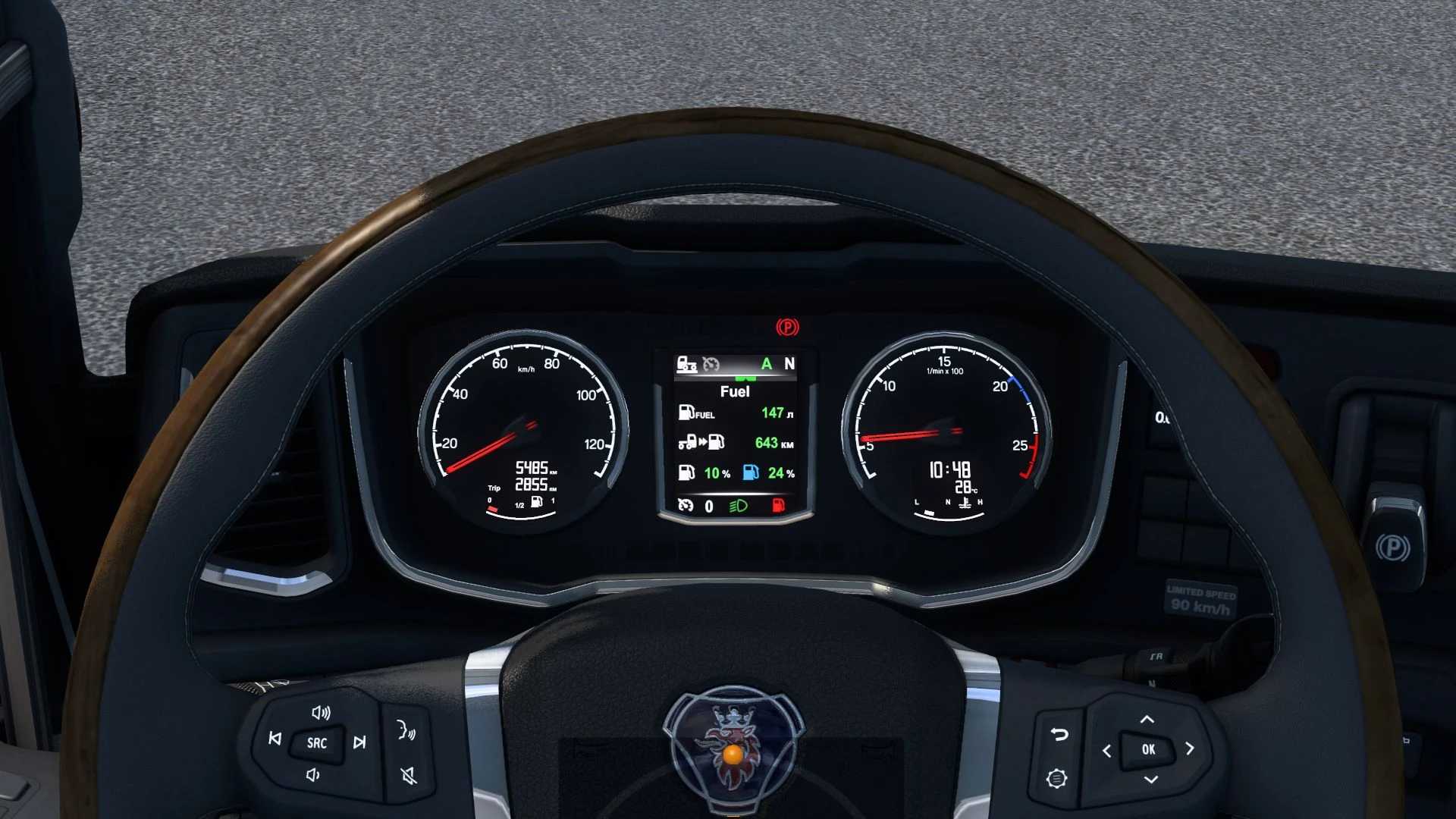
For the cab option, the Standard:
added a low beam icon;
added the engine brake icon;
added a low fuel icon;
Added a cruise control speed indicator on any dashboard page.;
added an indicator of the current speed value;
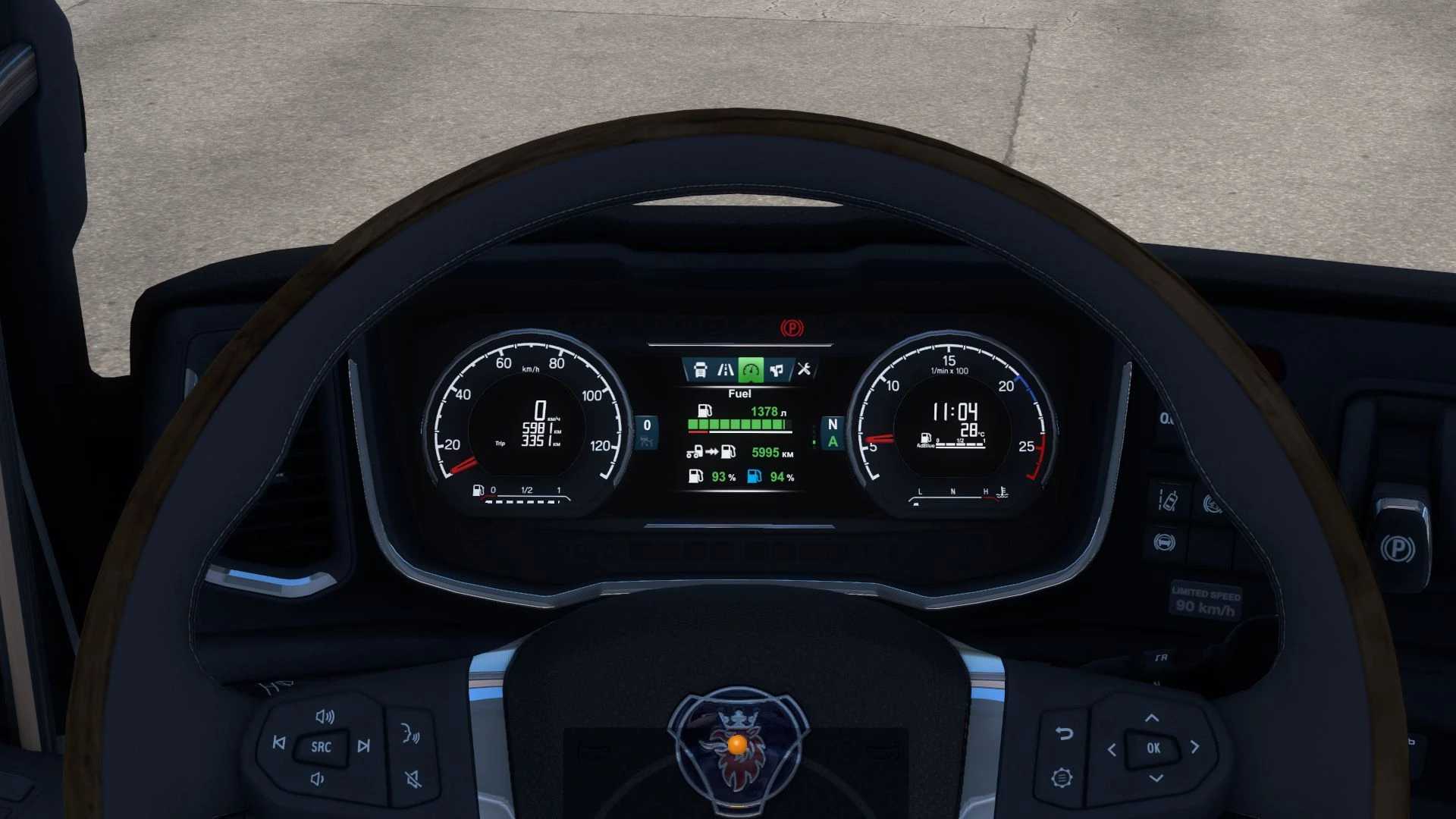
added on the “Fuel” page, the remaining fuel/adbl in the tank as a percentage;
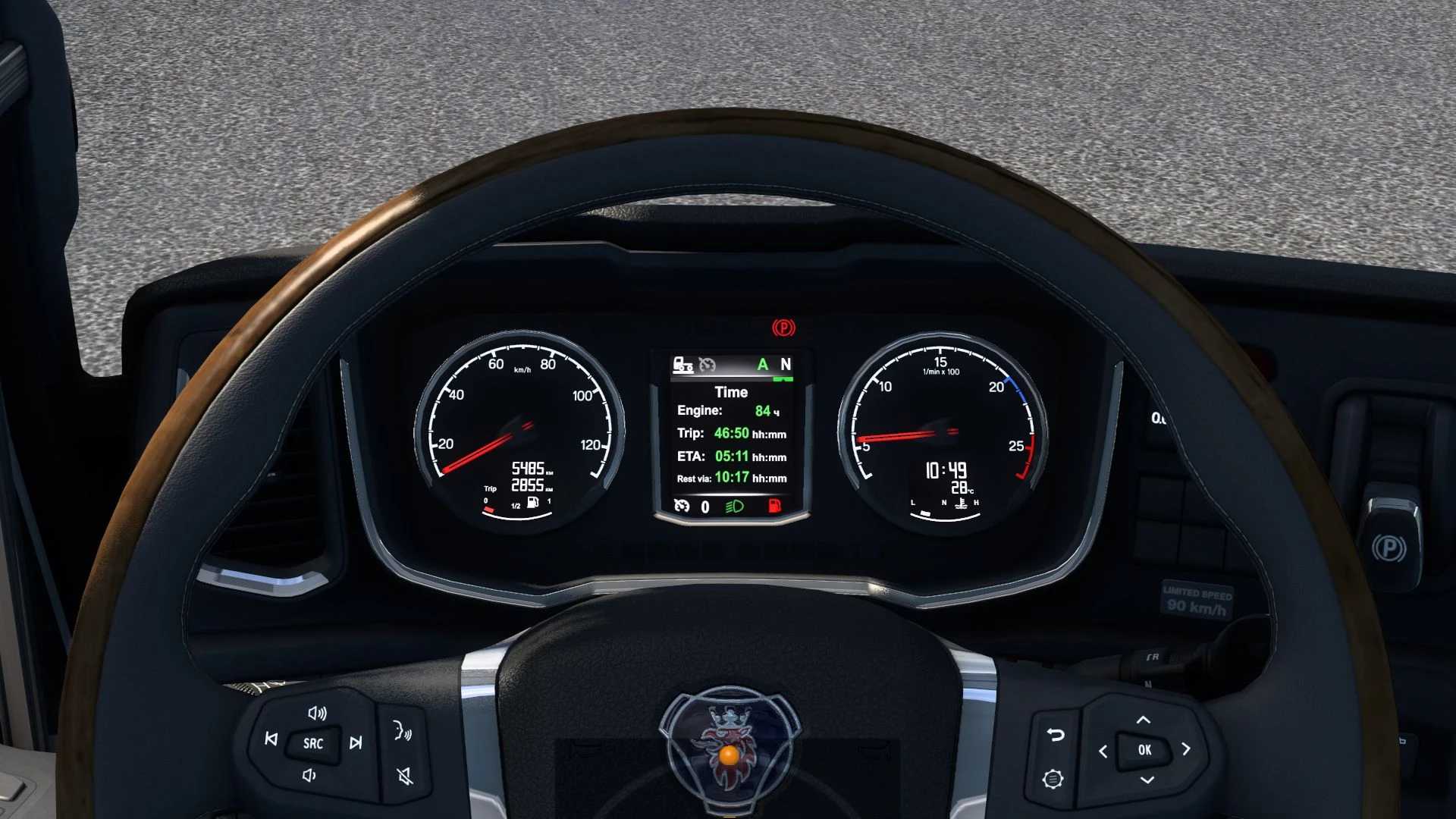
added the “Time” page;
Added an ETA (estimated time of arrival) indicator, hidden when time is unavailable (no delivery, no navigation, etc.);
added an indicator of the time until the required rest, hidden when the fatigue option is disabled.;
The engine operating time indicator has been added;
added a trip time indicator;
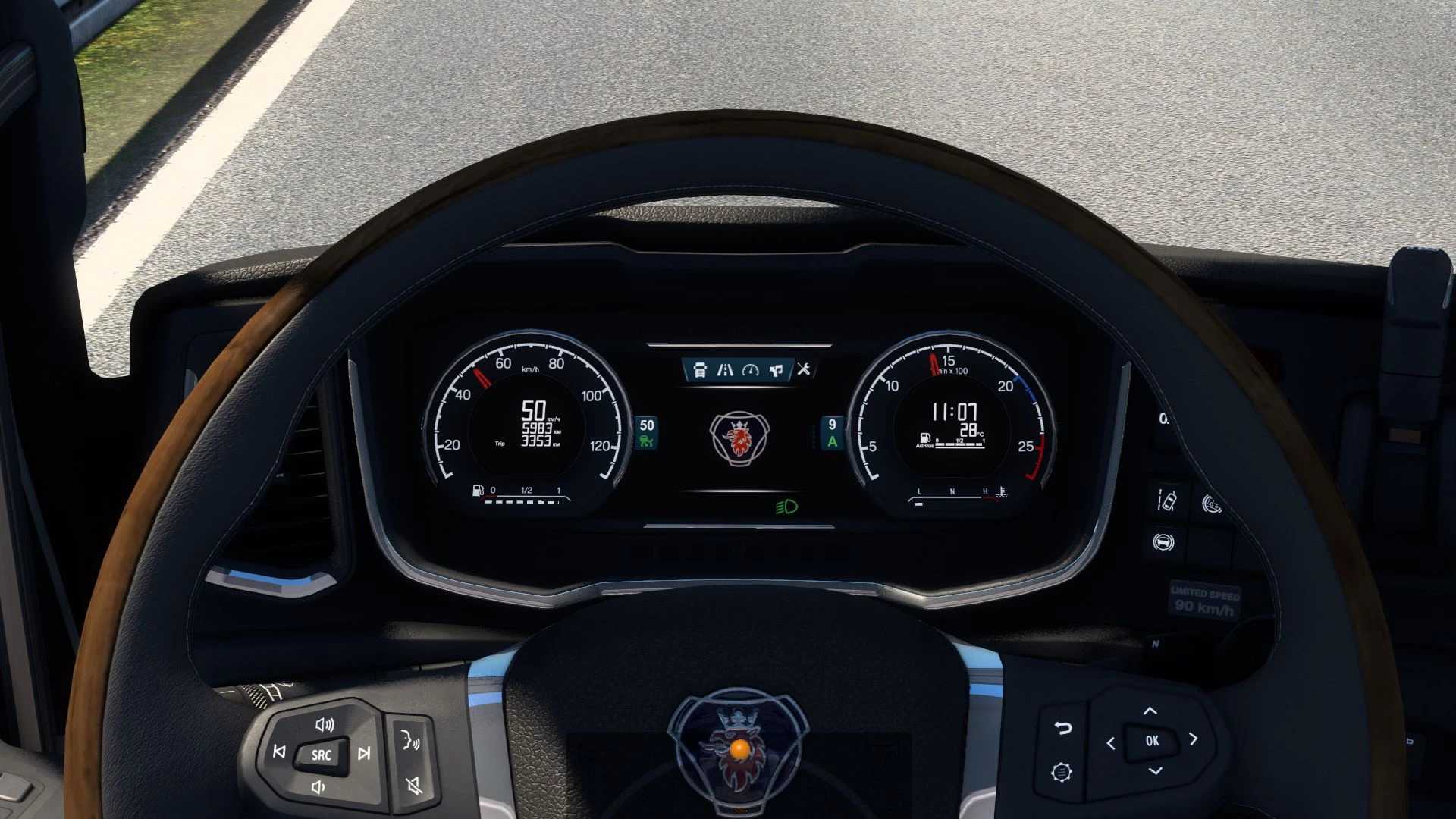
added a page with the Scania logo;
The color and position of the gearshift indicator have been changed;
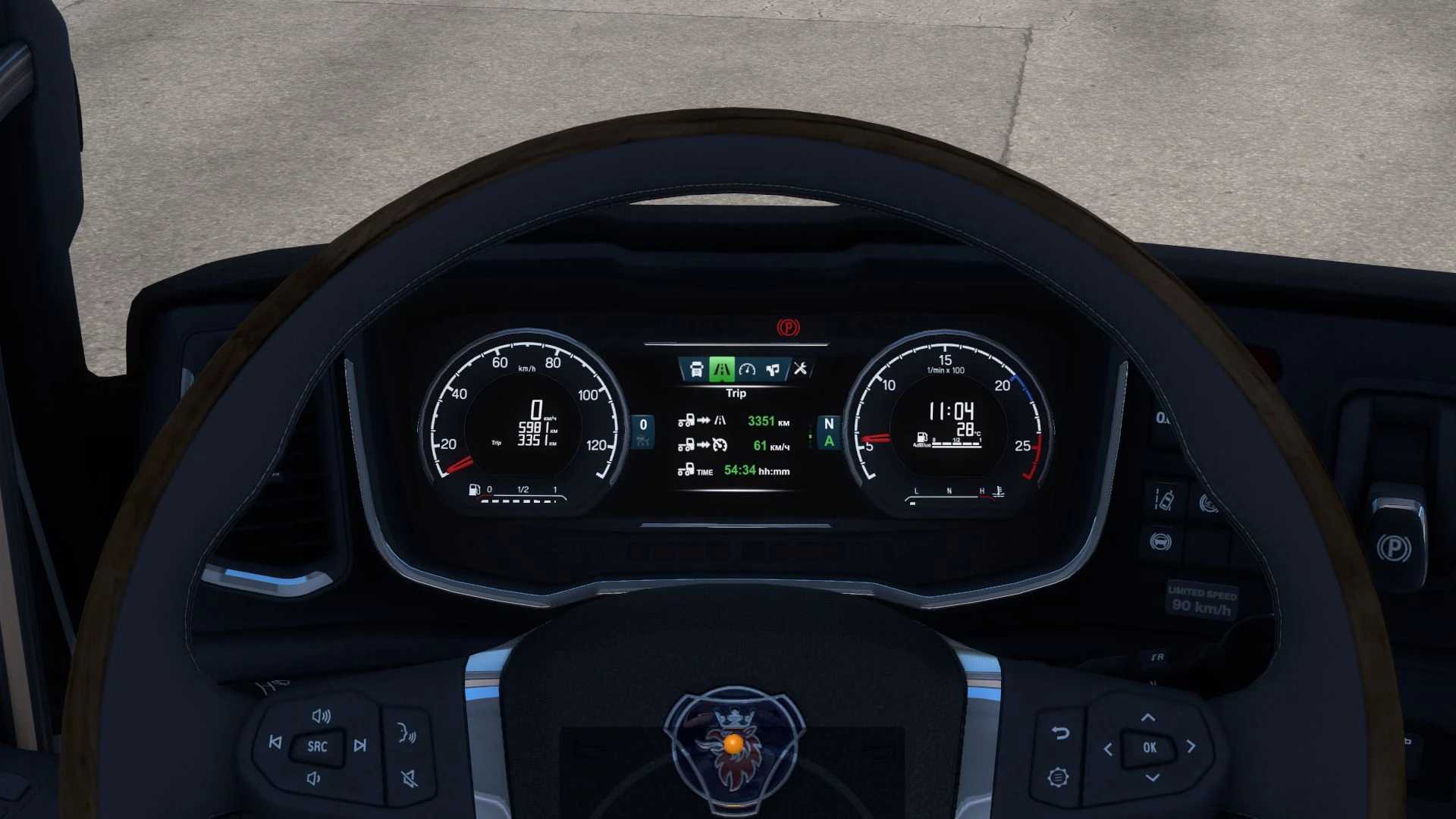
For the cabin option Exclusive:
added turbo pressure gauge;
low beam icon added;
added the engine brake icon;
added a low fuel icon;
Added a cruise control speed indicator on any dashboard page.;
added cruise control memory icon;
The estimated power reserve of the car has been added to the Fuel page.;
added on the “Fuel” page, the remaining fuel/adbl in the tank as a percentage;
added the “Trip” page;
added a trip distance indicator;
added an indicator of the average speed of the trip;
added a trip time indicator;
added the “Time” page;
Added an ETA (estimated time of arrival) indicator, hidden when time is unavailable (no delivery, no navigation, etc.);
added an indicator of the time until the required rest, hidden when the fatigue option is disabled.;
The engine operating time indicator has been added;
added a page with the Scania logo;
The color of the cruise control activation icon has been changed;
The color of the gearshift indicator has been changed;
Compatible with Scania 2016 from SCS and Scania NG P/G/R/S.
Update for patch 1.59
Credits: KnightRider
How to install ETS2 mods or ATS Mods
In Euro Truck Simulator 2 it’s easy to install mods. You just need to download mod from here, copy/unzip files into: “My Documents\Euro Truck Simulator 2\mod” folder or if you play ATS please install mods to: “My Documents\American Truck Simulator\mod” folder. To unzip files you can use: WinRAR or 7zip. After that you need to activate the mods you want to use.