Scania 113 bicuda 1.60 ETS2
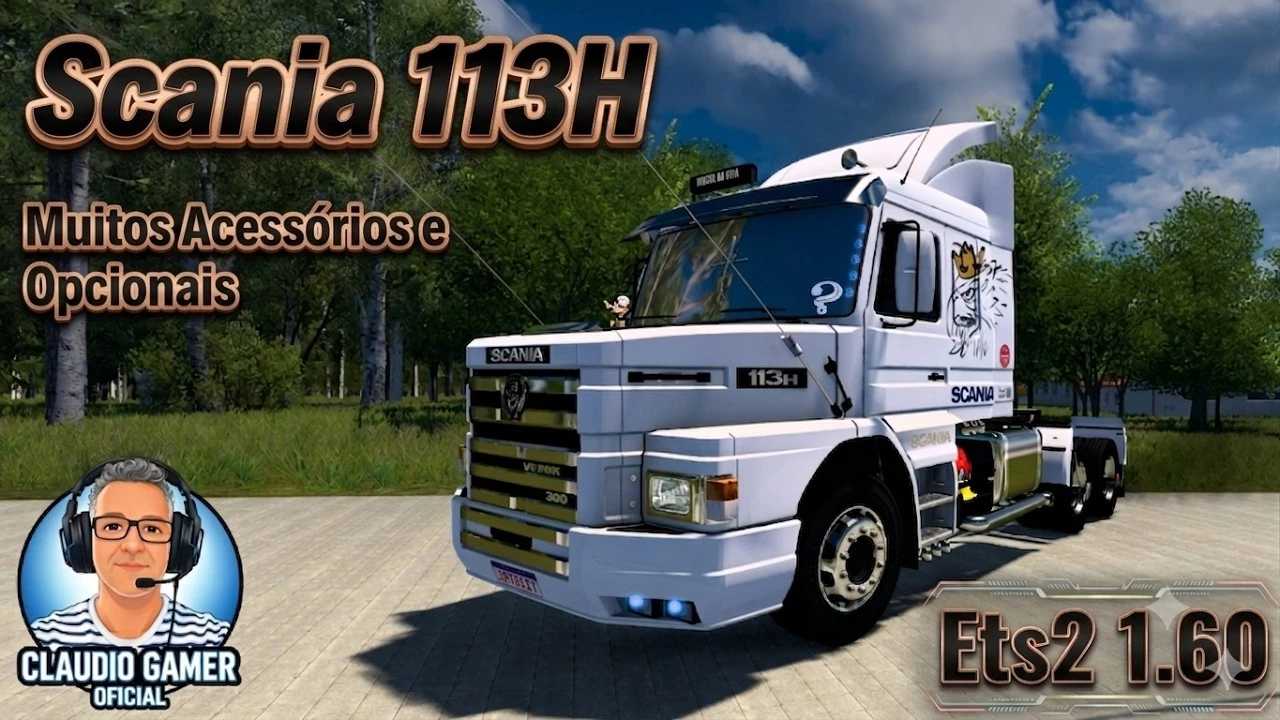

Scania 113 bicuda 1.60 ETS2
Features Scania 113H Bicuda:
independent truck model
High quality 3D model
High quality detailed exterior
High quality detailed interior
High quality rims & 3D tires
High quality mirrors reflection
Correct exhaust smoke position
Correct plate license position
the model has own wheels
the model has own sound
the model has own interior
the model has an animated suspension
the model has an animated antenna
the model has a passanger seat
present the illumination of arrow speedometer and tachometer
the character is correctly sitting in the driver’s seat cabin
the choice of transmission, gearbox
the choice of wheels and rims
the choice of chassis
the choice of color body / metallic paint
correct position of the Scania logo
Working headlights, brake lights, tail lights, front and rear turn signals, steering wheel and reverse signals;
The correct position of the player
interior accesories configuration
There are external tuning
Supports all major functions of the game
Buy from Scania or Acces Mod dealer
Credits: JEAN RITTONO
How to install ETS2 mods or ATS Mods
In Euro Truck Simulator 2 it’s easy to install mods. You just need to download mod from here, copy/unzip files into: “My Documents\Euro Truck Simulator 2\mod” folder or if you play ATS please install mods to: “My Documents\American Truck Simulator\mod” folder. To unzip files you can use: WinRAR or 7zip. After that you need to activate the mods you want to use.