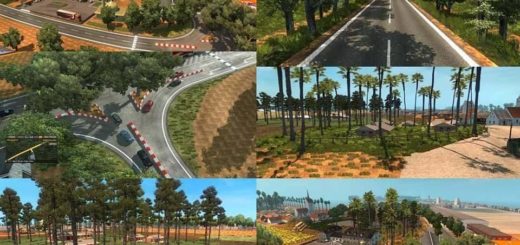
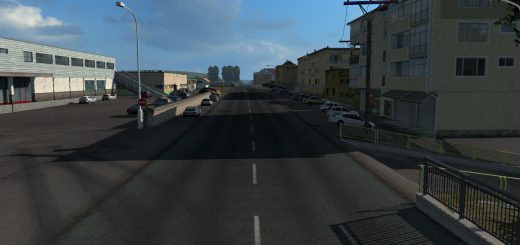
RusMap v2.60.1 ETS2
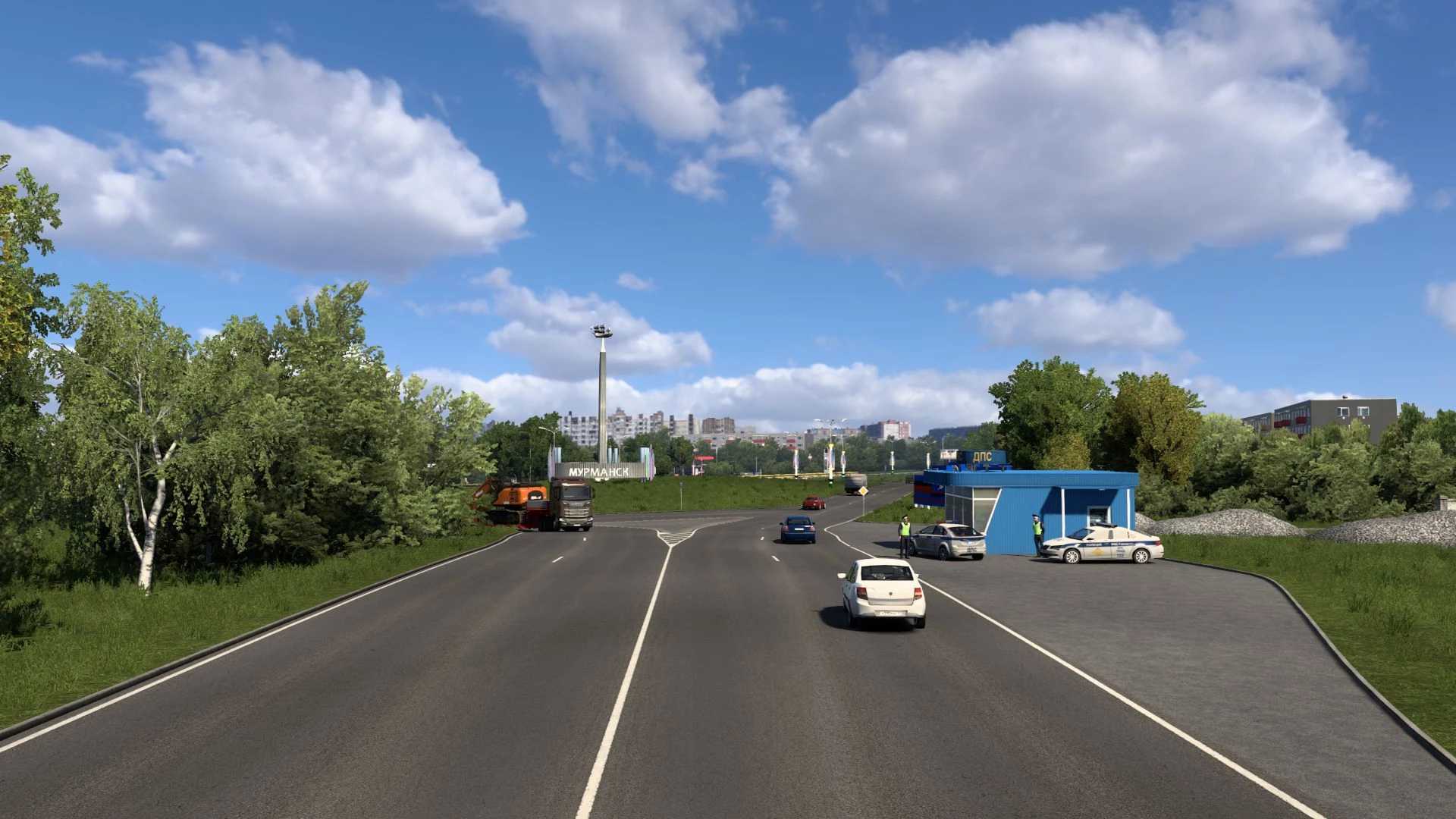



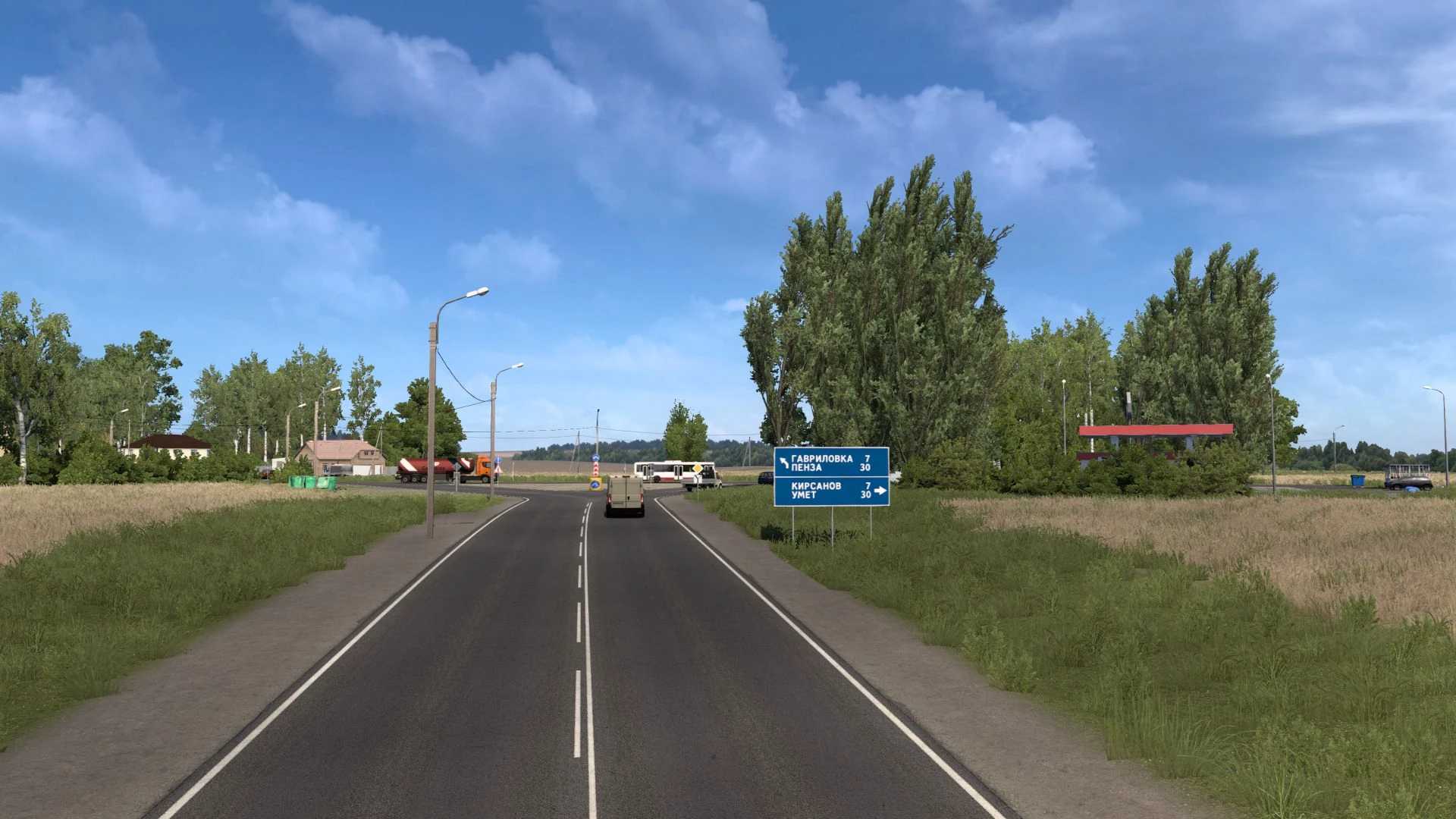
RusMap v2.60.1 ETS2
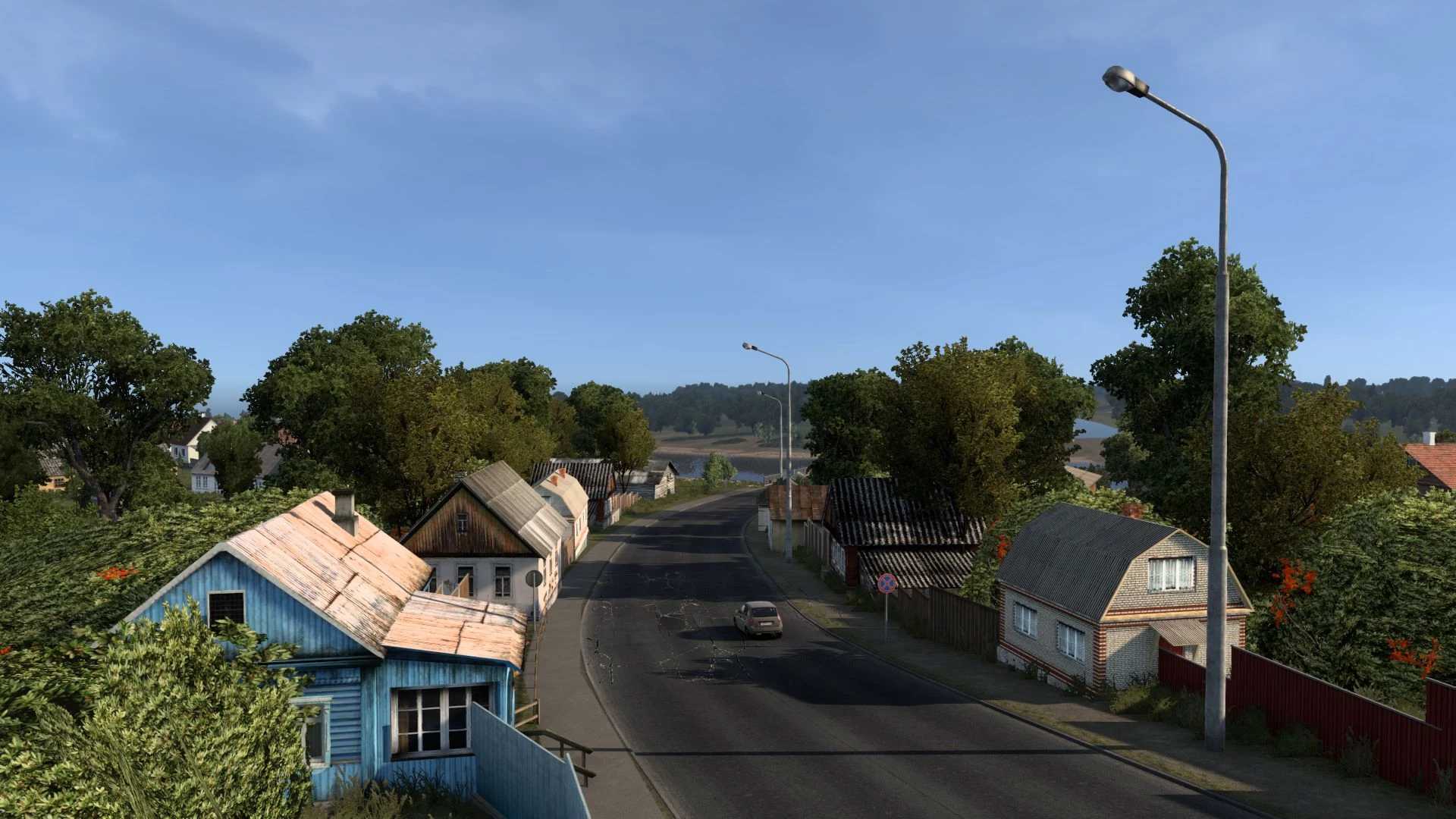
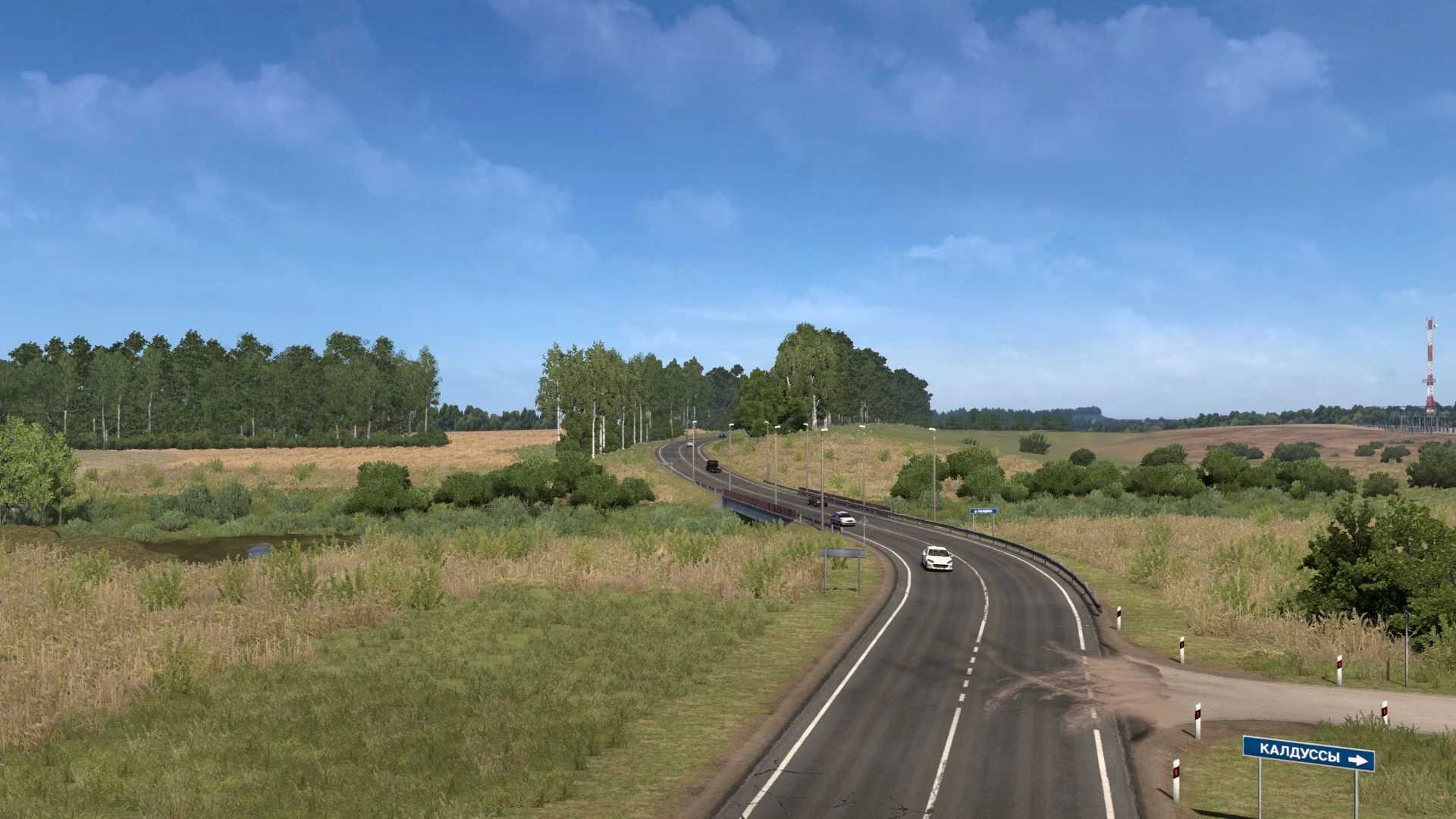
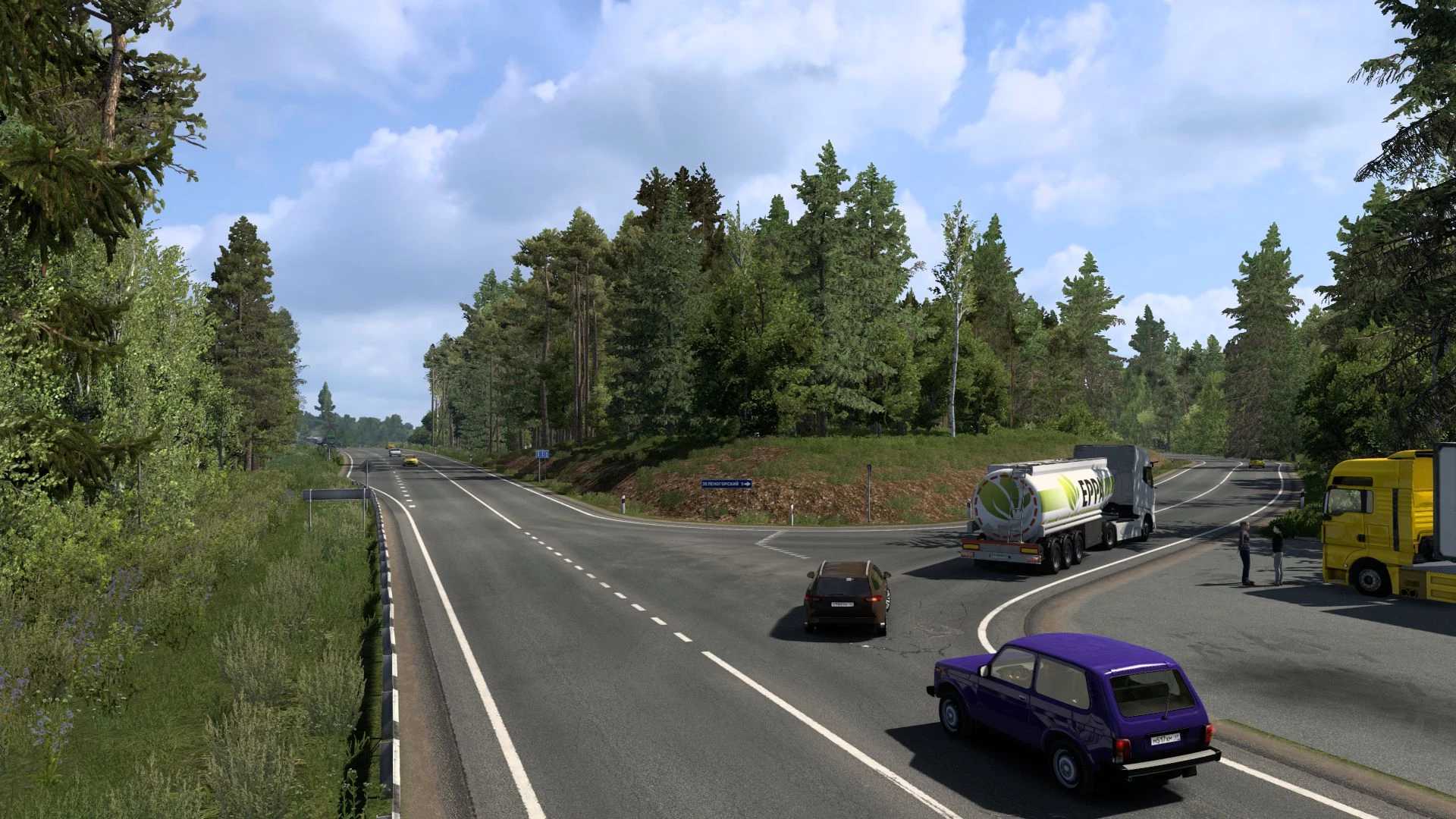
The following regions are represented in Russia: In the north – Moscow, Leningrad, Tver, Novgorod, Pskov, Murmansk and the Republic of Karelia.
In the west – Kaluga, Bryansk, Smolensk, Tula, Oryol, Kursk, Belgorod.
In the south – Voronezh, Tambov, Penza, Lipetsk, Saratov and Volgograd regions.
In the Republic of Belarus, six regions are represented: Minsk, Vitebsk, Mogilev, Gomel, Grodno and Brest regions.
The map is compatible with other popular projects such as ProMods, Roextended Map, SibirMap, Southern Region Map, Volga Map and many other modifications.
List of changes in version 2.60.1:
The city of Petrozavodsk has been completely rebuilt.
A new road, 86K-215, has been added.
Minor changes have been made to road R-21.
New models, prefabs, signs, and markers have been added.
Errors from the previous version have been fixed.
Credits: aldimator
How to install ETS2 mods or ATS Mods
In Euro Truck Simulator 2 it’s easy to install mods. You just need to download mod from here, copy/unzip files into: “My Documents\Euro Truck Simulator 2\mod” folder or if you play ATS please install mods to: “My Documents\American Truck Simulator\mod” folder. To unzip files you can use: WinRAR or 7zip. After that you need to activate the mods you want to use.