
Realistic Rain v1.2.5 ETS2

Realistic Rain v1.2.5 ETS2
Experience a more realistic and immersive rain system in Euro Truck Simulator 2 and American Truck Simulator.
After extensive development, improvements, and testing, I’m excited to introduce TigerMods Realistic Rain, a new plugin designed to bring a more natural and detailed rain experience to the truck cabin.
Rain is an essential part of realistic driving. This project focuses on making every drop of water feel more convincing, from how it forms on the glass to how it moves and interacts with the truck’s windows and wipers.
What does TigerMods Realistic Rain do?
TigerMods Realistic Rain simulates water effects directly on the truck’s windscreen and side windows.
Features:
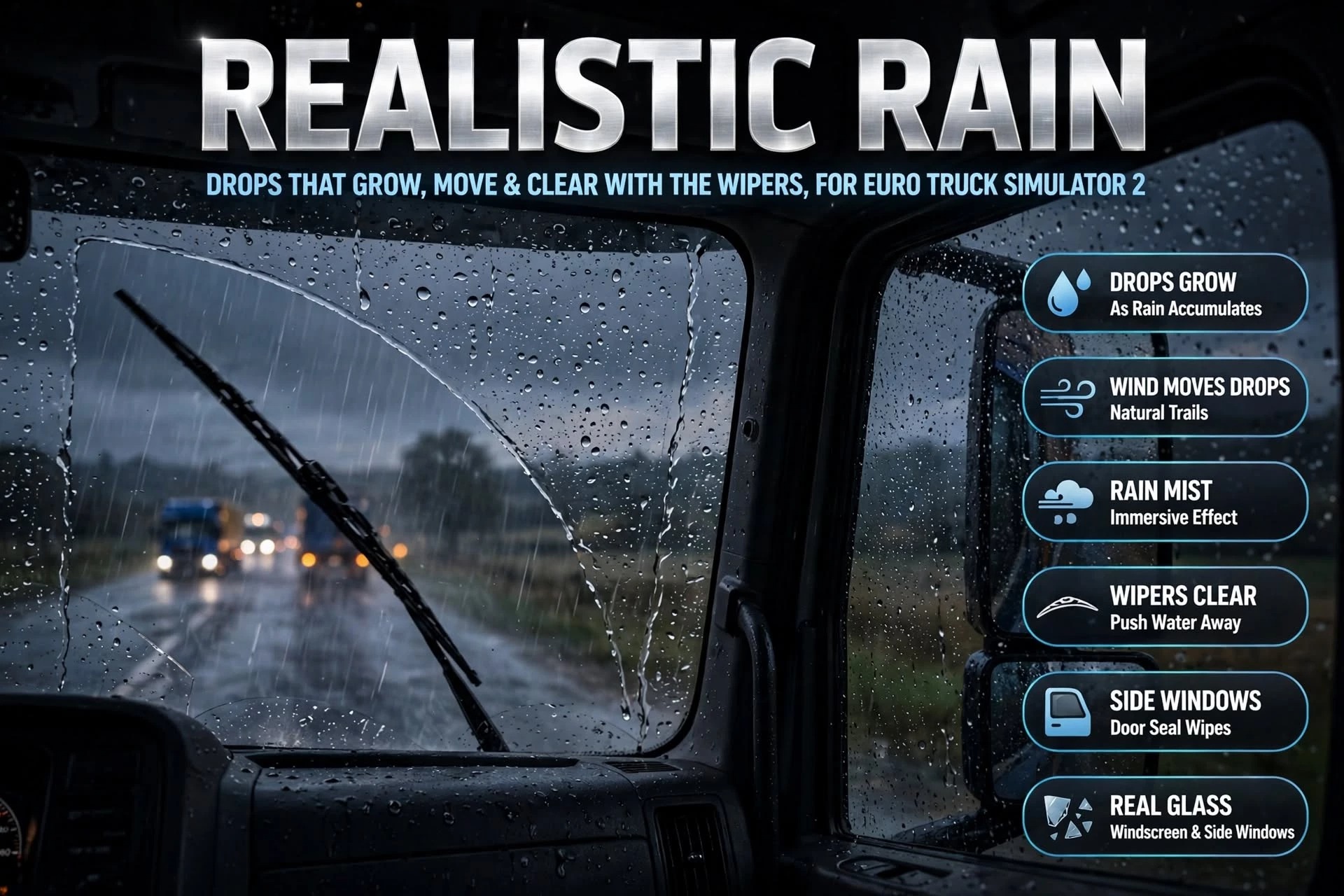
Realistic water droplets form and move naturally across the windscreen and side windows.
Droplets gradually grow as rain accumulates on the glass.
Wind influences how droplets travel across the glass.
Natural water trails form as droplets move across the windows.
Additional rain mist effects create a more immersive rainy driving experience.
Windshield wipers push and clear accumulated water from the windscreen.
Water interacts with the side windows, including the door seal wiping the glass when a window is opened.
The goal is to create a more believable rain experience without simply covering the glass with a static water effect.
Version History & Changelog
TigerMods Realistic Rain 1.2.5
Rain on the outside mirrors. Each mirror now gets its own drops and haze, and there’s a separate haze setting for mirrors. Mirrors inside the cab stay dry.
Default buttons in the settings panel. Every group has a Default button, and every slider has a small reset arrow, so you can undo a change without losing your other settings.
Game version 1.61 is supported again, next to 1.62.
Fixes
Mirrors at night: drops no longer shine as white specks in the dark.
Modded trucks: side windows whose mask leaves part of the glass out now get water there too. Example: the dry front corner on the door window of the MAN TG3 by Gloover.
Licence: logging in no longer hangs on an earlier attempt, and Cancel takes you back to where you were.
Timing: mist, drying and the mirror rain now follow real seconds, so they behave the same at any frame rate.
Credits: TheTiger
How to install ETS2 mods or ATS Mods
In Euro Truck Simulator 2 it’s easy to install mods. You just need to download mod from here, copy/unzip files into: “My Documents\Euro Truck Simulator 2\mod” folder or if you play ATS please install mods to: “My Documents\American Truck Simulator\mod” folder. To unzip files you can use: WinRAR or 7zip. After that you need to activate the mods you want to use.


