Real World Billboards v2026.04.29 ATS
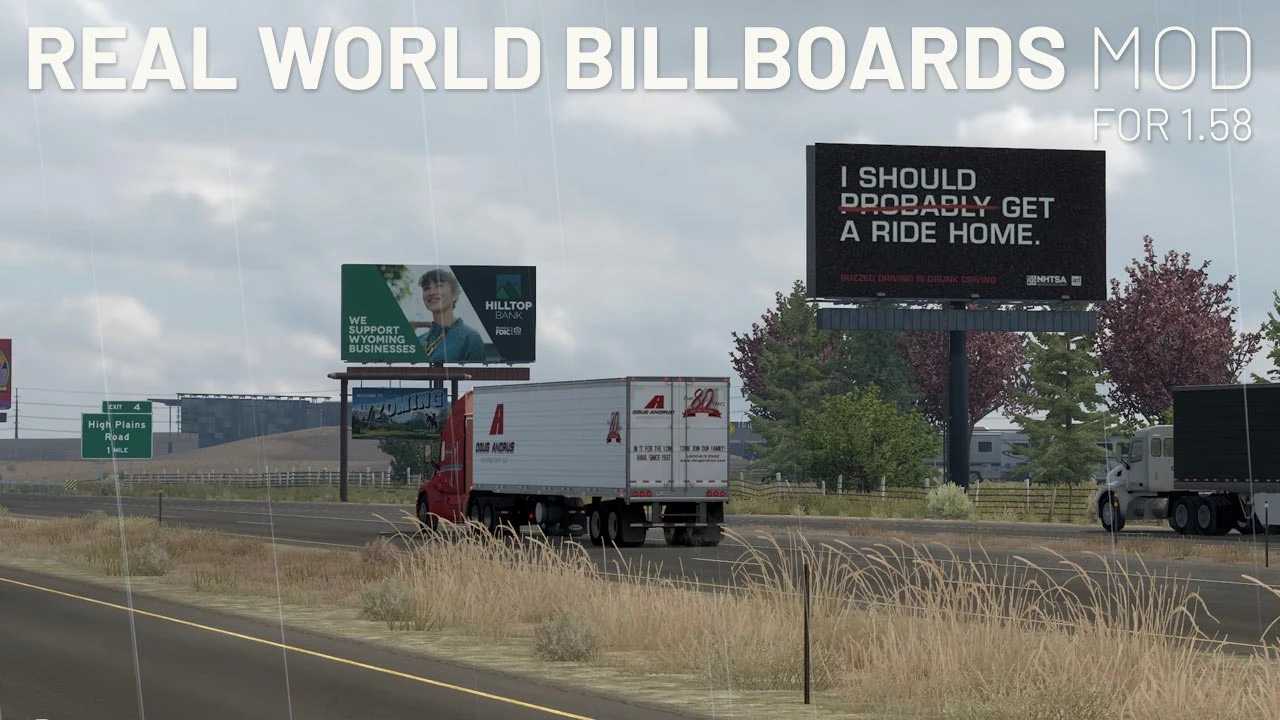


Real World Billboards v2026.04.29 ATS
Changes
v2026.04.29:
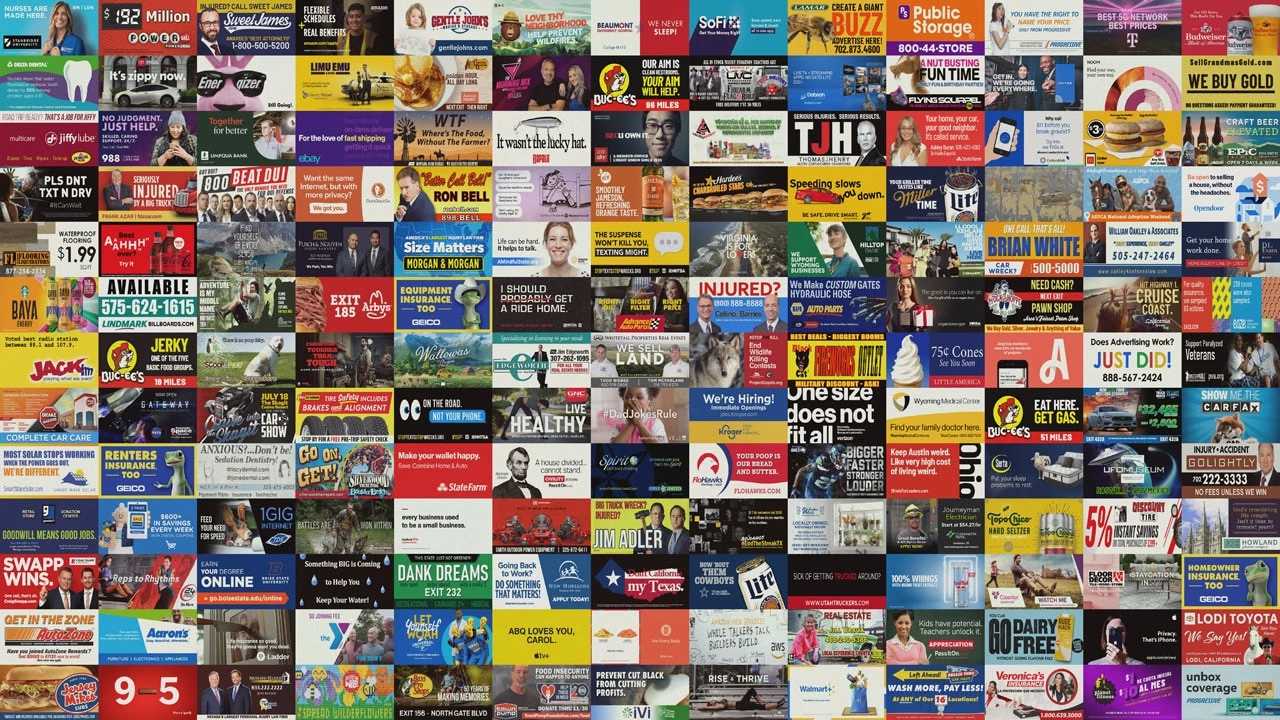
New billboards for AR, IA, LA, MO, OK, and TX. Swapped out old billboards for some new ones. Added assets for a digital display in Cedar Rapids. Fixed a broken “Las Vegas Billboard” asset file to use default asset while I work on making a new model file for it so that it’s at least not broken any longer. New total number of billboards: 235.
Description:
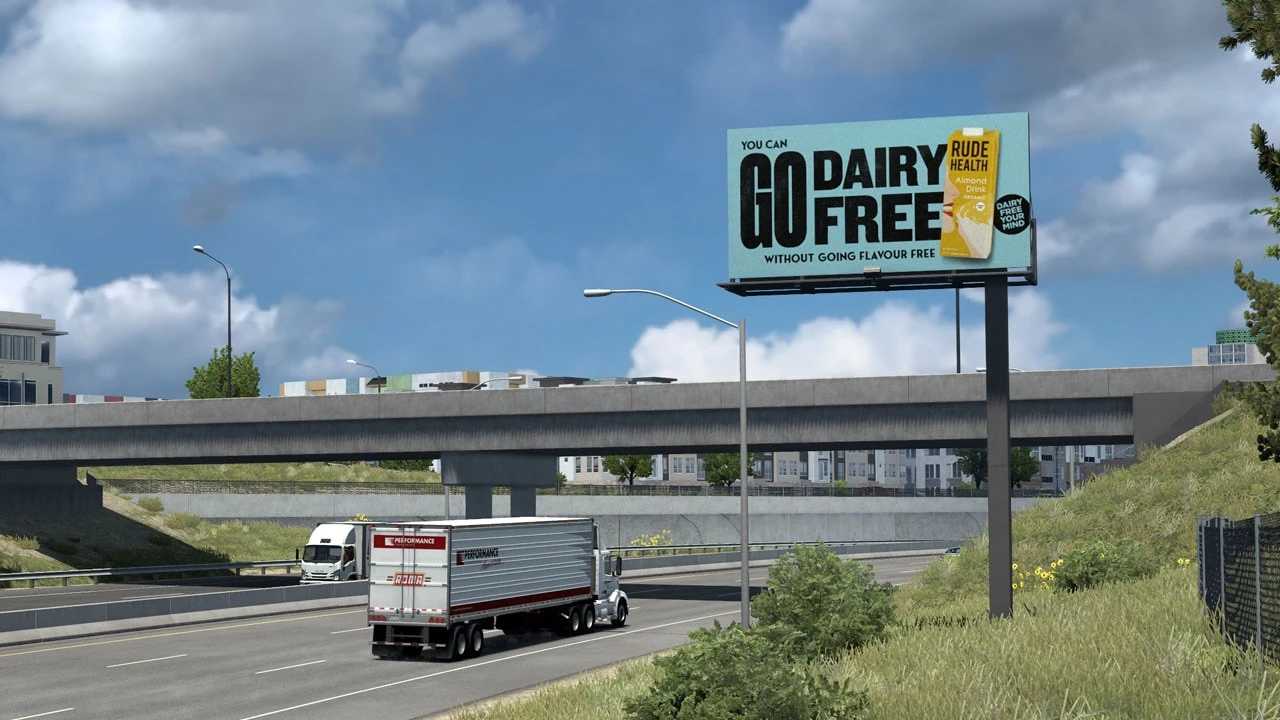
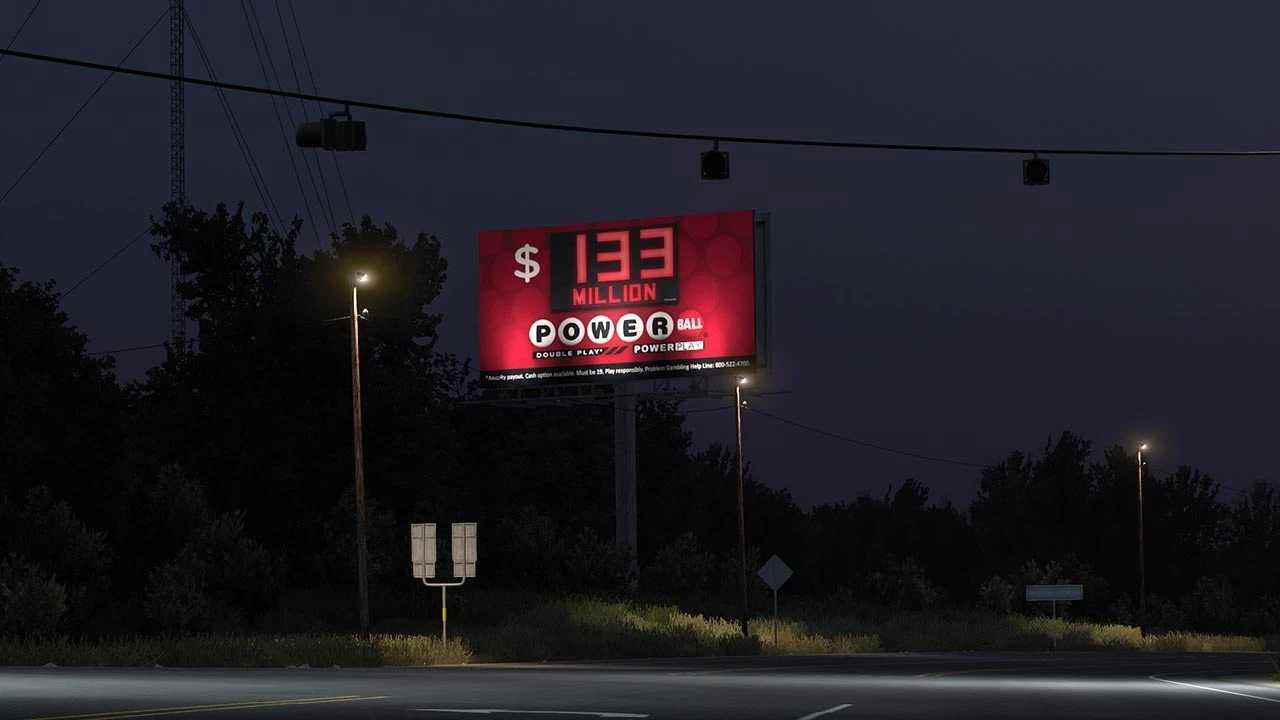
This mod replaces many of the in-game billboards with graphics based on real billboards used throughout the United States.
Compatibility
Because the mod currently replaces only texture files, it should be compatible with most other mods. If another mod also changes billboard textures, this mod should be placed higher in the load order so its artwork is used.
ATS 1.58.x
Credits: ExtraNoise
How to install ETS2 mods or ATS Mods
In Euro Truck Simulator 2 it’s easy to install mods. You just need to download mod from here, copy/unzip files into: “My Documents\Euro Truck Simulator 2\mod” folder or if you play ATS please install mods to: “My Documents\American Truck Simulator\mod” folder. To unzip files you can use: WinRAR or 7zip. After that you need to activate the mods you want to use.