Project Ultimate Weather v2.1 1.60 ETS2

Project Ultimate Weather v2.1 1.60 ETS2
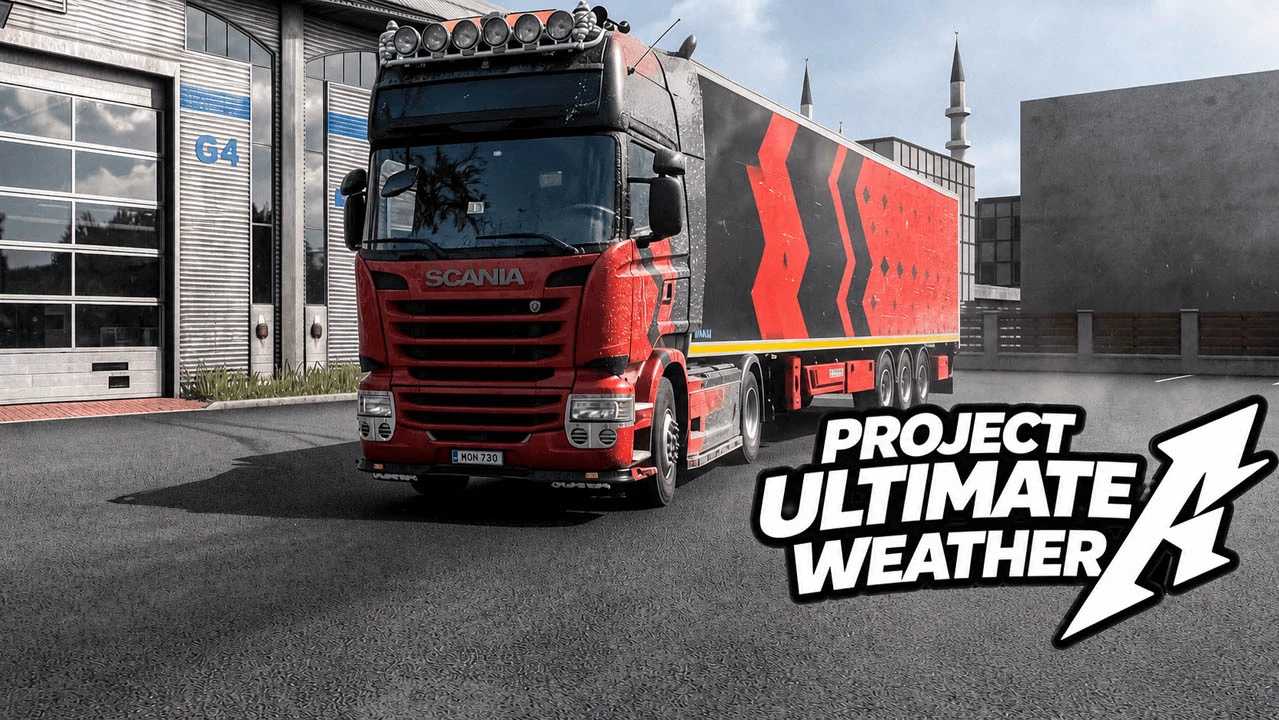
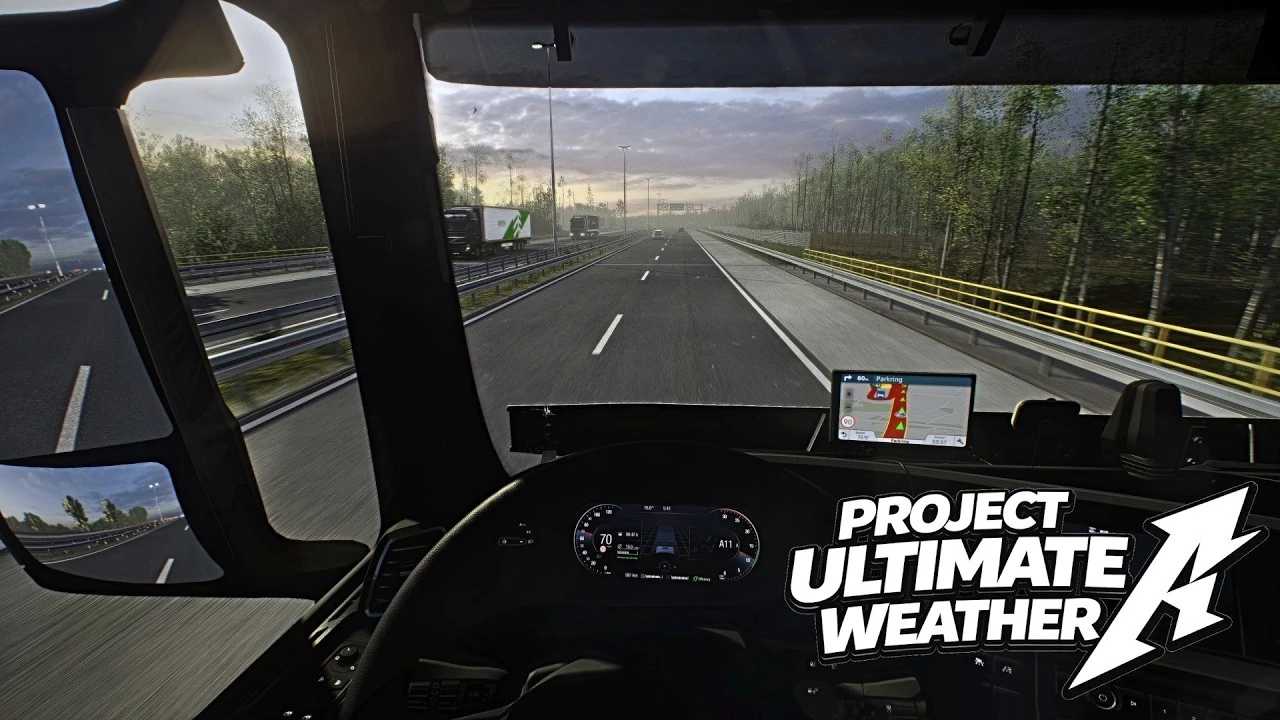
This modification replaces the default SCS weather definitions with reworked fog systems, enhanced atmospheric depth haze, refined colour balance, adjusted skybox colourways, and improved environmental lighting for a more immersive and natural driving experience.
Version 2.1 focuses on improving the existing Weather 2.0 base with better contrast balance, exposure fixes, world colourway changes, and improved rain intensity and atmosphere.
The skyboxes have not been redesigned, but professionally adjusted in colour balance, atmosphere blending, lighting behaviour, contrast, and exposure to improve environmental depth while staying within SCS engine limits.
INSTALLATION
Place the provided .scs file into your game’s mod folder.
Default locations:
Documents → Euro Truck Simulator 2 → mod
Documents → American Truck Simulator → mod
Launch the game.
Open Mod Manager.
Activate Project Ultimate Weather 2.1.
Ensure proper load order if using additional graphical mods.
COMPATIBILITY
Project Ultimate Weather 2.1 is compatible with:
Texture mods
Truck mods
Map mods
Fully compatible with PNG
Fully compatible with Snowymoon v2
A Snowymoon configuration adjusted specifically for Project Ultimate Weather 2.1 may be shared separately for optimal visuals.
Not compatible with:
Other weather mods
Mods that modify weather definitions
Mods that alter fog, skyboxes, or atmospheric lighting
Using additional weather-related mods alongside this one will cause conflicts.
Mirror Mods:
While compatible with most mirror enhancements, some mirror modification mods may cause instability or crashes due to lighting and reflection adjustments introduced by this weather overhaul.
If you experience crashes, disable mirror-related mods first and test again.
IMPORTANT NOTES
This mod completely replaces the default SCS weather definitions.
Version 2.1 is an improved update over Weather 2.0.
Skyboxes have been adjusted in colourway, contrast, exposure, and balance — not fully replaced.
Rain intensity and rain atmosphere have been adjusted for a more natural wet-weather feel.
Load order may affect visual results.
If issues occur, test with other weather/graphic mods disabled.
Credits: Project Ultimate
How to install ETS2 mods or ATS Mods
In Euro Truck Simulator 2 it’s easy to install mods. You just need to download mod from here, copy/unzip files into: “My Documents\Euro Truck Simulator 2\mod” folder or if you play ATS please install mods to: “My Documents\American Truck Simulator\mod” folder. To unzip files you can use: WinRAR or 7zip. After that you need to activate the mods you want to use.