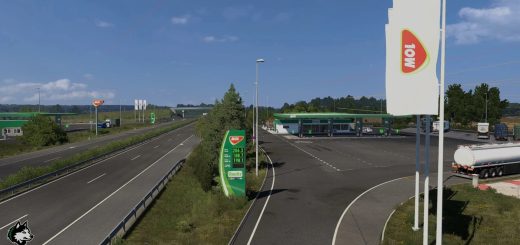
Project-Realish v1.6.A ETS2
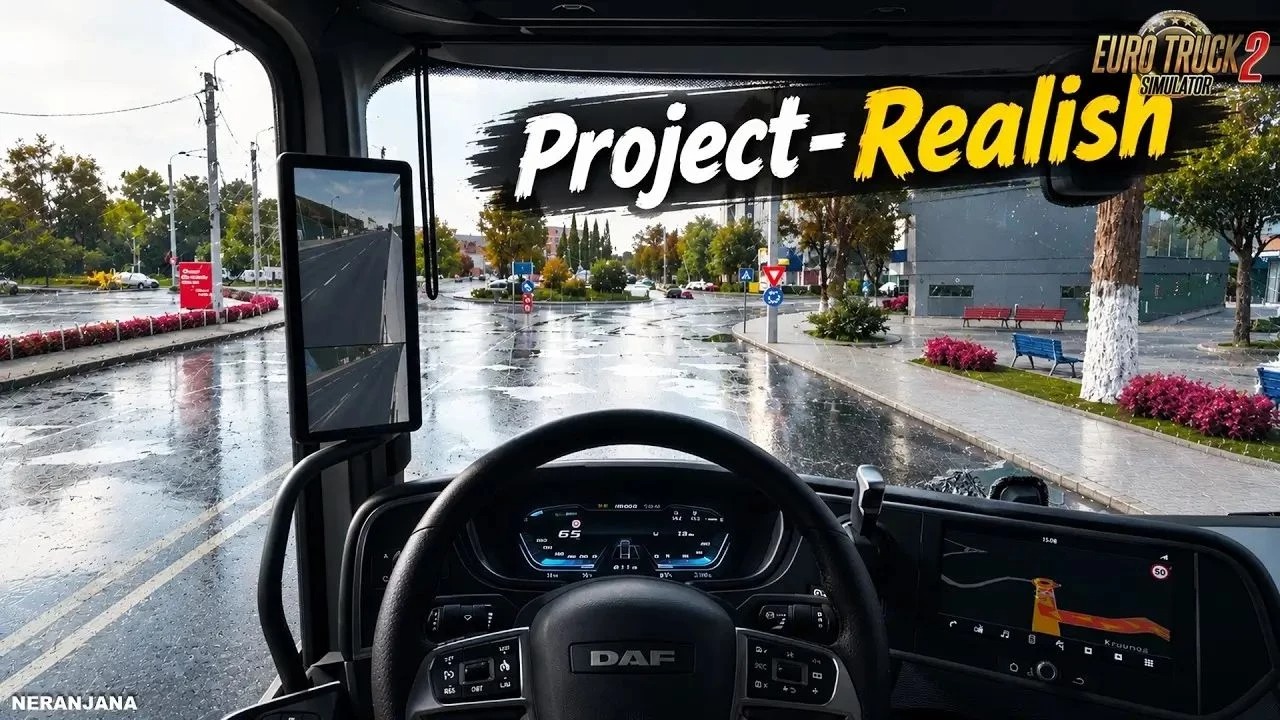



Project-Realish v1.6.A ETS2
Advanced graphics overhaul transforms Euro Truck Simulator 2 into a highly cinematic and realistic visual experience.
It significantly improves lighting, reflections, materials, atmosphere and overall image quality to make the game feel much closer to real-world road footage.
Improved lighting and deeper shadow depth
Advanced wet road reflections and new wet surface system
Enhanced truck paint and material response
Better environmental detail and atmospheric depth
Improved contrast and tonal balance
More realistic road surfaces
Sharper image quality and cinematic presentation
New rain and water retention system
Improved interior rendering and brightness
Motion blur and new render lighting options
Multiple quality levels / presets
Ongoing fixes for crashes, FPS and material response
New login method + crash fixes
Fixed material response and rain reflections
Fixed interior brightness
Performance and stability improvements
Credits: ProjectAlphaTeam
How to install ETS2 mods or ATS Mods
In Euro Truck Simulator 2 it’s easy to install mods. You just need to download mod from here, copy/unzip files into: “My Documents\Euro Truck Simulator 2\mod” folder or if you play ATS please install mods to: “My Documents\American Truck Simulator\mod” folder. To unzip files you can use: WinRAR or 7zip. After that you need to activate the mods you want to use.