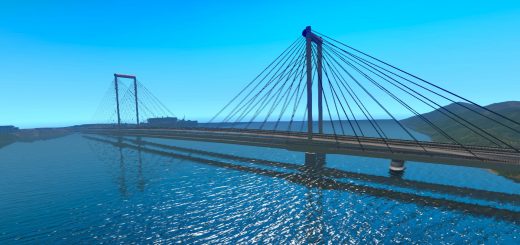
Project: Extended Roads (Addon ProMods Middle-East) v0.1.0 ETS2
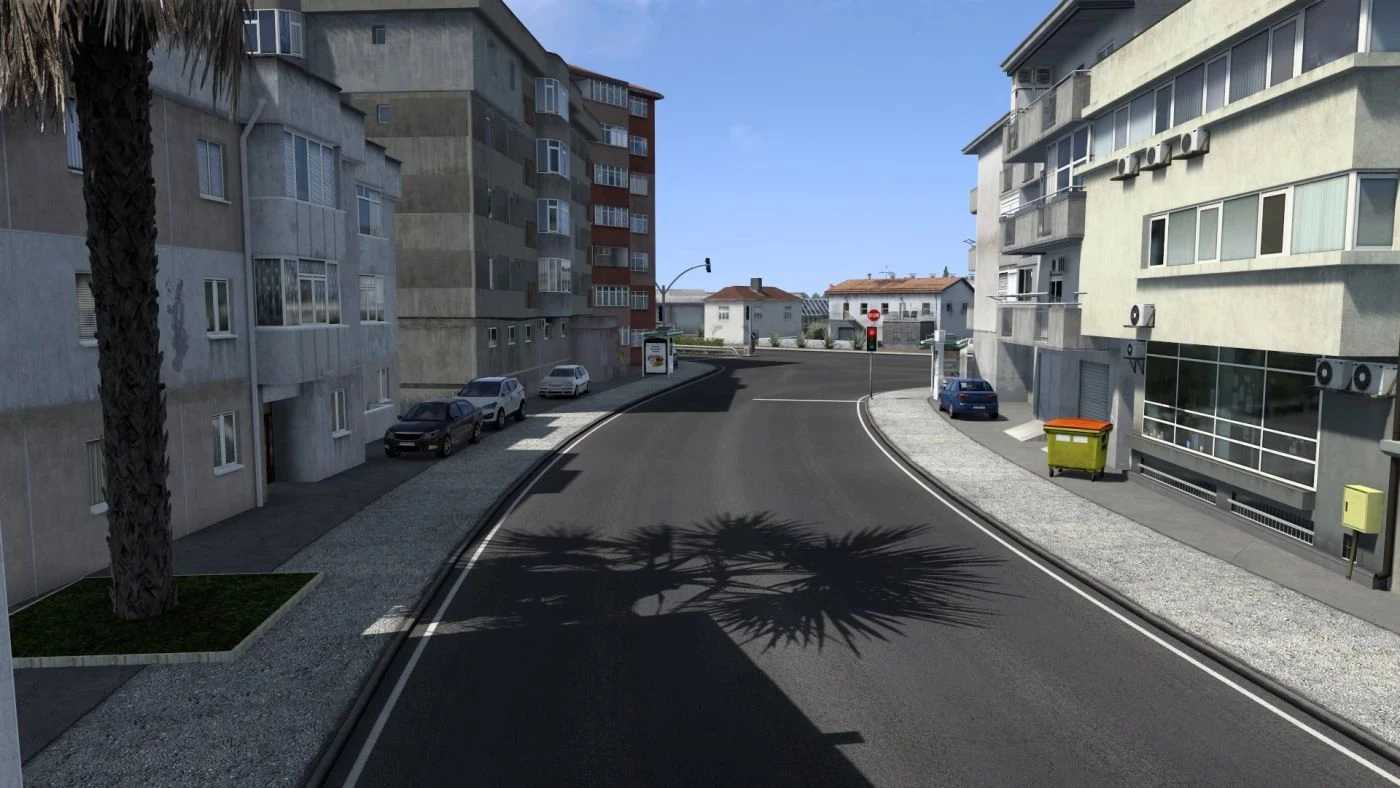

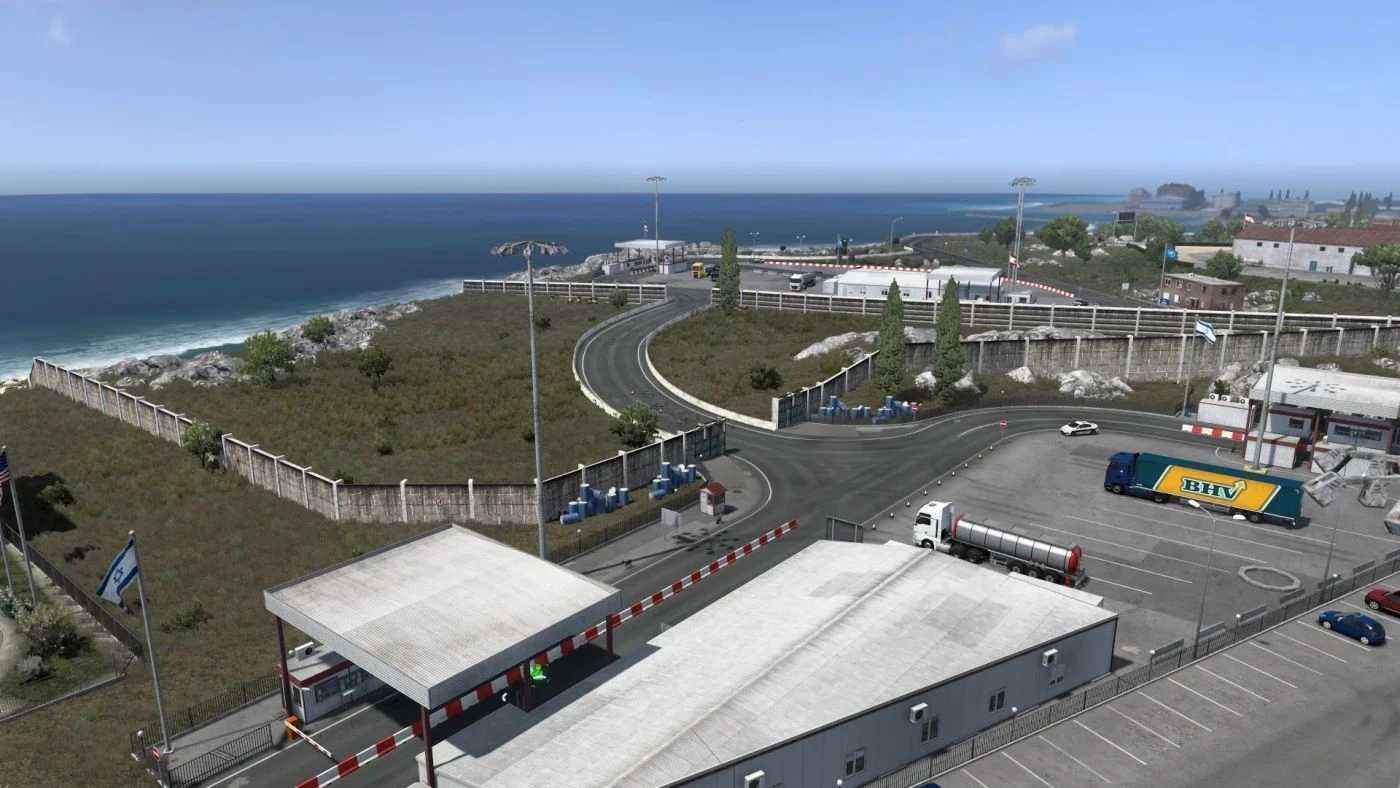
Project: Extended Roads (Addon ProMods Middle-East) v0.1.0 ETS2
ProMods Addon, Nordic Horizons is needed
The Border between Lebanon and Israel is default open, so when you use this Mod, don’t use the Open Border Mod
Extended Roads expands the game world beyond where it previously ended.
The mod unlocks roads that already exist in the game but are blocked, and deliberately expands the road network with new connections.
In addition, new areas and regions are gradually added that were previously barely or not drivable at all.
A special focus is placed on realistic construction sites
LOAD ORDER:
ETS2 Global Background Map (Optional but recommended | Dark or Satalite Version)
Extended Roads (Addon ME) vX.X.X
ProMods Middle-East Add-On X.XX Def & Map
ProMods Middle-East Add-On X.XX Assets
Extended Roads vX.X.X
ProMods Europe vX.XX Definition Package
ProMods Europe vX.XX Map Package
ProMods Europe vX.XX Assets Package
ProMods Europe vX.XX Models Package 1
ProMods Europe vX.XX Models Package 2
ProMods Europe vX.XX Models Package 3
ProMods Europe vX.XX Media Package
ProMods Europe vX.XX DLC Support Package
Extended Roads (Addon TGS) vX.X.X
ProMods The Great Steppe vX.X.X Def + Map
ProMods The Great Steppe vX.X.X Assets
Credits: Benuel
How to install ETS2 mods or ATS Mods
In Euro Truck Simulator 2 it’s easy to install mods. You just need to download mod from here, copy/unzip files into: “My Documents\Euro Truck Simulator 2\mod” folder or if you play ATS please install mods to: “My Documents\American Truck Simulator\mod” folder. To unzip files you can use: WinRAR or 7zip. After that you need to activate the mods you want to use.