OmixPlay UI Carplay Youtube Spotify ETS2



OmixPlay UI Carplay Youtube Spotify ETS2
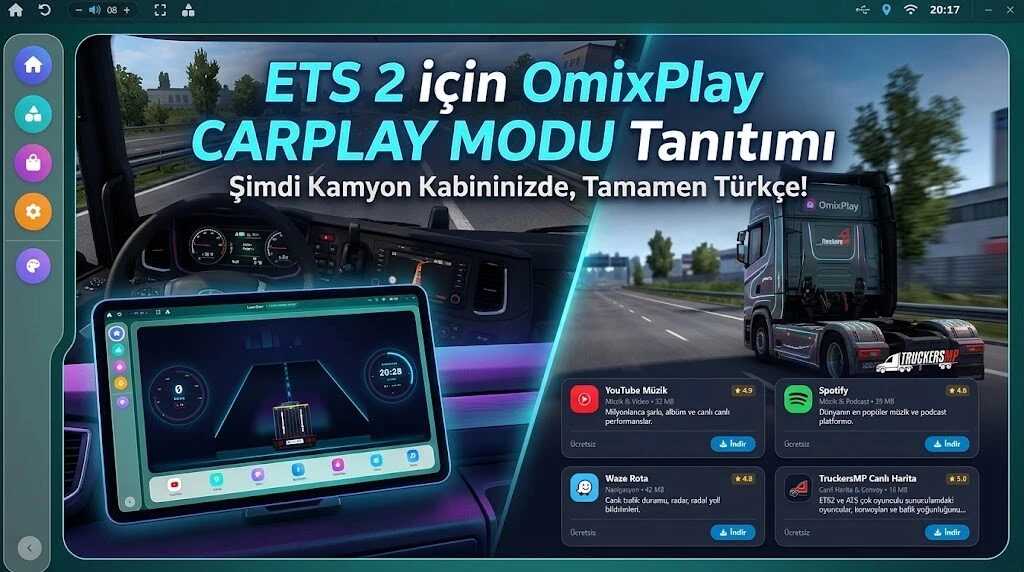
Upgrade your ETS 2 driving experience with a modern next-gen multimedia and CarPlay system! Access real-time truck telemetry, navigation tools, and integrated music services directly from your cabin dashboard.
Live Telemetry: Digital speedometer, RPM gauge, gear indicators, and lane-assist simulation.
App Store & Media: Integrated support for Spotify, YouTube Music, Fizy, Yandex Music, and web radio.
Smart Navigation & Multiplayer: Waze, TomTom, and TruckersMP Live Map integration for real-time traffic and convoy tracking.
Customization: Multiple UI color themes with Day/Night display modes.
Credits: omixmod
How to install ETS2 mods or ATS Mods
In Euro Truck Simulator 2 it’s easy to install mods. You just need to download mod from here, copy/unzip files into: “My Documents\Euro Truck Simulator 2\mod” folder or if you play ATS please install mods to: “My Documents\American Truck Simulator\mod” folder. To unzip files you can use: WinRAR or 7zip. After that you need to activate the mods you want to use.
Report bugs in the comments and help modders improve this mod. Always check the comments, you can find a solution.