NGR Winter Experience v2026 1.57 ETS2

NGR Winter Experience v2026 1.57 ETS2
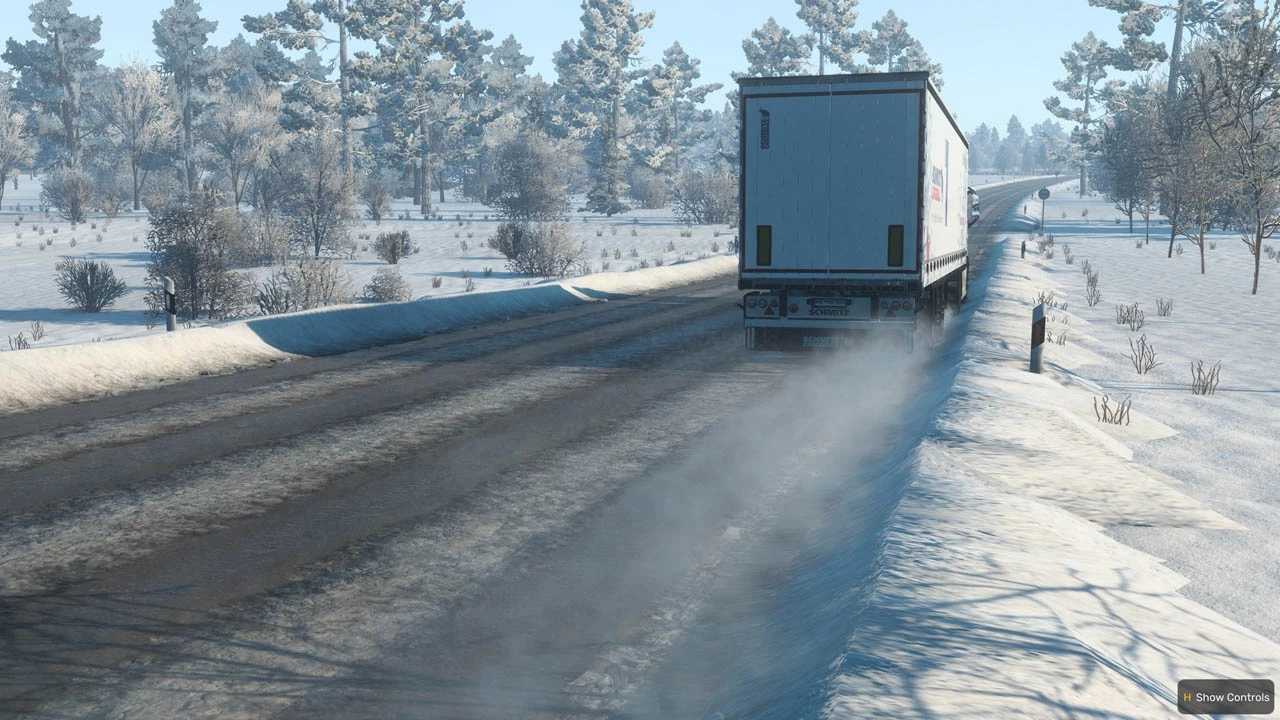
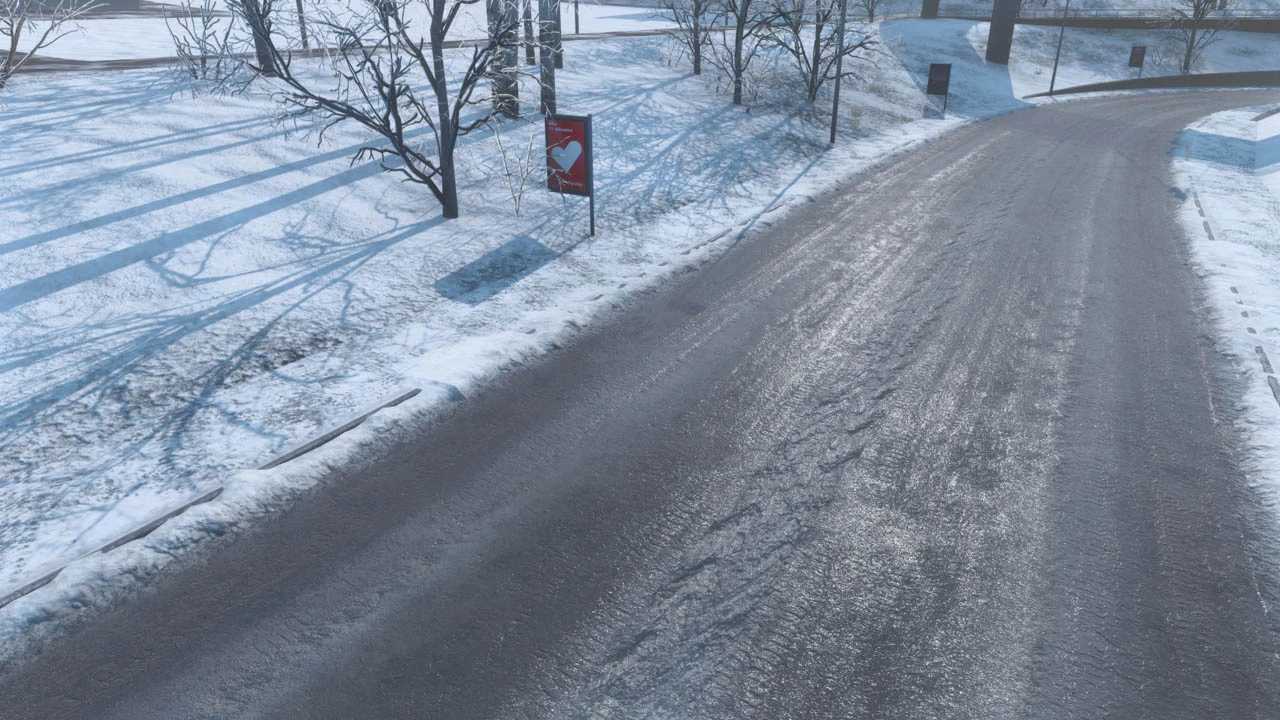
WinterExperience — Realistic Winter Overhaul for ETS2 WinterExperience is an advanced winter modification for Euro Truck Simulator 2, built with one main goal: delivering the most realistic winter experience in Europe — not only visually, but also through road conditions and vehicle behaviour.
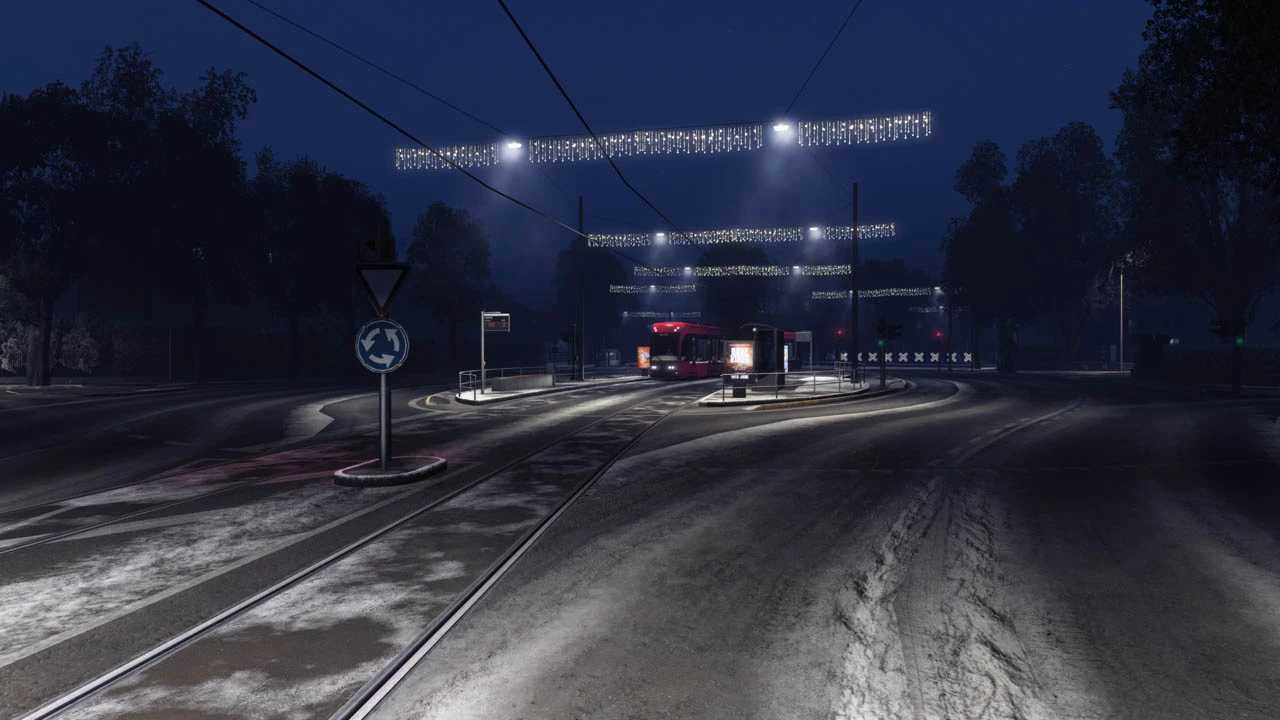
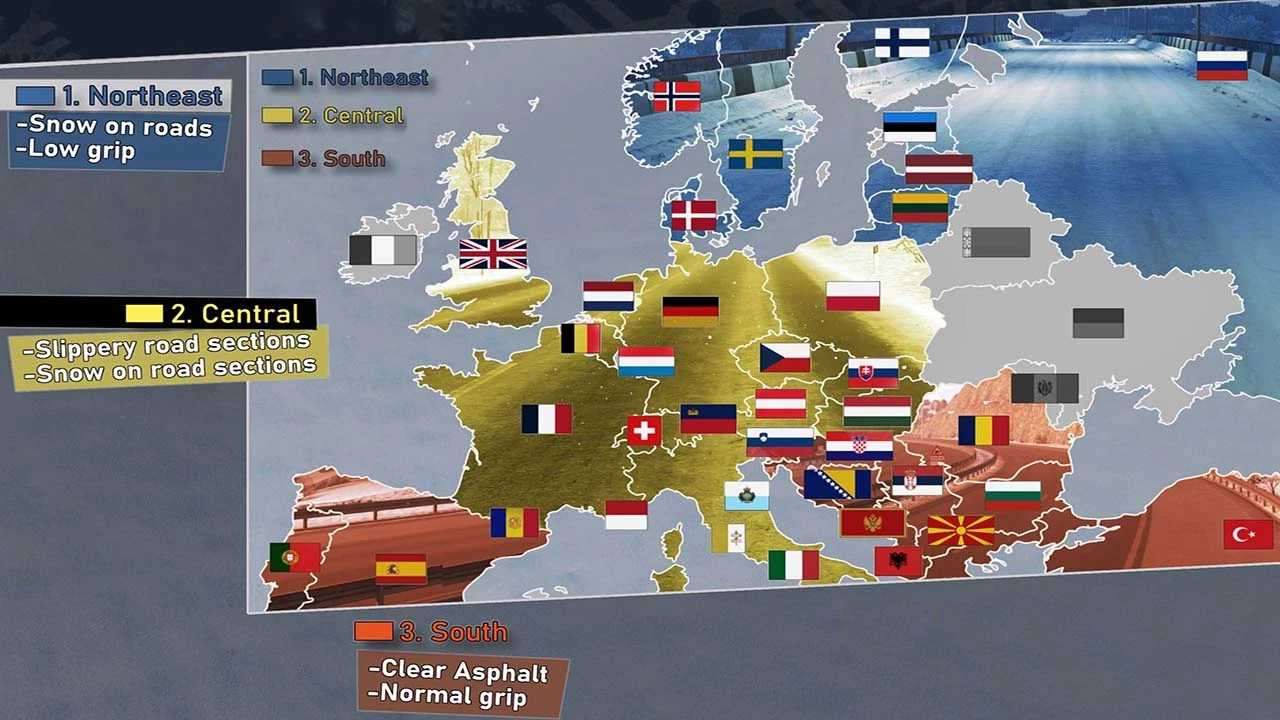
Winter is divided into 3 intensity zones depending on the location on the map.. Physics dependent on the road conditions (sometimes surprising). Carefully crafted textures in PBR technology. Added Snow pile with snow physics and realistic collisions. New skyboxes and new lighting designed specifically for winter. Christmas decorations and a dedicated Reshade Preset.
Compatibility & requirements
Required ETS2 1.57 with all official map DLC.
NOT COMPATIBLE with “Map” mods.
NOT COMPATIBLE with any other “Graphic/Weather” mods.
NOT COMPATIBLE with “Better Rain” or other “rain” mods.
NOT COMPATIBLE with “Real Company” mod.
NOT COMPATIBLE with “Real/True Mirror” fov mod.
NOT COMPATIBLE with “Sound fixes” mod.
Installation
Download the archive file (.rar)
Extract the contents to a temporary folder (7zip/Winrar).
Copy the provided .scs files into your ETS2 mod folder.
Enable the mod in the in-game Mod Manager.
Compatibility / Important Notes:
Map Mods:
This mod does not support Map Mods. Map mods heavily mixes assets and textures across regions and DLCs, which breaks the consistency of WinterExperience’s winter logic (snow and snowdrifts may appear randomly and inconsistently). WinterExperience is designed for the SCS (vanilla) map to ensure maximum realism.
Rain & environment sound mods:
Mods that modify rain or rain/environment sounds are not compatible. To create truly wet winter surfaces and textures, WinterExperience uses an invisible rain technique. Using other rain-related mods may restore visible rain and break the intended visual result.
Mirror FOV mods:
Mods that change mirror FOV may conflict with WinterExperience, as mirror FOV parameters are stored in the same file as some of the winter effects used by the mod.
Credits: Various, LilDame, Others
How to install ETS2 mods or ATS Mods
In Euro Truck Simulator 2 it’s easy to install mods. You just need to download mod from here, copy/unzip files into: “My Documents\Euro Truck Simulator 2\mod” folder or if you play ATS please install mods to: “My Documents\American Truck Simulator\mod” folder. To unzip files you can use: WinRAR or 7zip. After that you need to activate the mods you want to use.