New Concept Map v1.0 ETS2
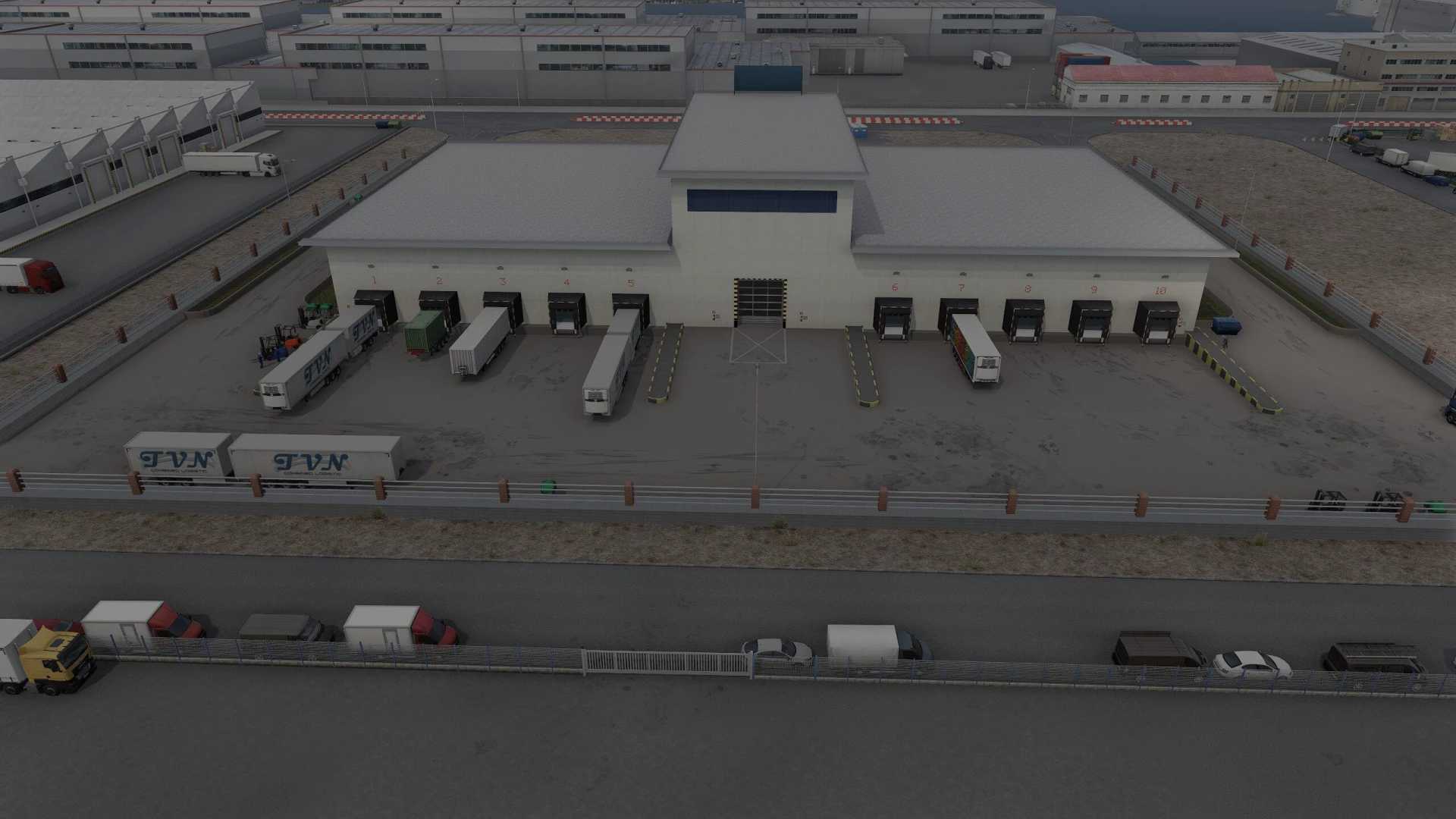

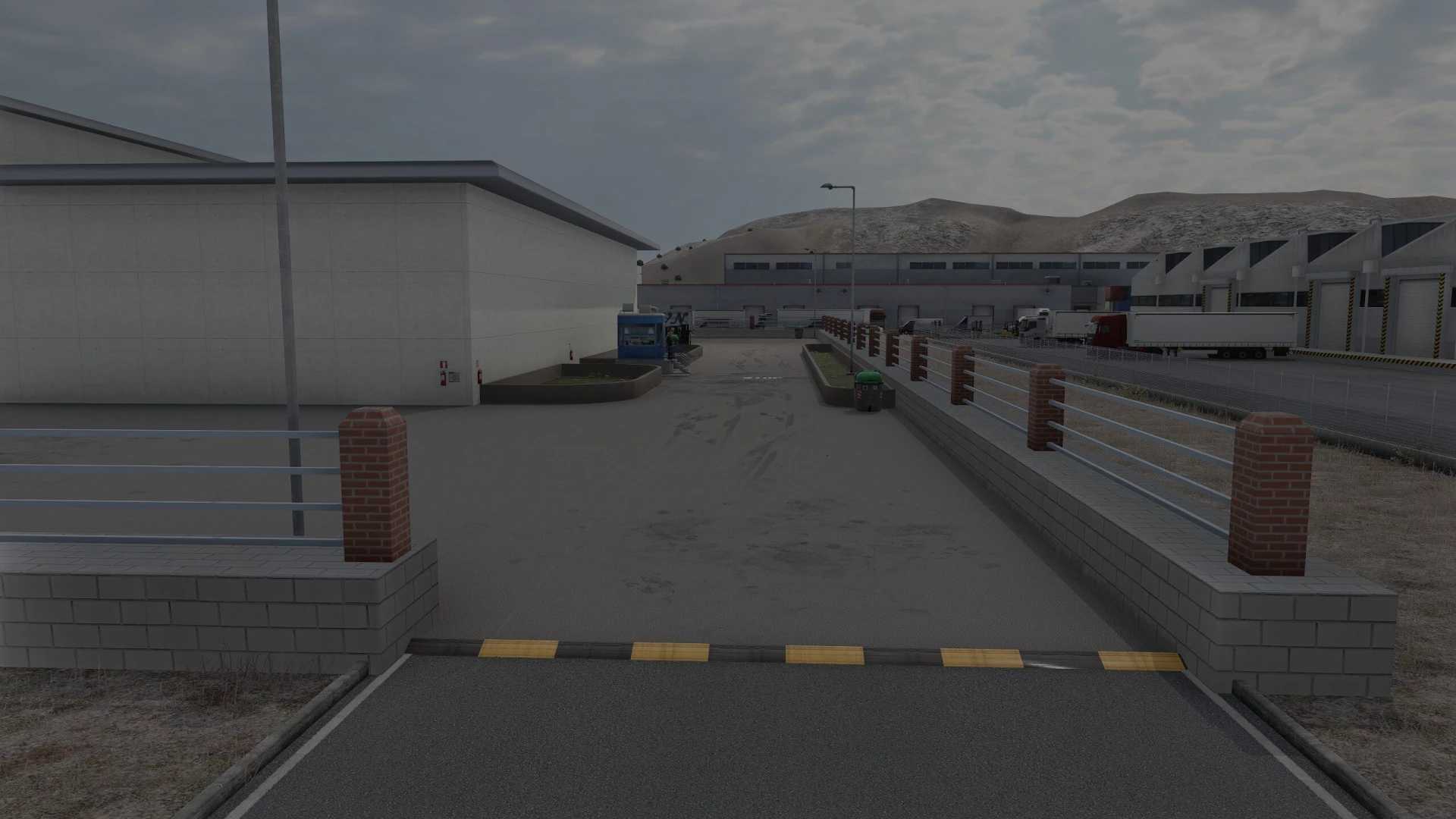
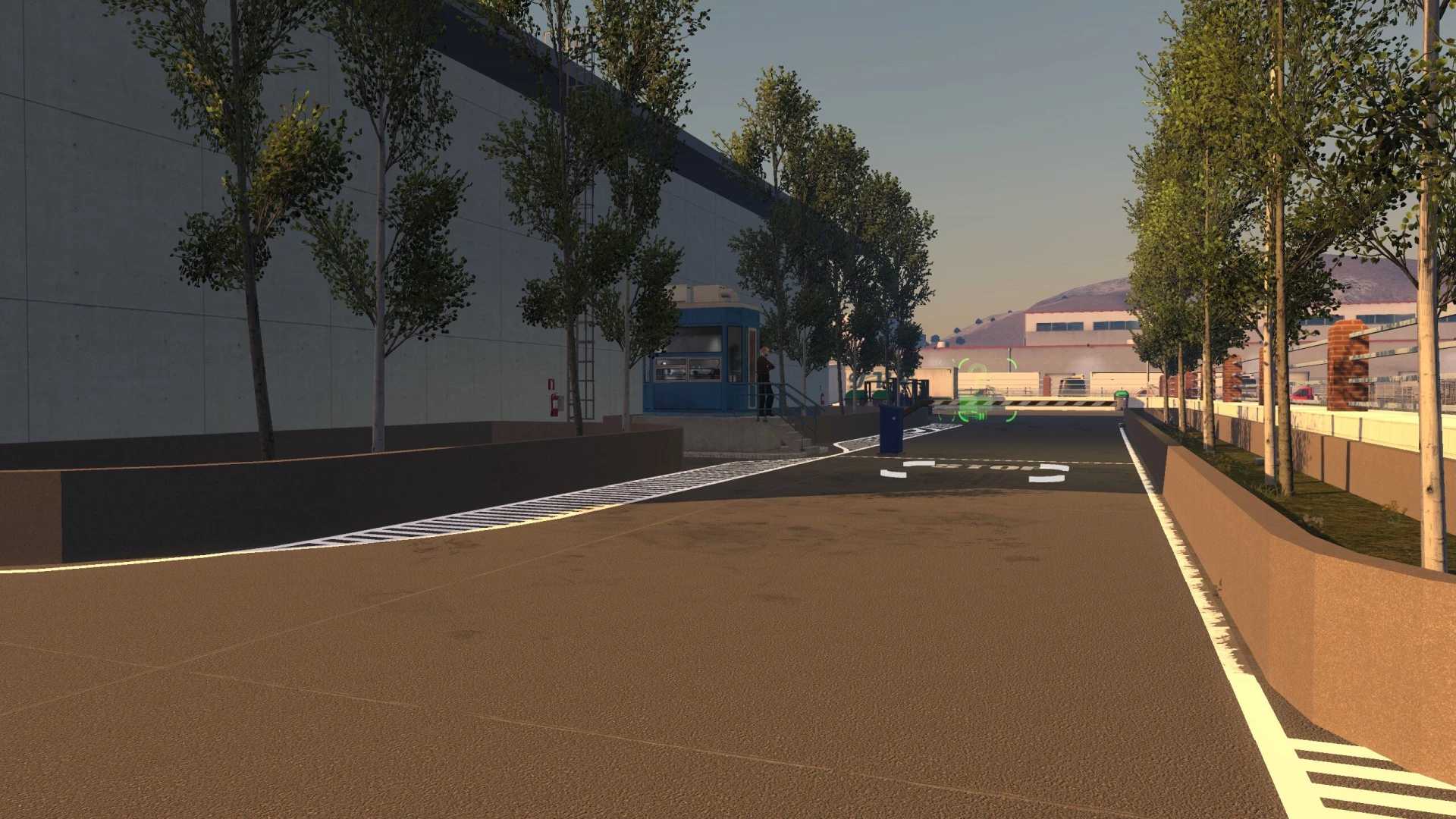
New Concept Map v1.0 ETS2
The first version of the “New Concept Map” is now available for download.
This map adds a new garage to the original SCS map.
The new garage is compatible with the standard SCS garages found in various cities; however, in the cities included in the mod, the default SCS garages are replaced by this new one.
This new garage also serves as your own company headquarters, allowing you to take on jobs and handle the shipment and receipt of goods.
Inside the mod folder, you will find a directory labeled “change company.”
This allows you to customize your company to your liking.
To use this mod, you must have all map DLCs.
This mod has not been tested with any other maps; it has only been tested with the original SCS map.
The idea behind this mod is to keep adding new cities and, in the future, new garages from which you can take on jobs involving different types of cargo.
This garage is designed solely for general logistics jobs.
Credits: SCS, tutoveenee
How to install ETS2 mods or ATS Mods
In Euro Truck Simulator 2 it’s easy to install mods. You just need to download mod from here, copy/unzip files into: “My Documents\Euro Truck Simulator 2\mod” folder or if you play ATS please install mods to: “My Documents\American Truck Simulator\mod” folder. To unzip files you can use: WinRAR or 7zip. After that you need to activate the mods you want to use.