Miami Cats SCS Box Trailer v1.0 ETS2
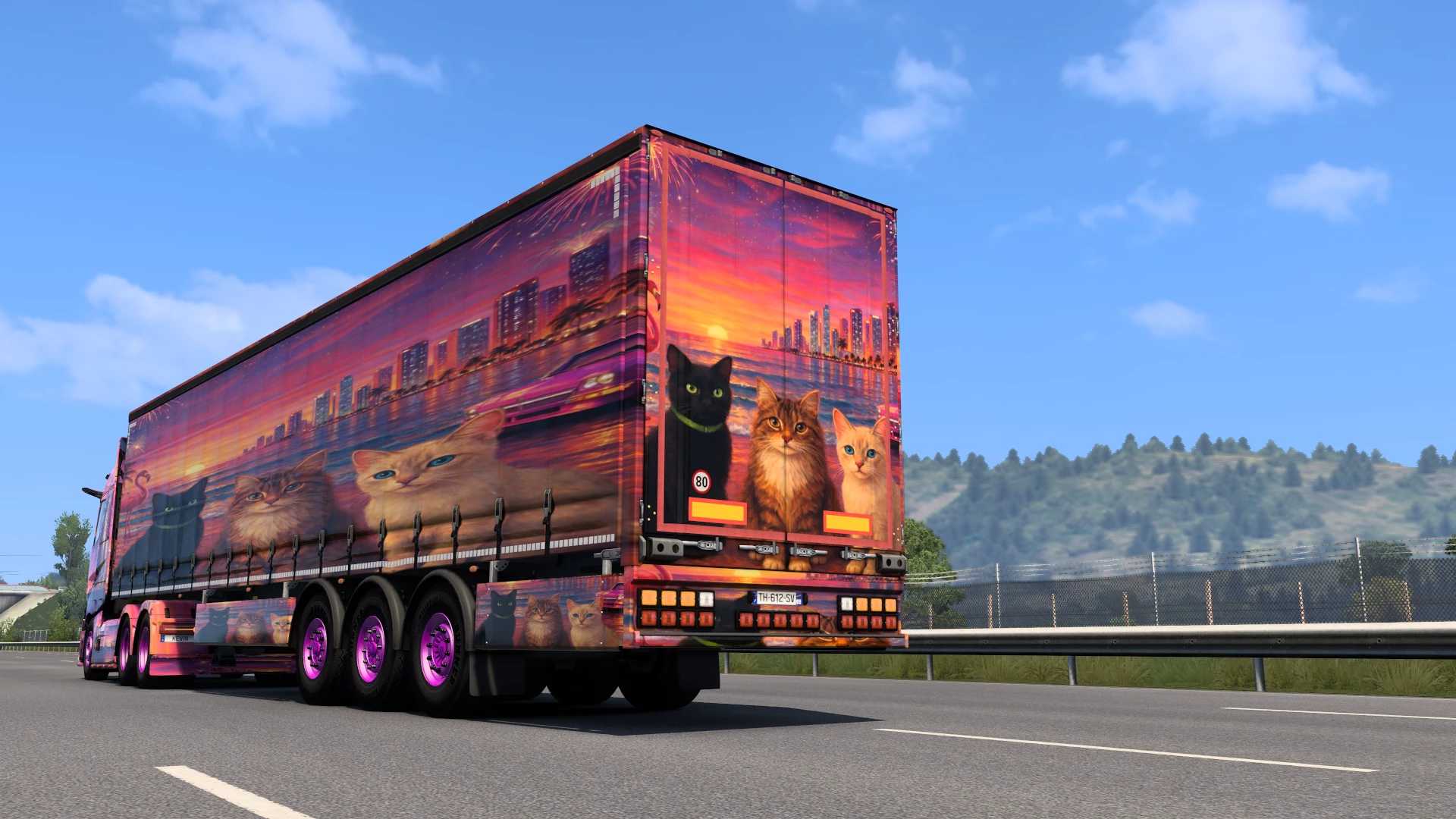

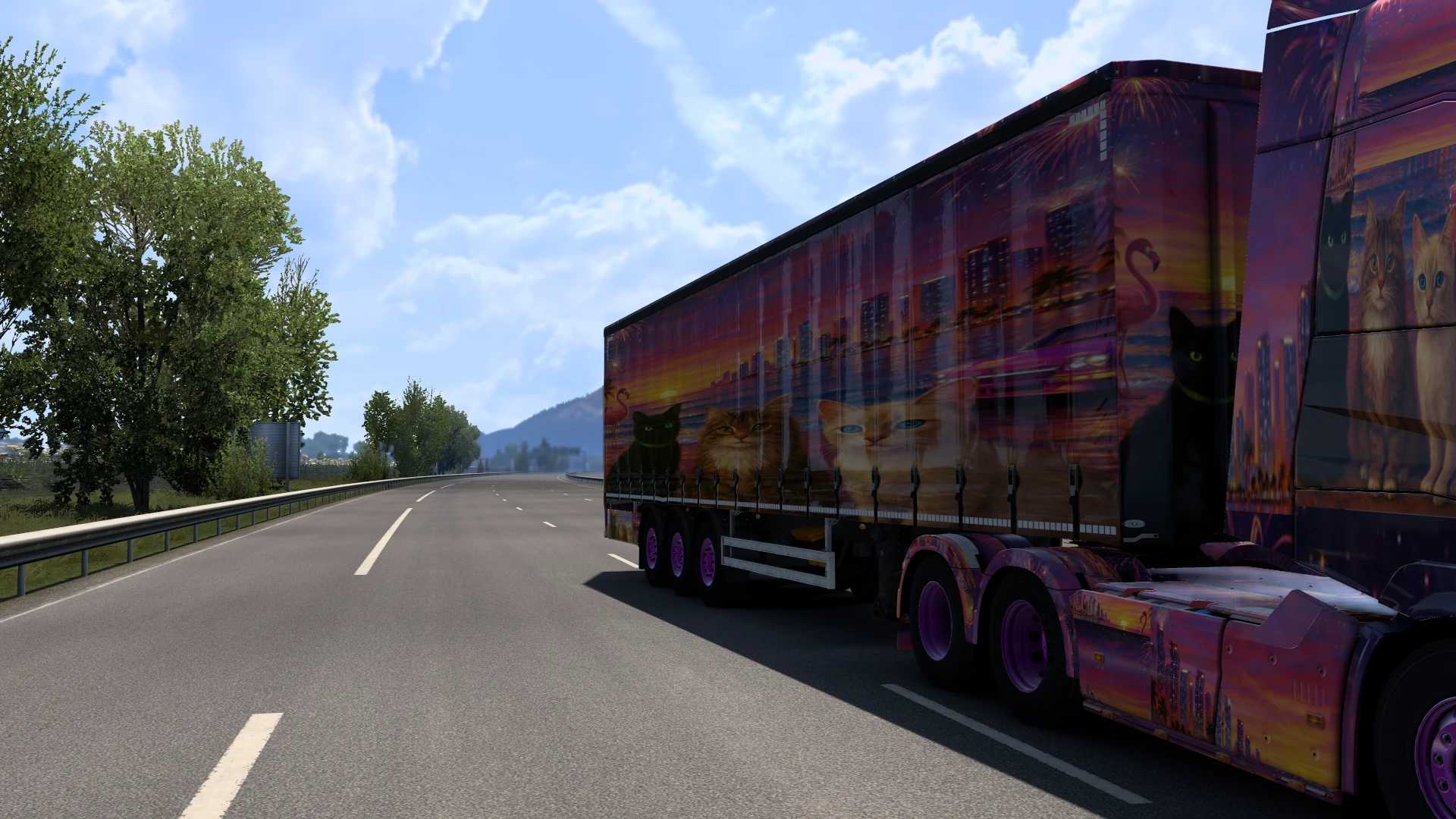
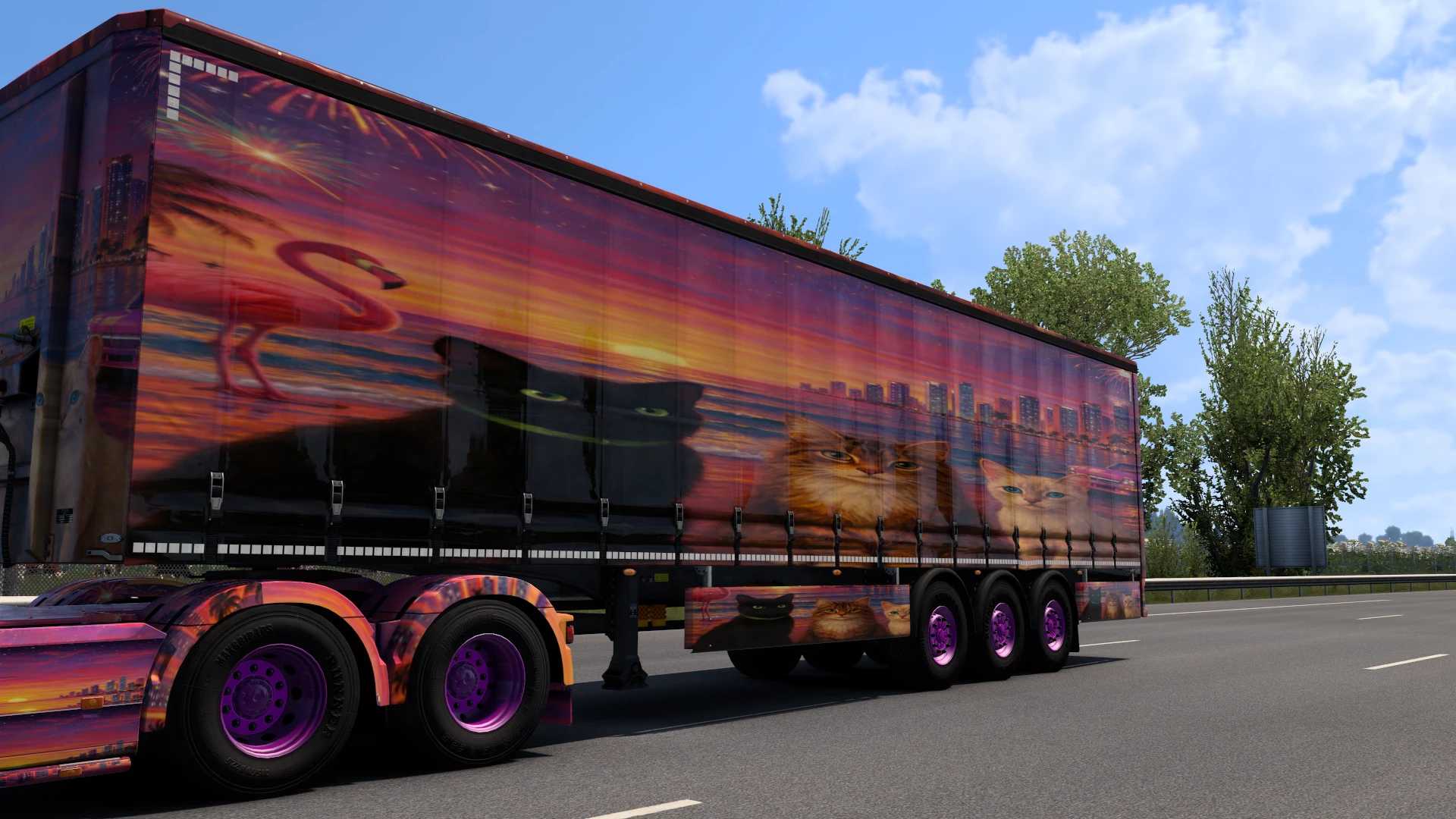
Miami Cats SCS Box Trailer v1.0 ETS2
Les Chats Miami – SCS Box Trailer Skin
Custom skin for the SCS Box Trailer in Euro Truck Simulator 2.
Inspired by the “Les Chats Miami” theme, this skin features colorful graphics, vibrant colors, and a unique tropical design.
Features
Custom paint job for the SCS Box trailer
Vibrant colors inspired by Miami
High-quality textures
Compatible with the latest version of Euro Truck Simulator 2
Enjoy your trip and have fun on the road!
Installation
1. Copy the .scs file to the Documents/Euro Truck Simulator 2/mod folder.
2. Launch Euro Truck Simulator 2.
3. Activate the mod in the Mod Manager.
4. Purchase or select an SCS Box Trailer** and apply the Miami Cats paint job.
Credits: Kevin Flandrin
How to install ETS2 mods or ATS Mods
In Euro Truck Simulator 2 it’s easy to install mods. You just need to download mod from here, copy/unzip files into: “My Documents\Euro Truck Simulator 2\mod” folder or if you play ATS please install mods to: “My Documents\American Truck Simulator\mod” folder. To unzip files you can use: WinRAR or 7zip. After that you need to activate the mods you want to use.
Report bugs in the comments and help modders improve this mod. Always check the comments, you can find a solution.