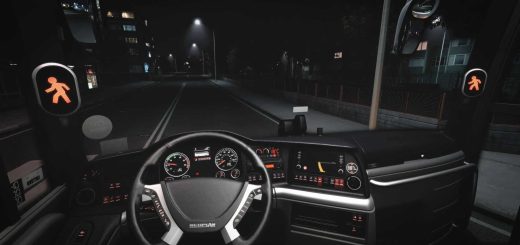
Marcopolo Paradiso G8 1800 v1.60 ETS2
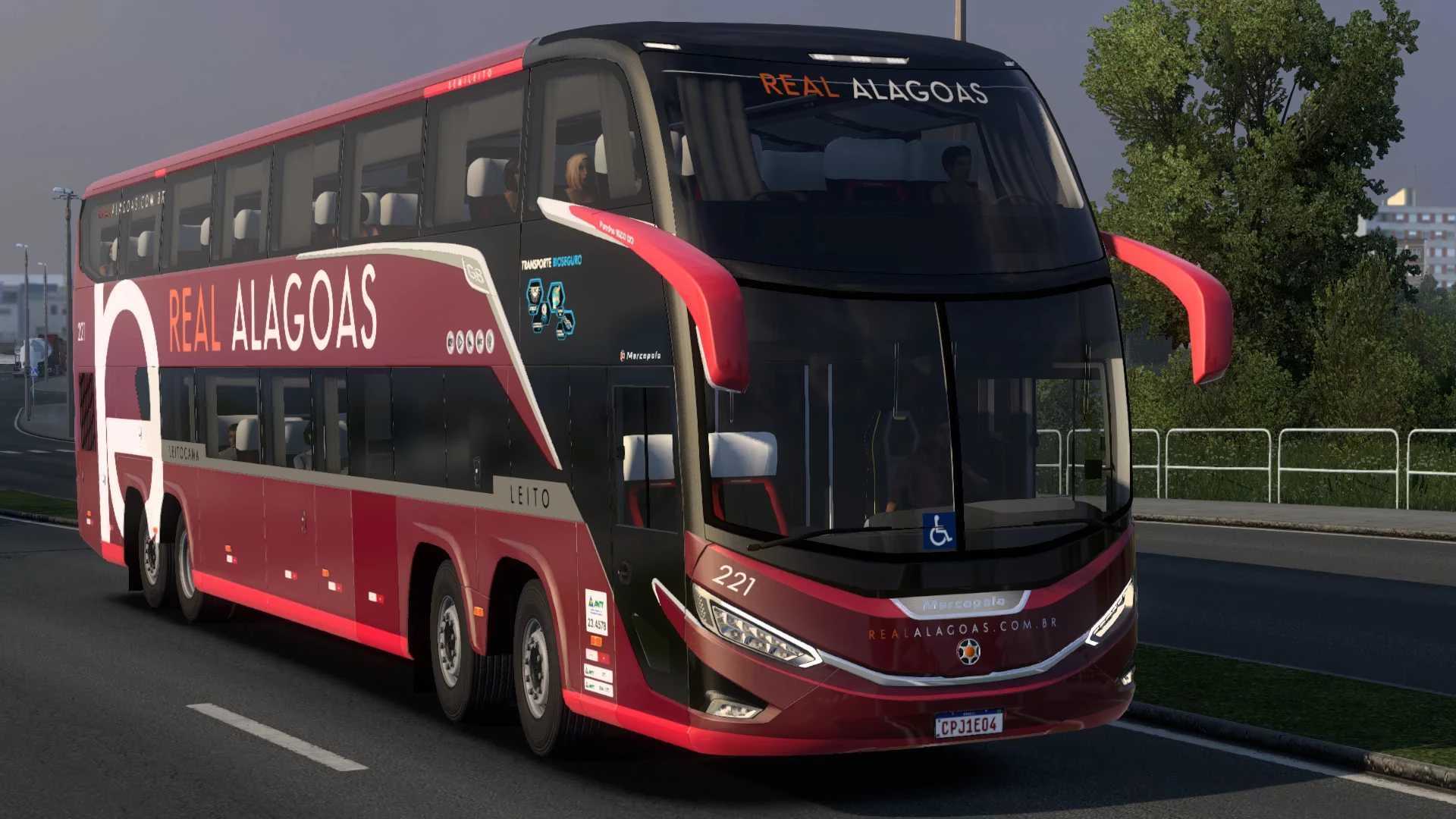

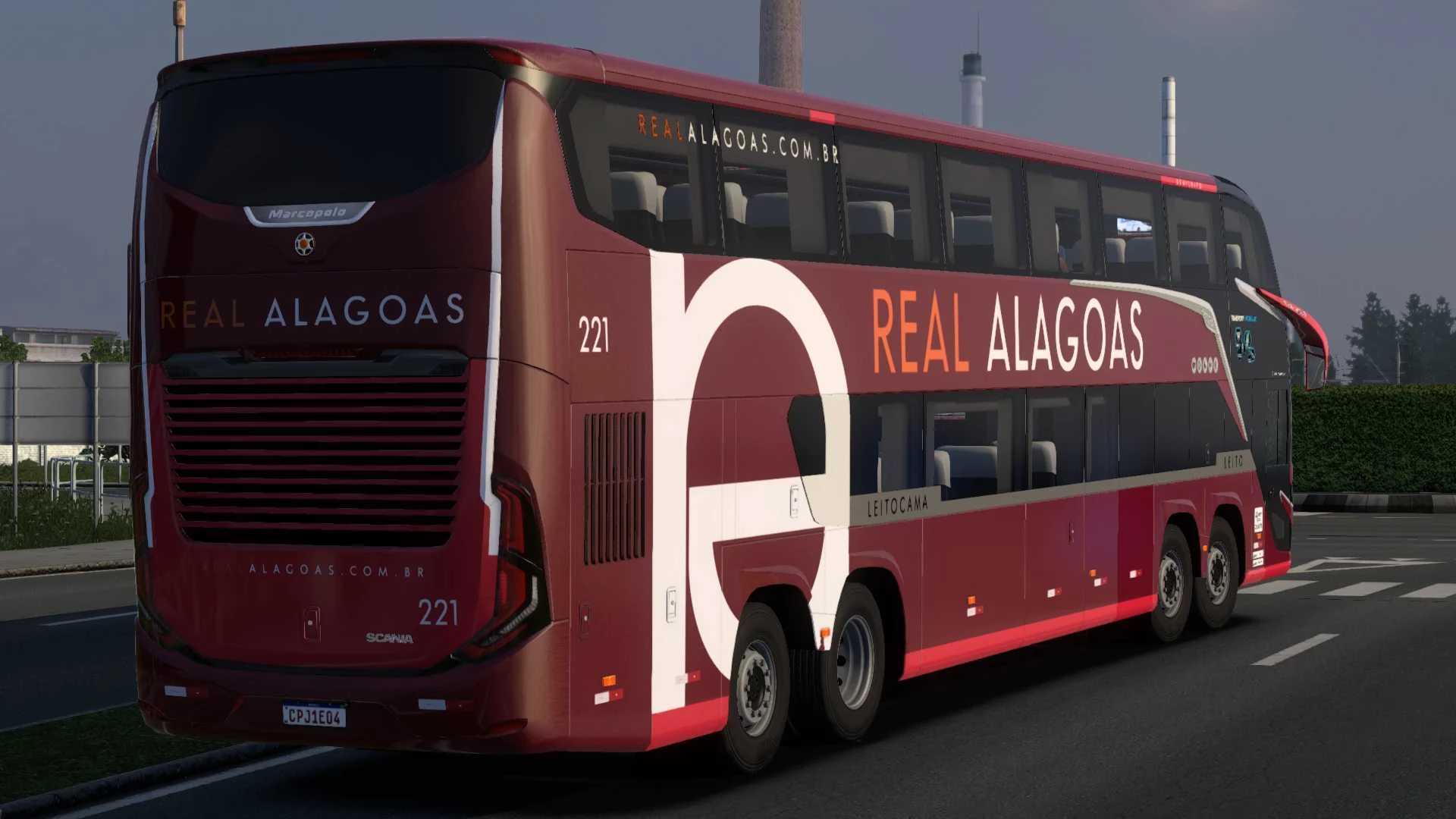
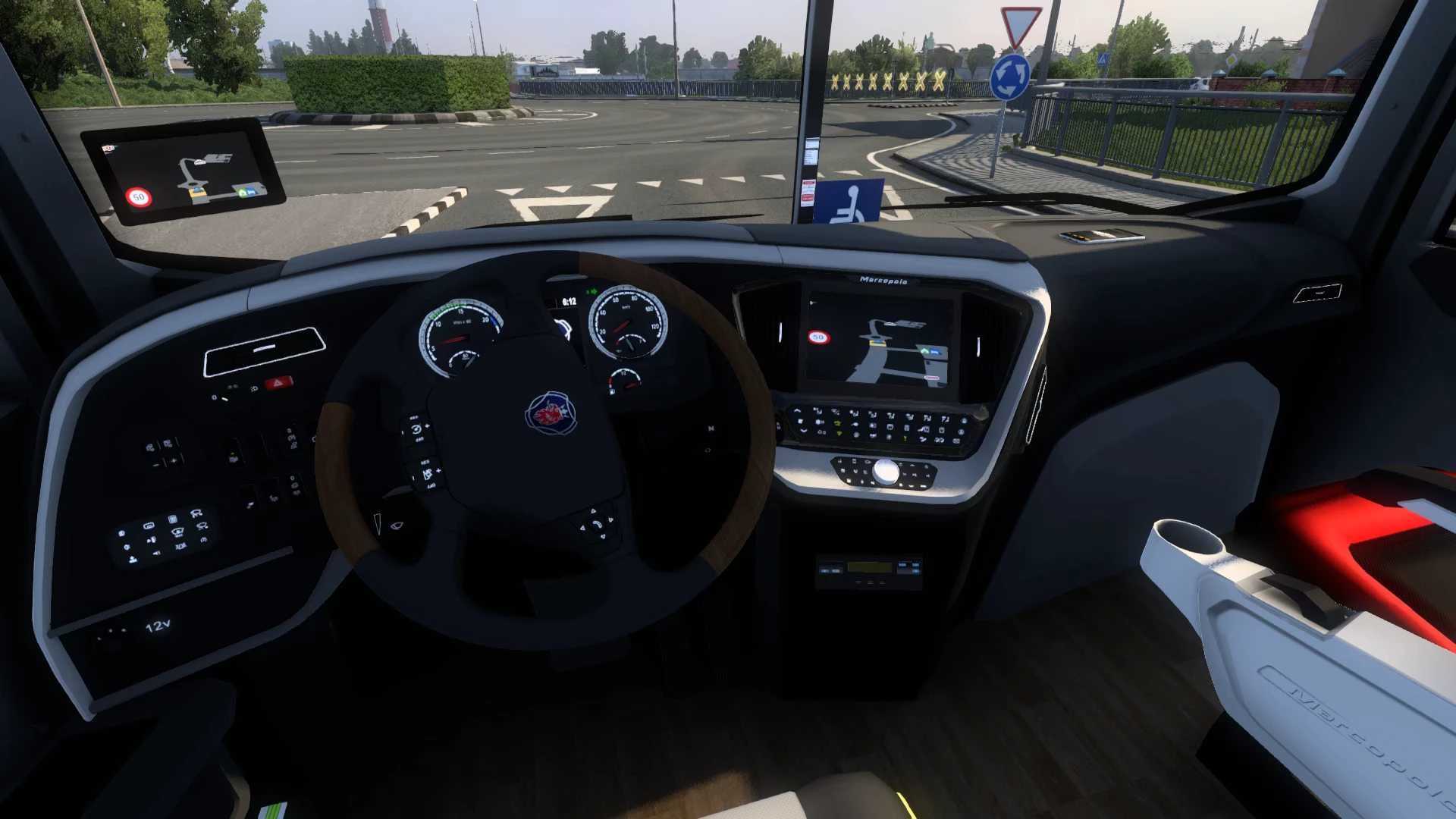
Marcopolo Paradiso G8 1800 v1.60 ETS2
2 Chassis Options
3 Engine Options
3 Transmission Options
2 Steering Wheel Options
Many Accessories Options
Selectable 41 Skins
Tested for 1.60 game version
Credits: ModShop
How to install ETS2 mods or ATS Mods
In Euro Truck Simulator 2 it’s easy to install mods. You just need to download mod from here, copy/unzip files into: “My Documents\Euro Truck Simulator 2\mod” folder or if you play ATS please install mods to: “My Documents\American Truck Simulator\mod” folder. To unzip files you can use: WinRAR or 7zip. After that you need to activate the mods you want to use.
Report bugs in the comments and help modders improve this mod. Always check the comments, you can find a solution.