MAN TGX 2020 Improved Dashboard v1.60 ETS2
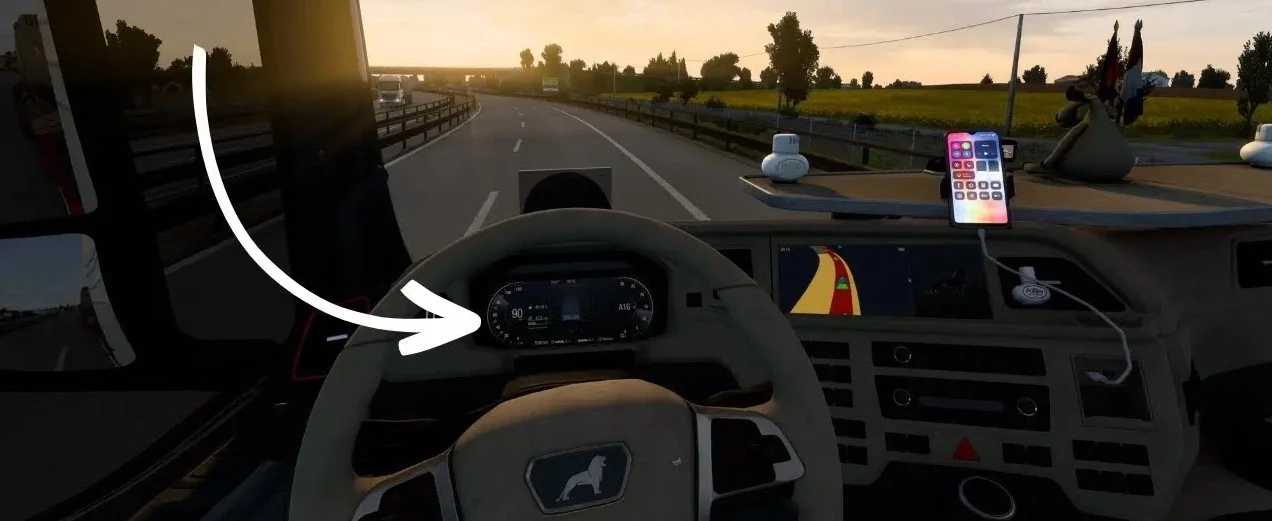

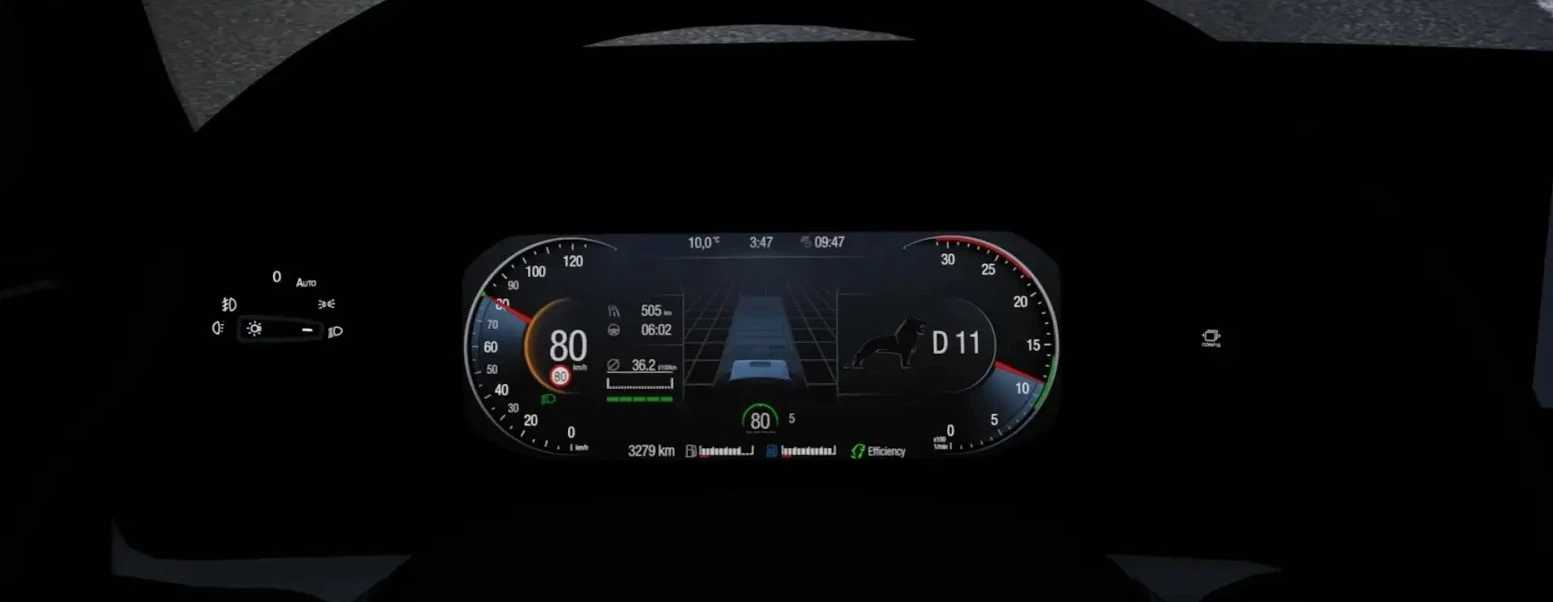
MAN TGX 2020 Improved Dashboard v1.60 ETS2
Redesigned dashboard with a more modern layout
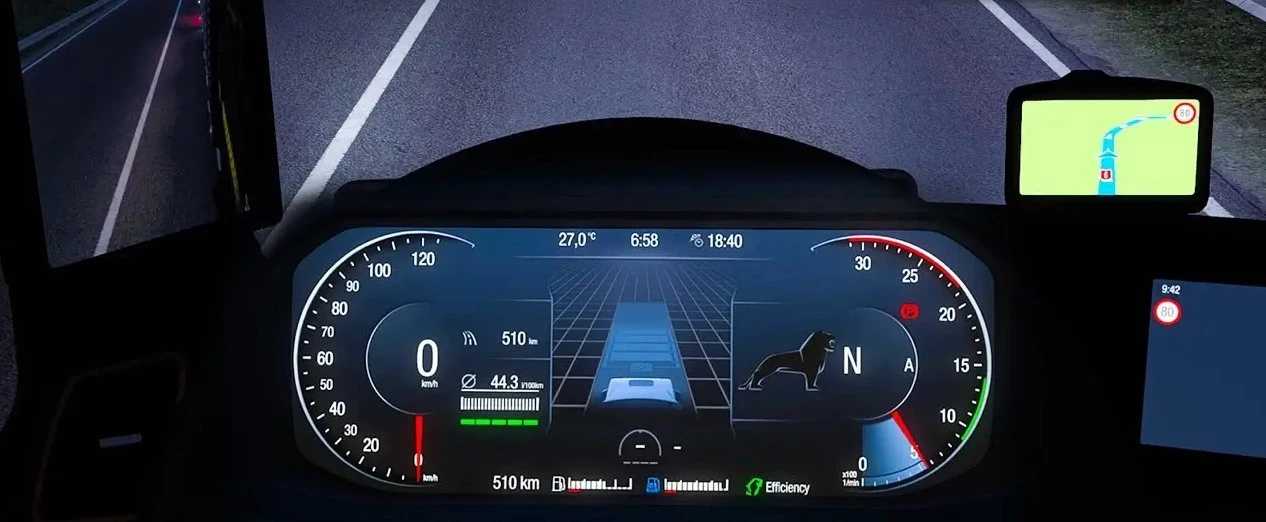
Higher resolution textures and sharper gauges
Enhanced lighting & backlighting for displays
Better visibility of speedometer, tachometer & info screens
Improved needle animations and warning lights
Realistic reflections & materials
Fully compatible with official MAN TGX 2020 mods
Works with skins & tuning packs
Left/right blind spot indicators
Remaining fuel & AdBlue percentage
Trip meter on default screen
ETA indicator hidden when not applicable
Time until rest indicator hidden when fatigue is off
Turbo gauge
Compass on GPS display
Fuel consumed since last reset
Updated gear/gear mode indicator
Improved speed limit readability
“Always On Display” infotainment page
General fixes & improvements
Tested for 1.60 game version
Credits: KnightRider, AMYLECH
How to install ETS2 mods or ATS Mods
In Euro Truck Simulator 2 it’s easy to install mods. You just need to download mod from here, copy/unzip files into: “My Documents\Euro Truck Simulator 2\mod” folder or if you play ATS please install mods to: “My Documents\American Truck Simulator\mod” folder. To unzip files you can use: WinRAR or 7zip. After that you need to activate the mods you want to use.