M.B. ACTROS MPIV CRANETRUCK & CARGO PACK v3.0 1.60-1.61.x ETS2
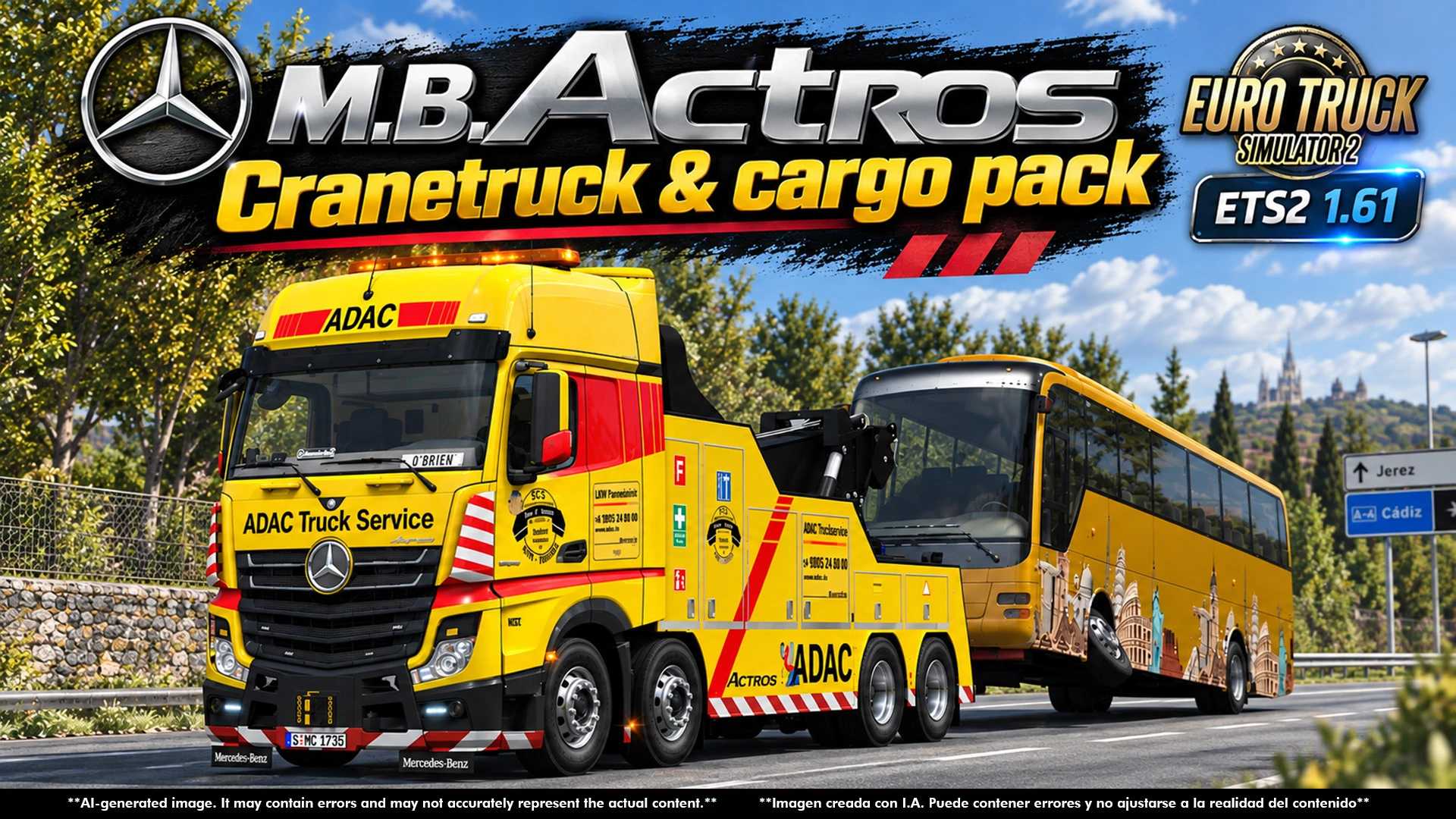

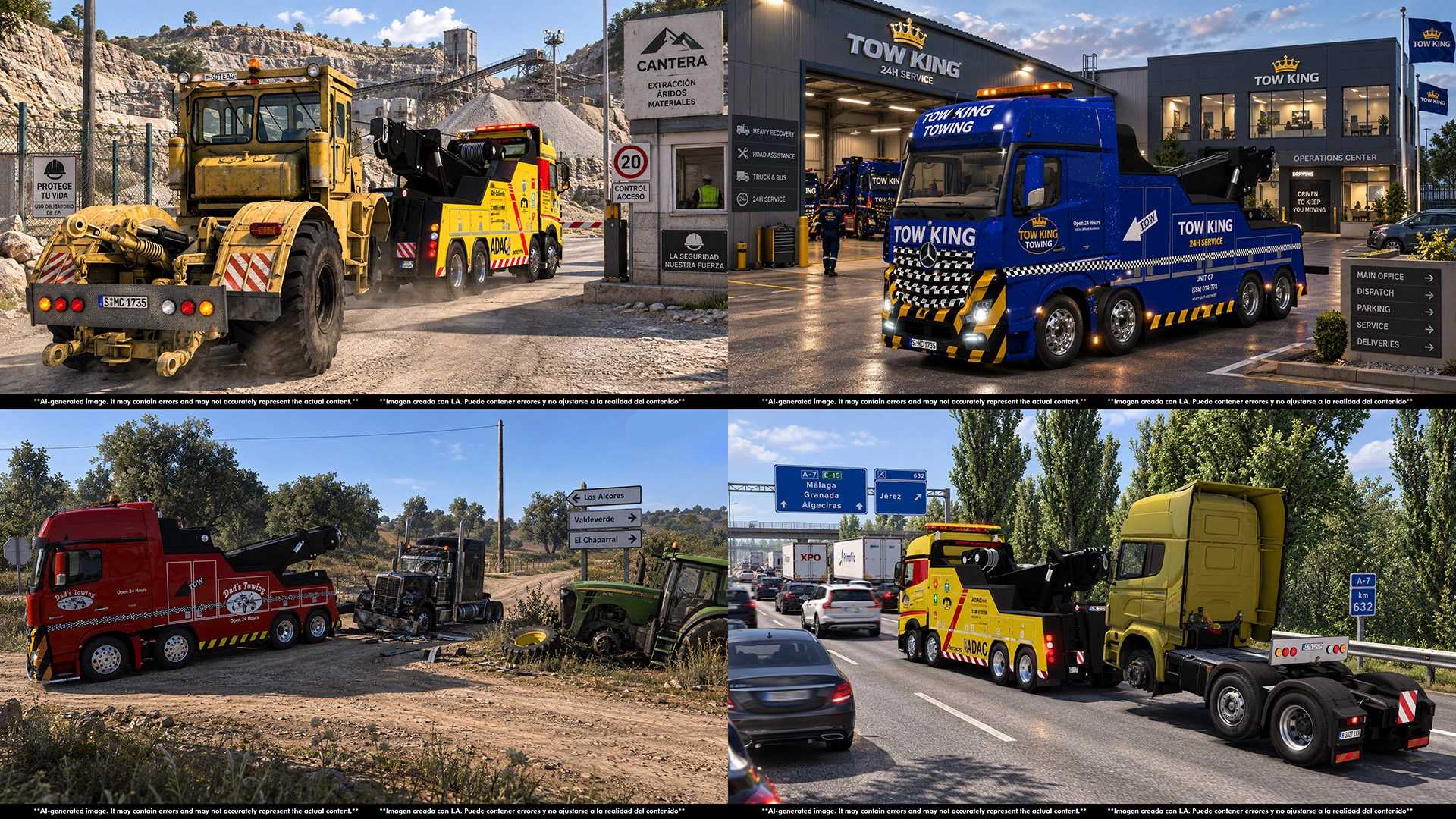
M.B. ACTROS MPIV CRANETRUCK & CARGO PACK v3.0 1.60-1.61.x ETS2
v3.0 changes:
Updated to 1.61.x
Updated DEF files.
Added to traffic with all skins, either empty or loaded (ONLY IN FULL VERSION).
Improved cabin accessories (names & position).
Other minor corrections.
v2.0 changes:
Updated to 1.58.x
Updated glass def files.
Improved locale files.
Improved truck browser icon.
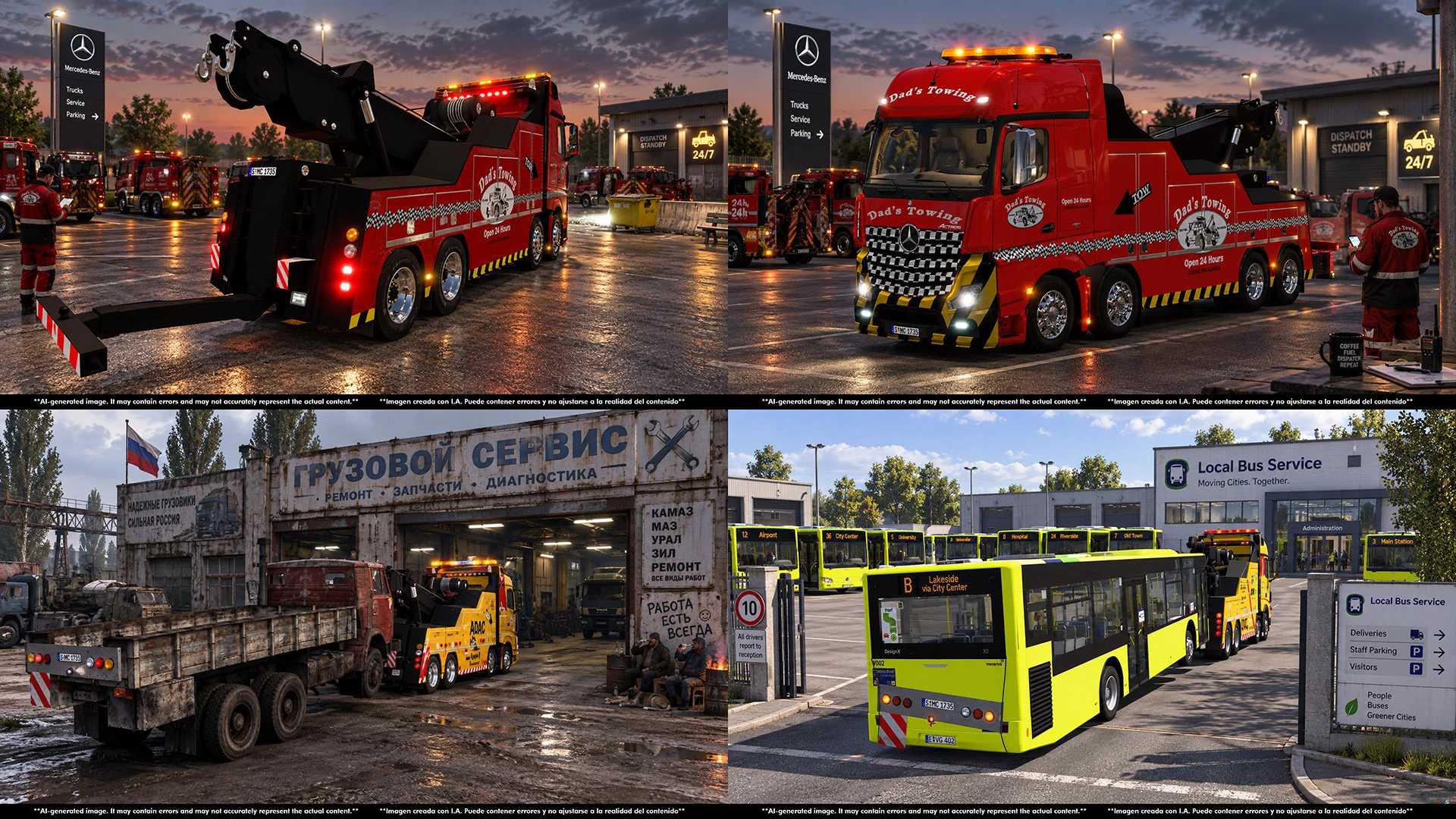
Improved ADAC & Dad’s towing skins.
Added “CyrusTheVirus” skin.
Added “Tow king” skin.
Added Kirovec tractor cargo.
Added Kraz truck cargo.
Added Kamaz truck cargo.
Added cargo icons (SCS style).
Adjusted cargo weights.
v1.0 fetures:
Updated to 1.49.x
LHD & RHD versions.
Fixed front axles.
2nd axle maked liftable.
Openable windows.
Added missing cabin flags locators.
Added some SCS cabin accesories
Adjusted cabin accessories locators.
Improved advanced coupling.
Deleted some ext_interior duplicated parts.
Corrected truck browseer name.
Fixed shadows (trailers).
Fixed beacons & lights (trailers).
Fixed wheel particles (trailers).
Improved advanced coupling.
Lightened LOD models (tralers).
Corrected trailer list names.
Credits: Cyrus, Laxi, AU44, Solaris36, Buffalo Logistics, SCS Software, DragonModz, Seagull, SCS Software, RoadHunter.
How to install ETS2 mods or ATS Mods
In Euro Truck Simulator 2 it’s easy to install mods. You just need to download mod from here, copy/unzip files into: “My Documents\Euro Truck Simulator 2\mod” folder or if you play ATS please install mods to: “My Documents\American Truck Simulator\mod” folder. To unzip files you can use: WinRAR or 7zip. After that you need to activate the mods you want to use.