Longer Range for Road Trip Cars v1.0 ATS

Longer Range for Road Trip Cars v1.0 ATS
Enable Realistic fuel consumption in Gameplay settings.
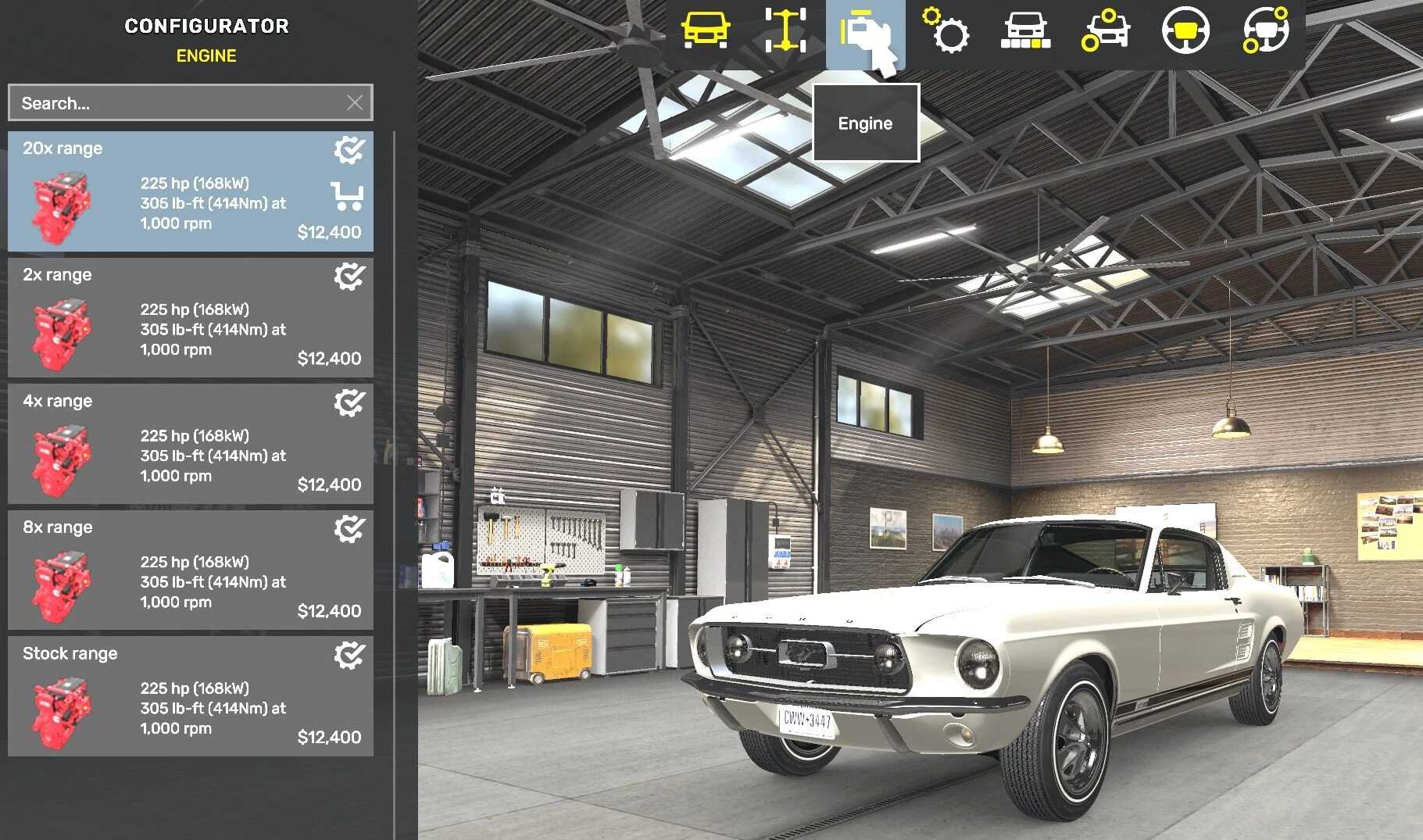
Open My Cars in the garage. Select your car, then Configure, then Engine.
Choose Stock or a range preset and confirm.
2x range: 50% fuel use
4x range: 25% fuel use
8x range: 12.5% fuel use
20x range: 5% fuel use
Ford Road Trip cars only. Requires Ford Car Pack.
Before disabling, select Stock range on each modified car and save.
Credits: Andreas Butch
How to install ETS2 mods or ATS Mods
In Euro Truck Simulator 2 it’s easy to install mods. You just need to download mod from here, copy/unzip files into: “My Documents\Euro Truck Simulator 2\mod” folder or if you play ATS please install mods to: “My Documents\American Truck Simulator\mod” folder. To unzip files you can use: WinRAR or 7zip. After that you need to activate the mods you want to use.
Report bugs in the comments and help modders improve this mod. Always check the comments, you can find a solution.