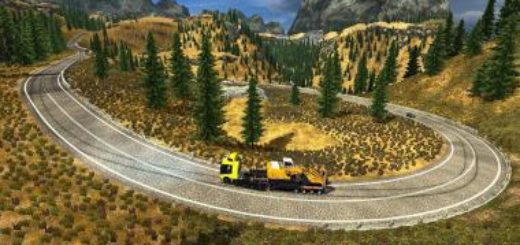
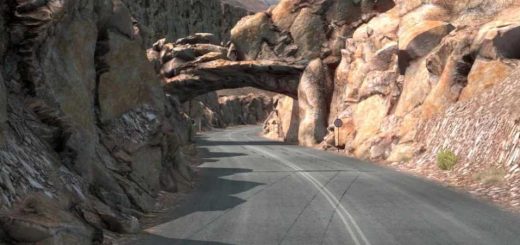
Localization for Sibir Map v1.60 ETS2

Localization for Sibir Map v1.60 ETS2
Added All languages localization for Sibirmap
All UI elements, road signs, and mission prompts in Sibirmap now support every language available in the game. No matter what language you have set, you’ll enjoy a seamless navigation and questing experience, greatly enhancing immersion and usability.
Russian road signs are no longer a barrier Sibirmap now features full localization support for your preferred game language, ensuring clear navigation and accurate job selection across all Siberian routes.
Credits: Xiguawangzi3399
How to install ETS2 mods or ATS Mods
In Euro Truck Simulator 2 it’s easy to install mods. You just need to download mod from here, copy/unzip files into: “My Documents\Euro Truck Simulator 2\mod” folder or if you play ATS please install mods to: “My Documents\American Truck Simulator\mod” folder. To unzip files you can use: WinRAR or 7zip. After that you need to activate the mods you want to use.
Report bugs in the comments and help modders improve this mod. Always check the comments, you can find a solution.