KENYAN MAP v1 ETS2 Public 1.58 ETS2

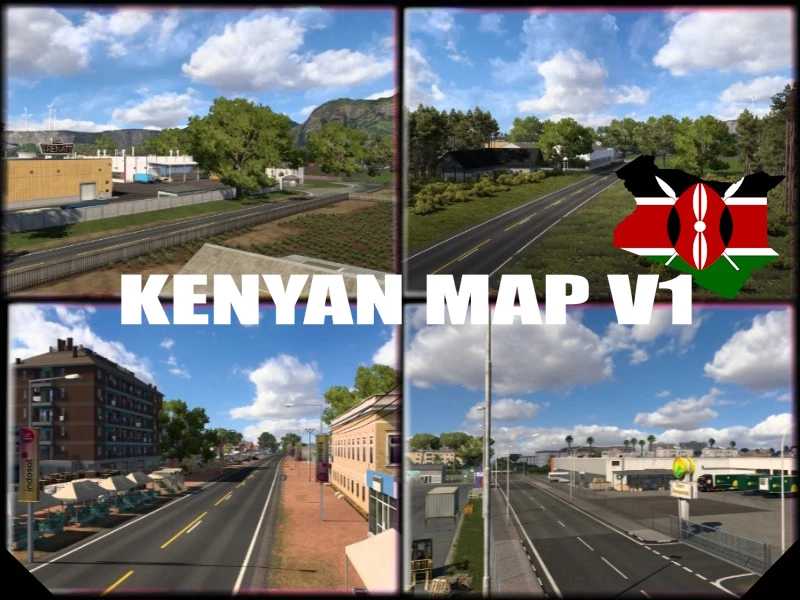
KENYAN MAP v1 ETS2 Public 1.58 ETS2
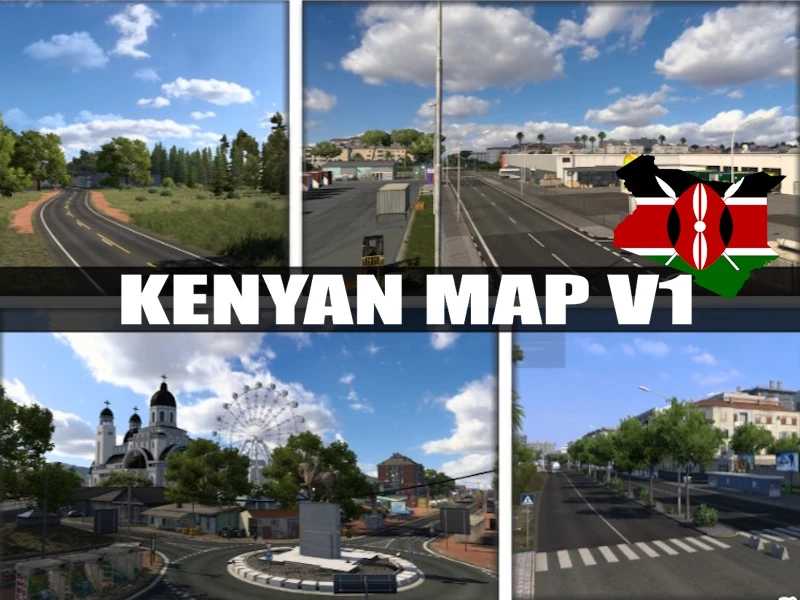
The Kenyan Map V1 in ETS2 includes a mix of major cities, small towns, highways, and remote regions that create a realistic East African trucking experience. Nairobi is the main hub of the map, acting as the central city with the most road connections and job opportunities, making it the best place for frequent deliveries. Mombasa, located on the coast, is a busy port city where most cargo and container jobs are available, especially around the industrial area of Miritini.
Along the main highway between Nairobi and Mombasa, there are several important towns like Voi, Kibwezi, and Emali. These places mainly serve as route stops, junctions, or smaller delivery points, giving a realistic long-distance trucking feel. Around Nairobi, areas such as Ruiru, Rongai, Thika, Limuru, Kikuyu, and Kabuku act as suburban or industrial zones with shorter delivery routes and moderate activity.
Moving towards the north-east, places like Garissa and Dadaab offer a completely different experience with long, empty roads, desert-like terrain, and fewer delivery options, making them ideal for long-haul driving but with less traffic and fewer jobs. On the western side of the map, cities like Nakuru, Kisumu, and Kericho provide greener landscapes and scenic routes, with moderate job availability and smoother driving experiences.
Overall, the map balances busy urban logistics (Nairobi and Mombasa), highway trucking routes (Voi–Emali corridor), and remote exploration areas (Garissa and Dadaab), making it suitable for both short delivery runs and long-distance trucking gameplay.
CITY:
Mombasa, Miritini, Voi, Mtito Andei, Kibwezi, Makindu, Emali, Nairobi, Ruiru, Juja, Thika, Limuru, Kikuyu, Kabuku, Rongai, Ngong, Athi River, Kitengela, Machakos, Garissa, Dadaab, Namanga, Kajiado, Kisumu, Ahero, Katito, Kericho, Nakuru, Molo.
Credits: KENYAN MODDERS
How to install ETS2 mods or ATS Mods
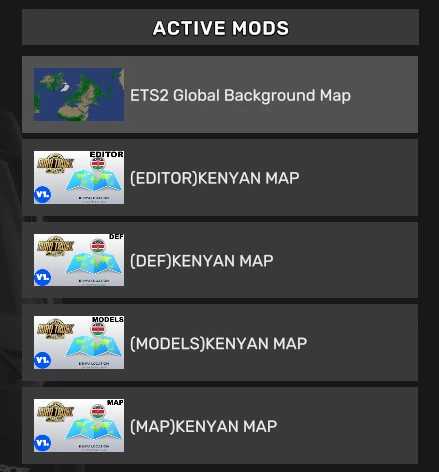
In Euro Truck Simulator 2 it’s easy to install mods. You just need to download mod from here, copy/unzip files into: “My Documents\Euro Truck Simulator 2\mod” folder or if you play ATS please install mods to: “My Documents\American Truck Simulator\mod” folder. To unzip files you can use: WinRAR or 7zip. After that you need to activate the mods you want to use.