Interior Lights & Emblems v1.60 ETS2

Interior Lights & Emblems v1.60 ETS2
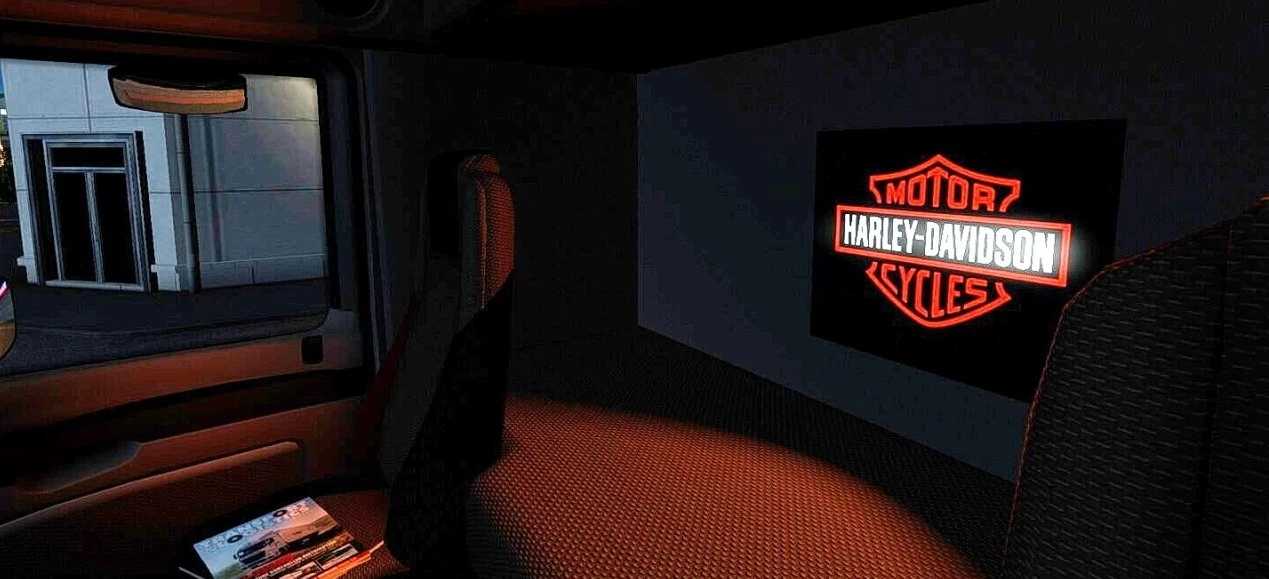
This modification adds custom emblems for all SCS trucks and various custom trucks.
It is fully standalone, and nothing is replaced.
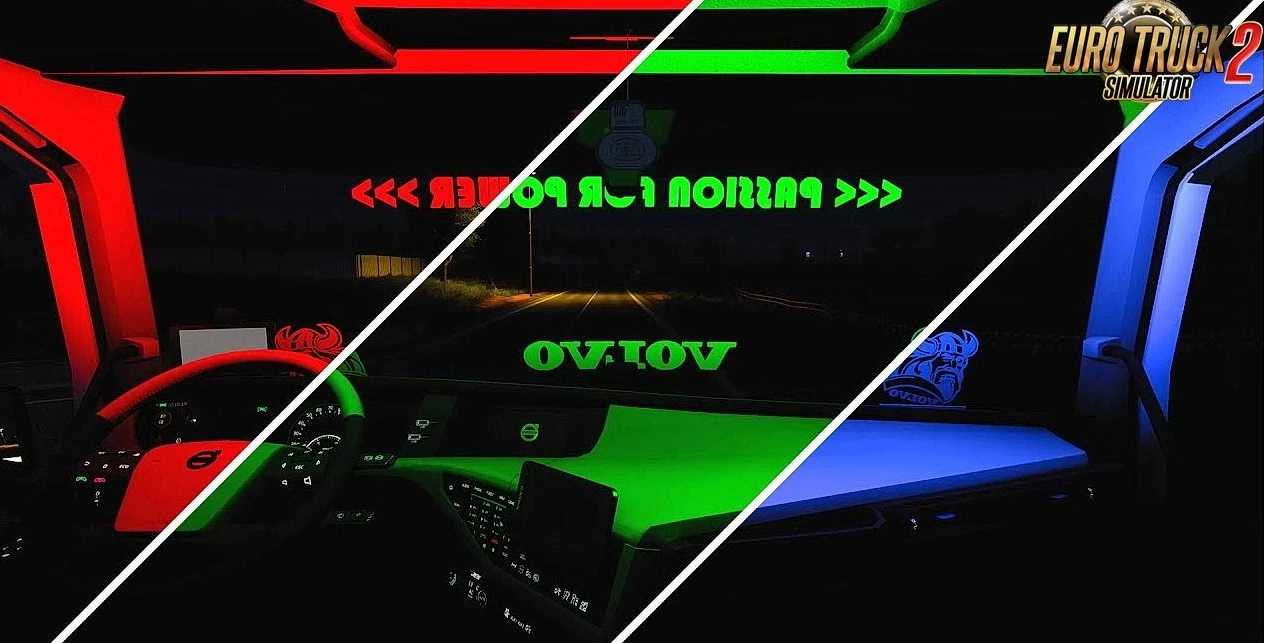
The mod brings unique and inimitable LED emblems and lighting to the interior of the truck.
You will have the opportunity to create a great atmosphere in the game.
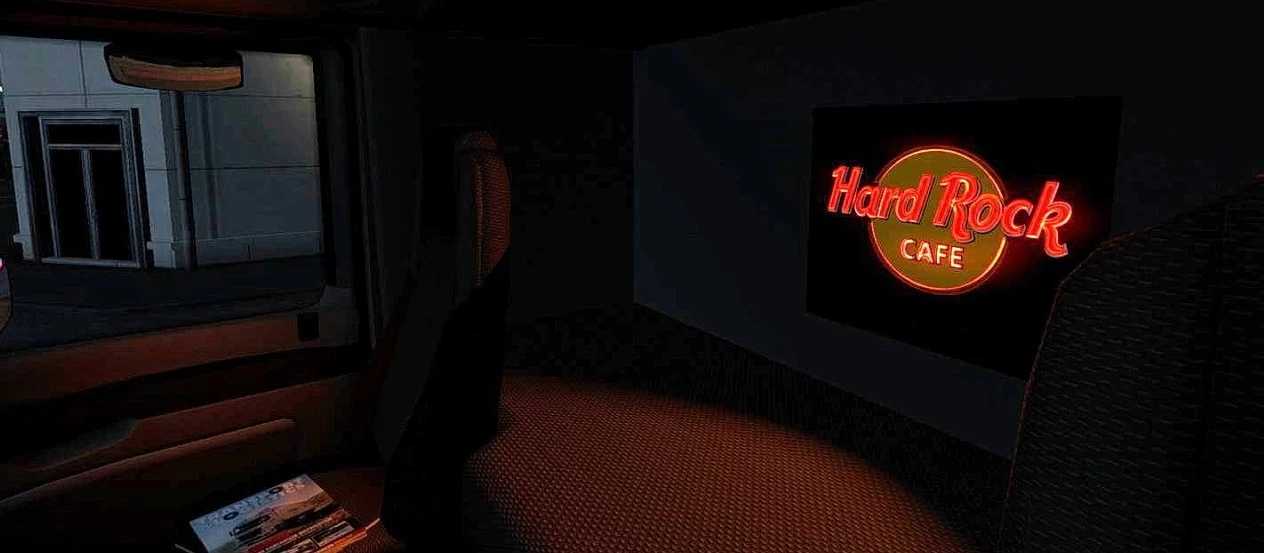
Create a more realistic environment, stick the emblem of your favorite football club, music group, or just a beautiful emblem or inscription.
Players can choose between various types of interior lights and customize the emblems with their company or preferred design.
Overall, interior lights and emblems serve both practical and aesthetic purposes in a vehicle.
They provide essential function and style to the overall look of the truck.
Features Interior Lights & Emblems:
– Fully standalone – no base game assets are replaced
– Wide variety of emblems – compatible with both vanilla and modded trucks
– Diverse themes – football clubs, music groups, graphic emblems, slogans & more
– Customizable backlighting – choose from 7 colors: red, white, blue, green, purple, yellow, and orange
– Requires Cabin Accessories DLC for full functionality
– Seamless integration with interior slots
– High-resolution textures and smooth animations
– Easy installation and mod manager support
– Works with most interior tuning mods
Tested for 1.60 game version
Credits: Braakie
How to install ETS2 mods or ATS Mods
In Euro Truck Simulator 2 it’s easy to install mods. You just need to download mod from here, copy/unzip files into: “My Documents\Euro Truck Simulator 2\mod” folder or if you play ATS please install mods to: “My Documents\American Truck Simulator\mod” folder. To unzip files you can use: WinRAR or 7zip. After that you need to activate the mods you want to use.