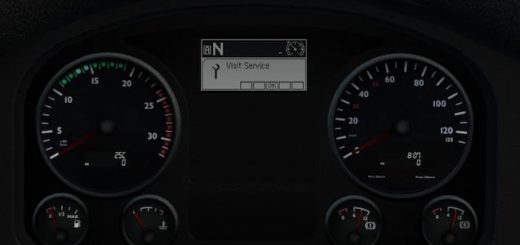
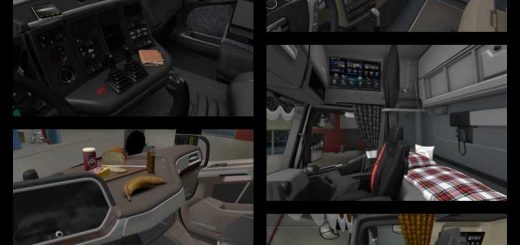
Interior Cabin Lights v1.58/1.59 ETS2
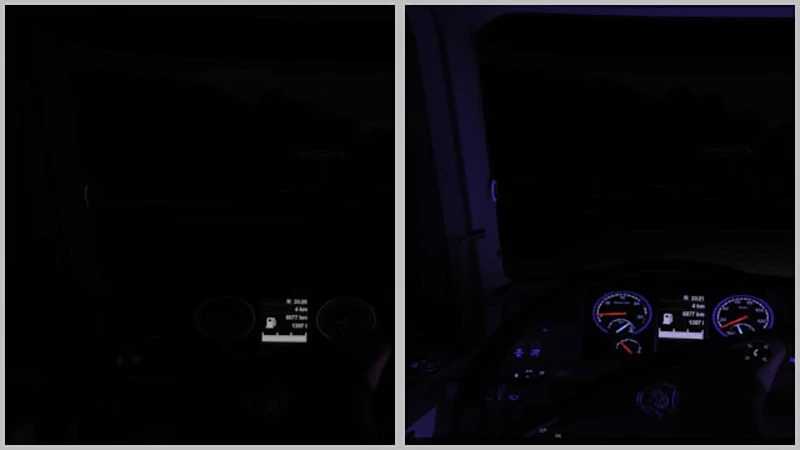

Interior Cabin Lights v1.58/1.59 ETS2
The mod provides a choice of interior cabin lighting: blue, green, orange, purple, red and white for all standard and some mod trucks.
The backlight is available in the “Driver’s plate” and “Navigator’s plate” sections.
On with dimensions: the backlight works when the parking lights (dimensions)
are turned on. On with the flashing light: the backlight turns on when the flashing lights are turned on.
The backlight is only visible when it is dark outside your truck.
Make sure that in the settings:
The “Light range of visibility” is not disabled.
The “Additional car headlights” checkbox is selected.
Added support for patch 1.59 beta
Credits: Eddie Yantz
How to install ETS2 mods or ATS Mods
In Euro Truck Simulator 2 it’s easy to install mods. You just need to download mod from here, copy/unzip files into: “My Documents\Euro Truck Simulator 2\mod” folder or if you play ATS please install mods to: “My Documents\American Truck Simulator\mod” folder. To unzip files you can use: WinRAR or 7zip. After that you need to activate the mods you want to use.
Report bugs in the comments and help modders improve this mod. Always check the comments, you can find a solution.