Huxxi Reshade Packs v3.0 ATS


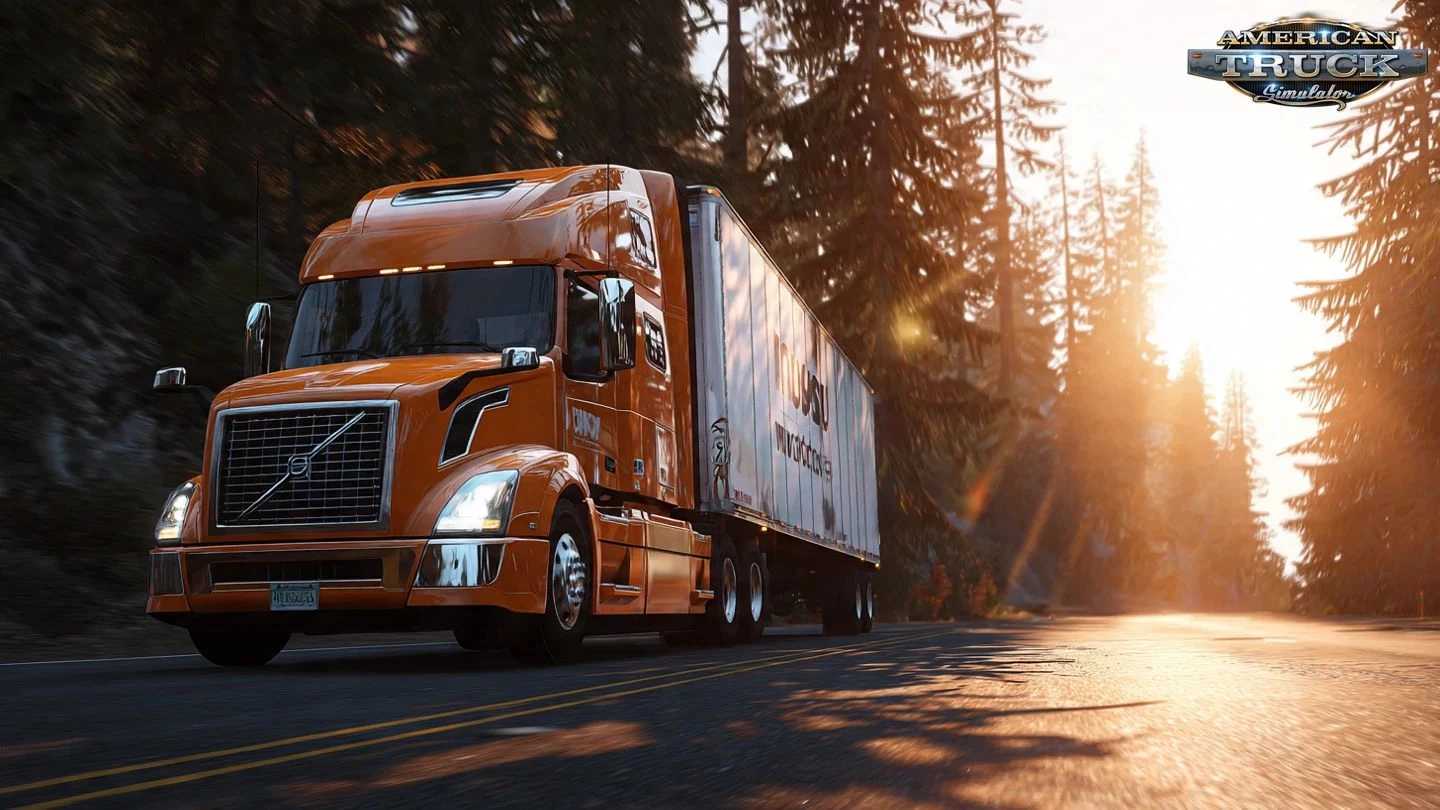
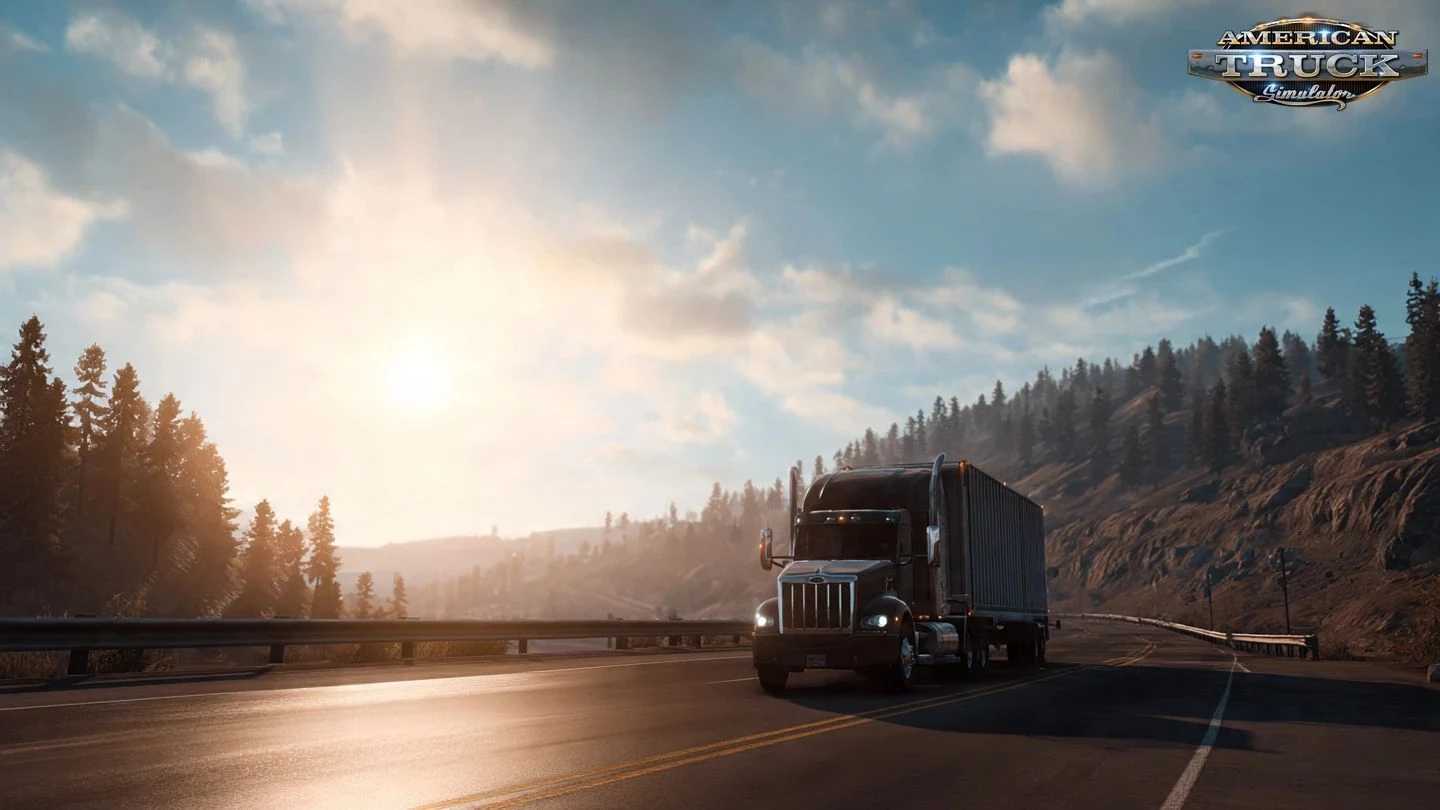
Huxxi Reshade Packs v3.0 ATS
– Movie Blue Cinematic – Perfect for city highways & night drives
– Movie Blue Realistic – Balanced blue tones with natural contrast
– Natural Cinematic – Best for sunny, northern & mountainous regions
– Natural Realistic – Clean lighting without oversaturation
– Leafy Green Cinematic – Ideal for rainy weather & forest routes
– Leafy Green Realistic – Subtle green tones for realistic environments
Realistic versions feature lower saturation for a more natural look.
Available Versions for Each Preset
– Normal
– Normal HDR
– Bloom
– Bloom HDR
Visual Enhancements Explained
– Bloom Versions
Stronger & more realistic sun glares
Enhanced light reflections
– HDR Versions
Increased sharpening
Ground textures & object details more visible
Recommended Add‑ons (Best Experience)
Pair these presets with:
Project Next Level 2.0
Snowymoon Filter C (Vibrance: 0.40)
Better Raindrops
(Other Snowymoon values can be fine‑tuned to personal preference.)
Tested on game version 1.57.x
Credits: Huxxi
How to install ETS2 mods or ATS Mods
In Euro Truck Simulator 2 it’s easy to install mods. You just need to download mod from here, copy/unzip files into: “My Documents\Euro Truck Simulator 2\mod” folder or if you play ATS please install mods to: “My Documents\American Truck Simulator\mod” folder. To unzip files you can use: WinRAR or 7zip. After that you need to activate the mods you want to use.